
The complete guide
How To Choose A 10 Inch Mirror Dash Cam For A Singapore Car
A small mirror and a full boot
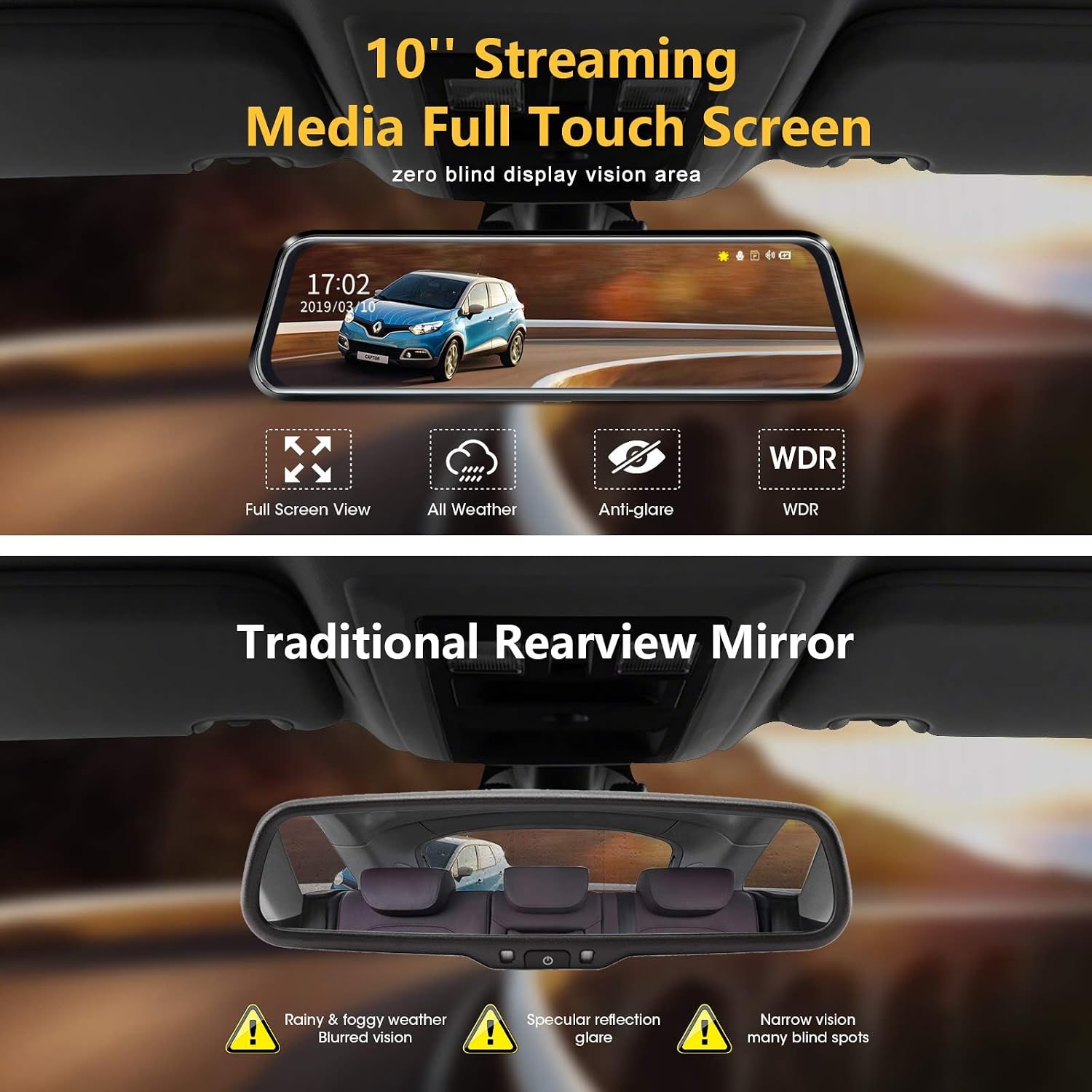
A rear view mirror can only show what the back window lets through. Put three people on the back seat and you are looking at headrests. Load the boot of an MPV to the roof and you see luggage. Drive home in a late afternoon downpour and the rear glass turns into a grey blur.
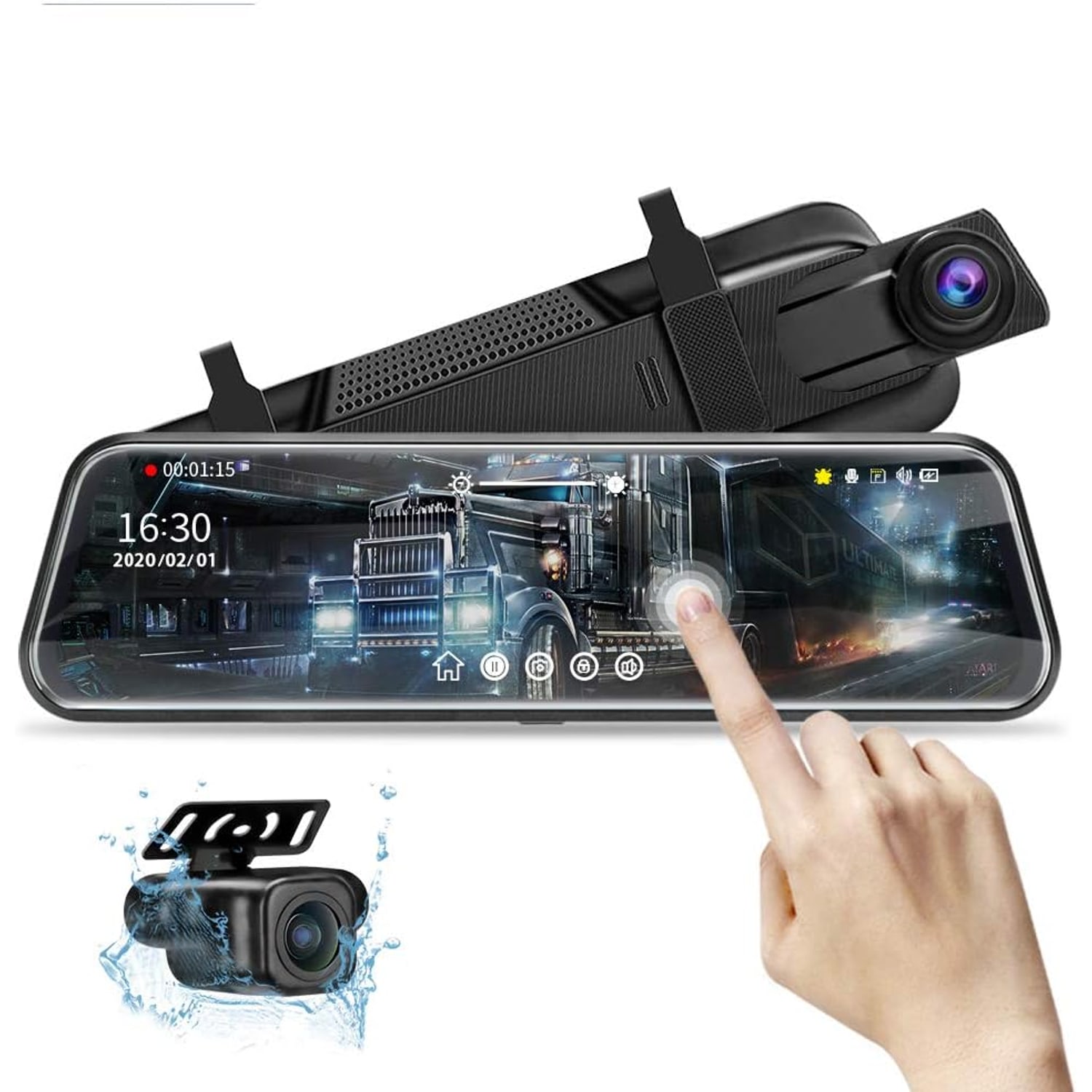
A mirror dash cam takes a different route. It puts a camera at the back of the car and shows that picture on a screen where the mirror is. This 10 inch mirror dash cam also has a second camera facing forward, so it records both directions while you drive. You get a clearer view behind and a dash cam in the same unit, without anything extra stuck on the windscreen.
How it goes together
There are two main parts. The first is the mirror unit, which is 25.9 cm wide and weighs 0.13 kg. It straps over your existing mirror with rubber straps, and three come in the box. The front camera is built into this unit and looks out through the windscreen.
The second part is the rear camera. It connects to the mirror unit with a 10 m cable. That is a lot of cable, and that is the point. Short rear leads are a common complaint with mirror cameras in longer vehicles, and 10 m is enough for most MPVs and vans. In a small hatchback you simply coil what is left over behind the trim.
Power comes from a car charger that plugs into the 12 V socket. Its cable is about 3.3 m long.
What the two cameras record
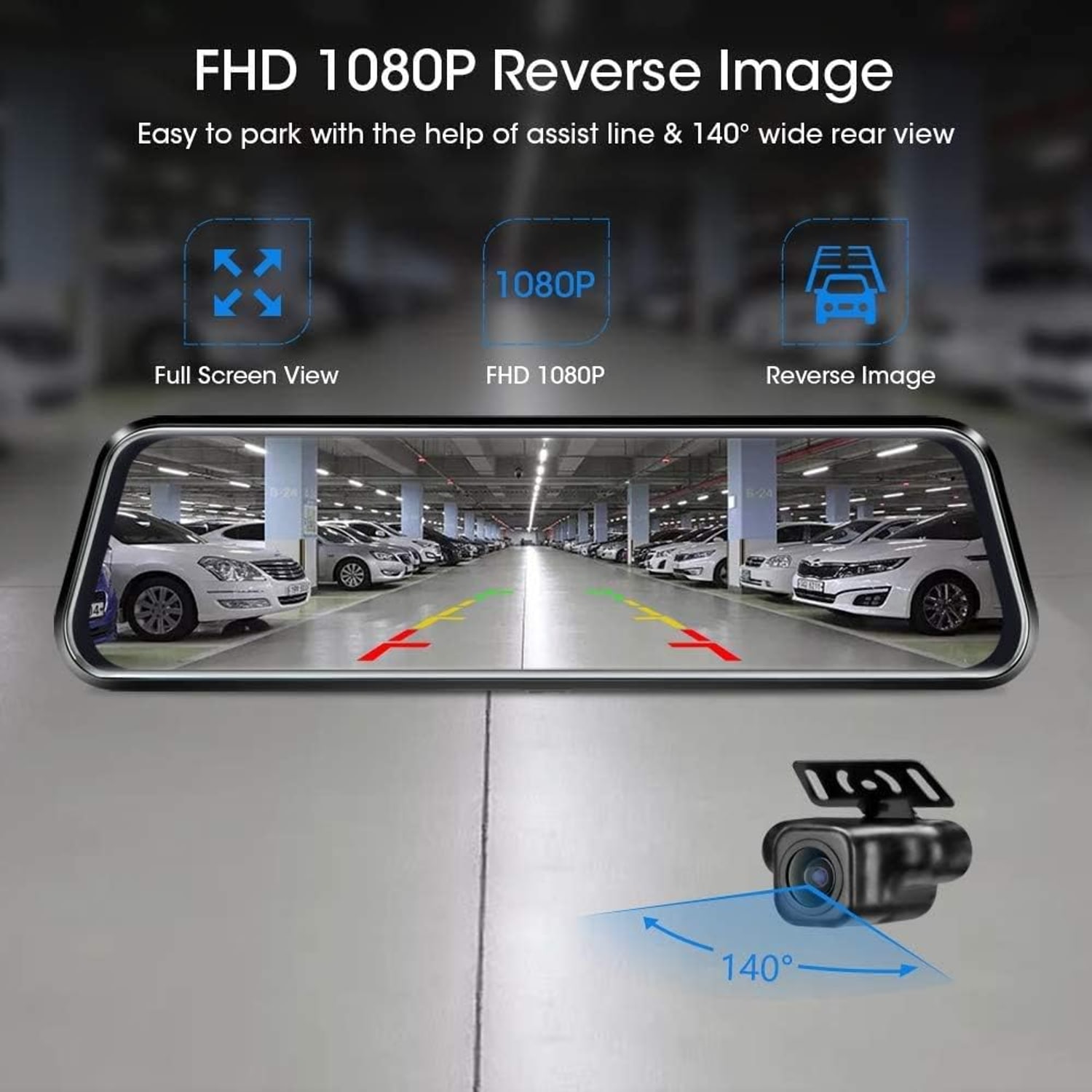
Both cameras record 1080p at 30 frames per second on CMOS sensors. The maker gives the front lens a 170 degree angle and the rear lens 140 degrees. The rear camera is described as having a six-layer glass lens, and the maker says it uses a Sony IMX sensor, though no sensor model is given.
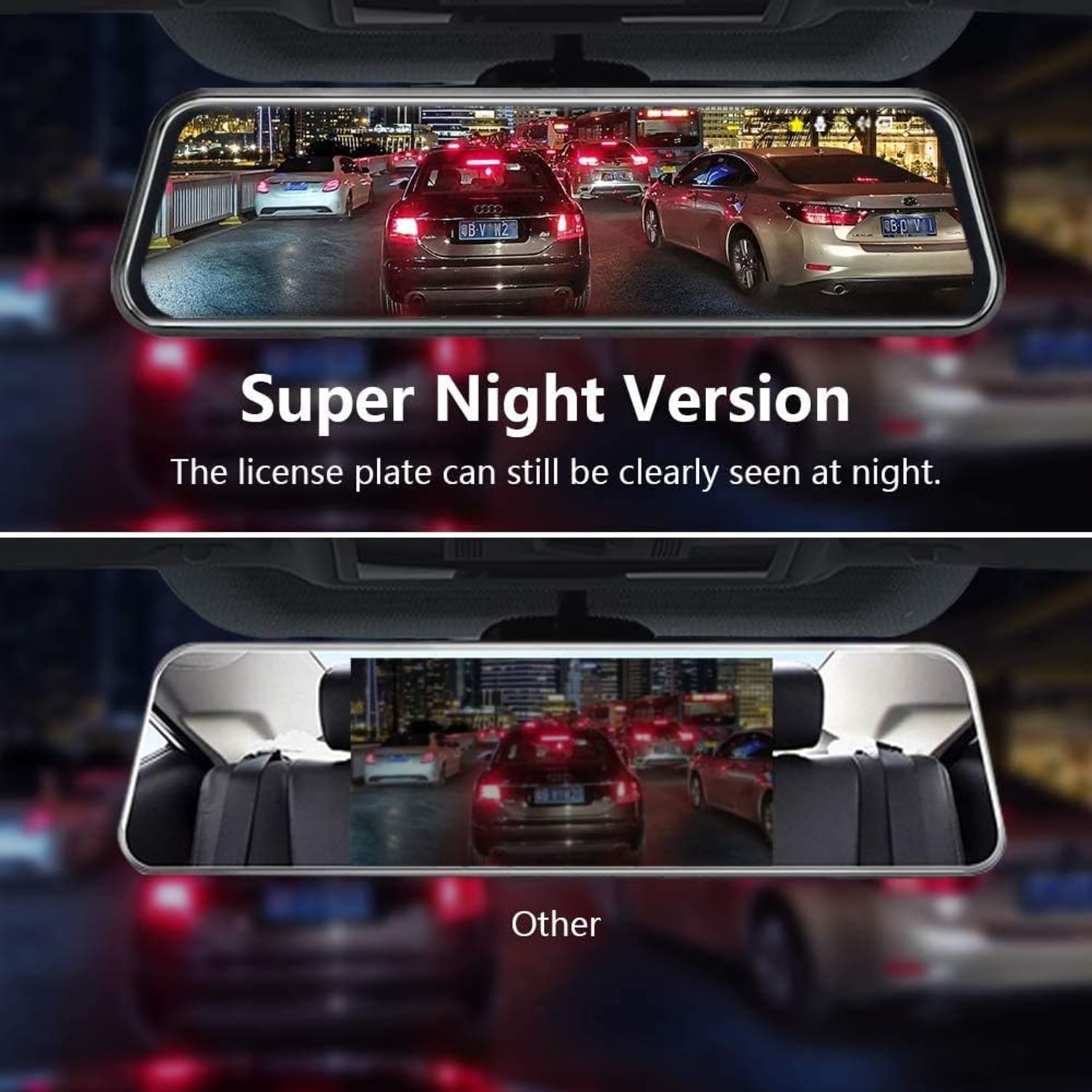
It helps to be realistic about 1080p. It gives a clear general record of a journey: lane positions, traffic lights, the car that cut across. Whether a number plate can be read depends on distance, speed, light and how clean the lens is. No dash cam can promise that every plate will be legible, and we will not promise it either.
Night vision is a listed feature. The maker gives no lux figure, so treat it as a camera tuned for low light, not one that sees in the dark.
The touch screen
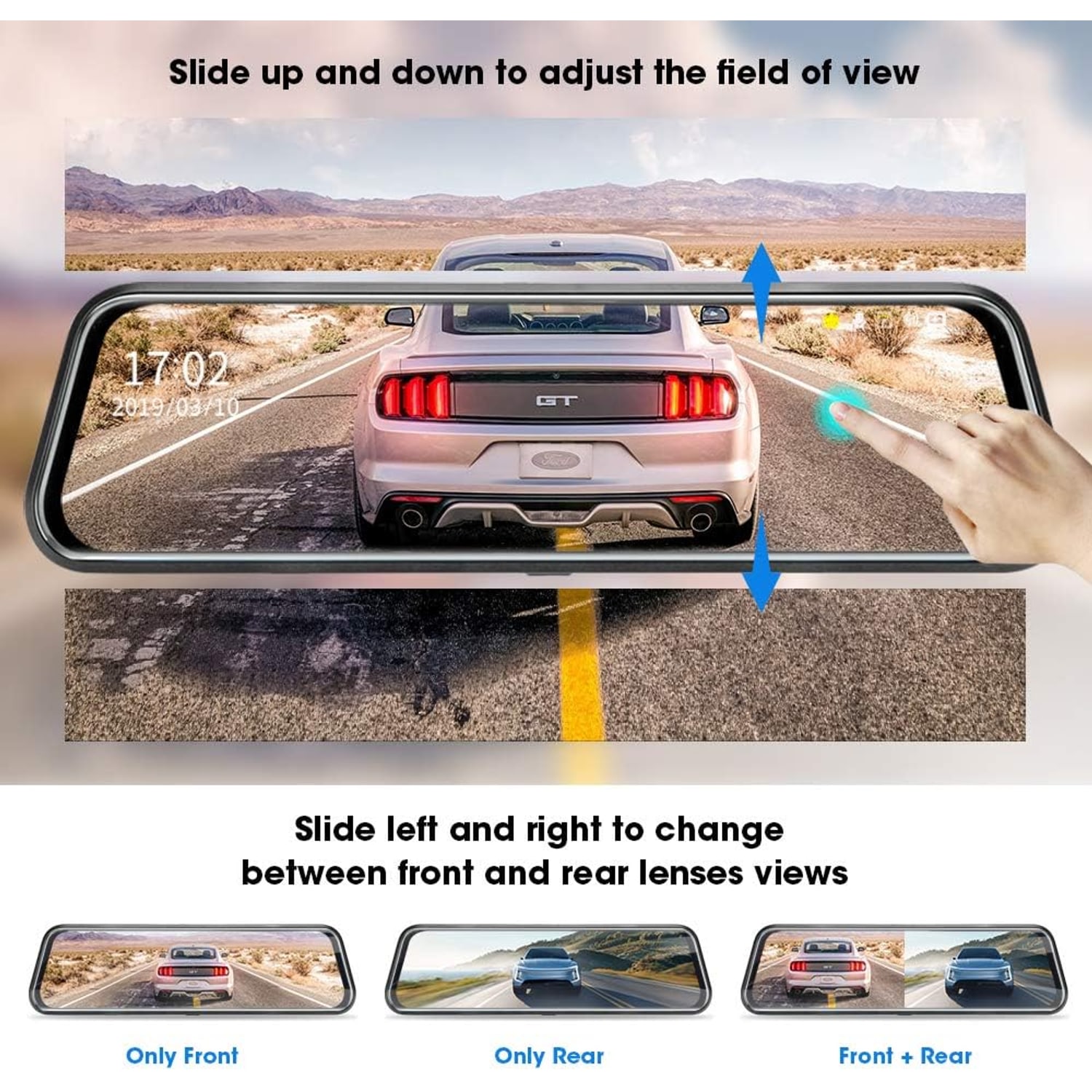
The screen is a 10 inch IPS panel that covers the face of the mirror. It is a touch screen, and the gestures are simple. Swipe left or right to switch between the front and rear cameras. Swipe up or down to move the part of the picture you can see, which is how you set the rear view to match your normal eye line.
The menu on the same screen handles recording, playback, exposure, screen brightness and the date and time. Set the date and time on the first day. A clip with the wrong date is far less useful later.
One thing the maker does not state is whether the glass works as a plain reflective mirror when the screen is off. If that backup matters to you, ask before ordering.
Reversing and the guide lines
When you reverse, the rear camera picture fills the whole screen and guide lines appear over it. The lines have six height settings, so you can match them to where the camera sits on your car. A one-touch control tilts the rear view up or down.
Think of a tight lot in a multi-storey car park, with a pillar on one side and a kerb you cannot see behind. A wide, low view of what is behind the bumper is a real help there. It is still an aid. Keep using your side mirrors and look around you.
The maker does not describe the wiring that tells the unit the car is in reverse. Check the manual before you start, or leave that part to an installer.
Fitting it in a Singapore car
Singapore drives on the left, so the driver sits on the right. The mirror is in the middle of the windscreen either way, which means the strap fitting does not change. What changes is the cable route. Run the charger cable along the top of the windscreen, tuck it under the roof lining and take it down the pillar that is closest to your 12 V socket.
The rear cable takes longer. It usually runs along the roof lining or the door sills to the back of the car. The rear camera fixes with screws or tape, and the maker supplies both. Because the maker gives the rear camera an IP68 water rating, it can sit outside the car, where the view is not affected by a tinted or rain-covered rear window.
Before you stick or screw anything down, do a dry run. Strap the mirror on, plug it in, hold the rear camera where you plan to put it and look at the picture. Ten minutes of testing saves you from redoing the cable run.
Power, the small battery and parking
This is a camera that runs from the car, not from a battery. There is a small lithium polymer cell inside, and the maker is clear about its job: it has a small capacity and is there to save the important file if power is cut in an accident. Keep the charger plugged in whenever you are recording.
A parking monitor is on the feature list. For time-lapse recording and 24 hour monitoring while the car is switched off, the maker says you need its hardwire kit. That kit is sold separately and is not in the box. It connects to the car's fuse box, so most owners have it fitted by an installer.
Cards and loop recording
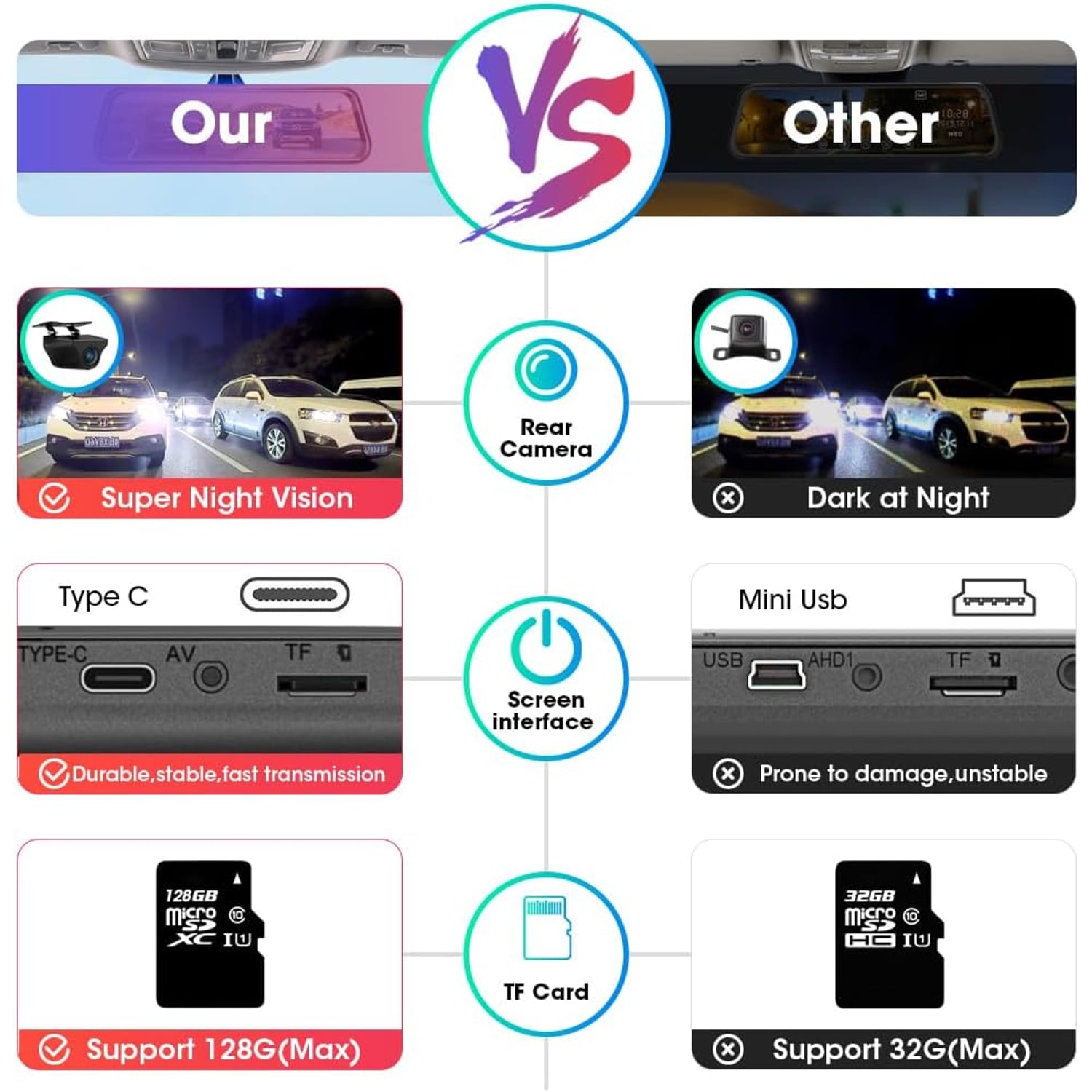
The unit has one card slot and supports a card of up to 128 GB. The maker's description says the card is not included, so add one to your plan. The card type is listed simply as SD, with no word on whether the slot is full size or micro. Check the manual before you buy.
Loop recording means the camera never stops because the card is full. It records over the oldest clips and keeps going. The G-sensor watches for a sudden jolt and locks the clip from that moment so the loop cannot replace it. Copy any clip you want to keep onto a computer, because locked files still take up space.
Heat, humidity and rain
The maker does not state an operating temperature. A car left in an open-air car park at midday gets very hot inside, and electronics, batteries and memory cards all last longer when they are kept cooler. Park in shade or under cover when you can, and use a windscreen shade.
Humidity and heat also age rubber. Check the three straps every few months and re-seat the mirror if it has slipped. Wipe the screen and the front lens with a dry microfibre cloth. Give the outside rear lens a wipe when you wash the car, because road film builds up fast in the wet months.
Who it suits and who should pass
It suits drivers whose rear view is often blocked, people who want a reversing view without fitting a separate screen, and anyone who would like front and rear recording in one unit. The 10 m cable makes it a practical pick for longer vehicles.
It is not the right choice for everyone. If you want a small camera that sits out of sight behind the mirror, this is the opposite. If you need WiFi, a phone app or GPS, the maker does not state any of them for this model. It does not record the cabin, and it tops out at 1080p.
One more point. A dash cam films other road users, and recording other people is covered by Singapore law, including the PDPA.
The short version
This is a 10 inch touch screen that straps over your mirror, with a 1080p camera facing forward and a second 1080p camera on a 10 m cable at the back. You get a wide live rear view, guide lines when you reverse, loop recording and a G-sensor that locks clips after a jolt.
Budget for a memory card of up to 128 GB, since one is not included, and for a hardwire kit if you want recording while parked. Test the fit before you route the cables. If the big screen suits how you drive, it does two jobs from one spot on the windscreen.