
The complete guide
Buying An Endoscope Camera With A Screen: What The Numbers Mean
Looking before you dismantle
A blocked drain, a rattle inside a door panel, a water mark spreading across the false ceiling. Each one starts with the same question. What is going on in there?
You can find out the slow way. Unscrew the trap, strip the panel, cut a hatch. Or you can push a small camera in and look. An inspection camera will not fix anything, but it tells you whether the job is five minutes with a hook or a call to a plumber. That alone saves a lot of wasted effort.
This guide is about the type with its own screen, and about what the main figures mean for this model. Before the detail, one plain point. Inspection cameras are also called endoscopes and borescopes, and they are tools for pipes, engines, trunking and cavities. They are not medical devices. Never use one on a person or an animal.
Why a built-in screen changes the job
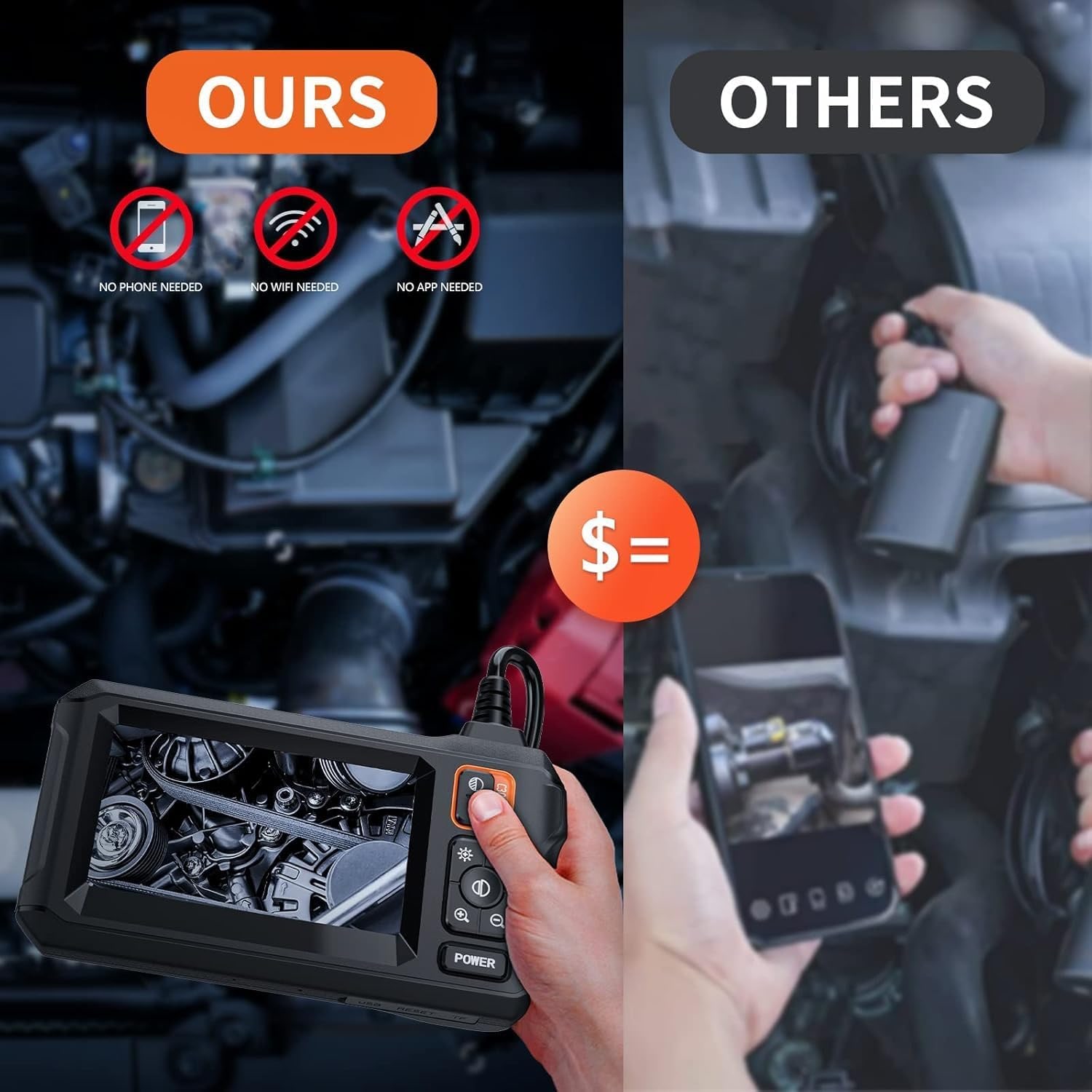
Many low-cost inspection cameras have no display. They send the picture to an app on your phone. That is fine for an occasional look, but it has costs. You need the app, a working connection, and a hand free to hold a phone you would prefer to keep clean.
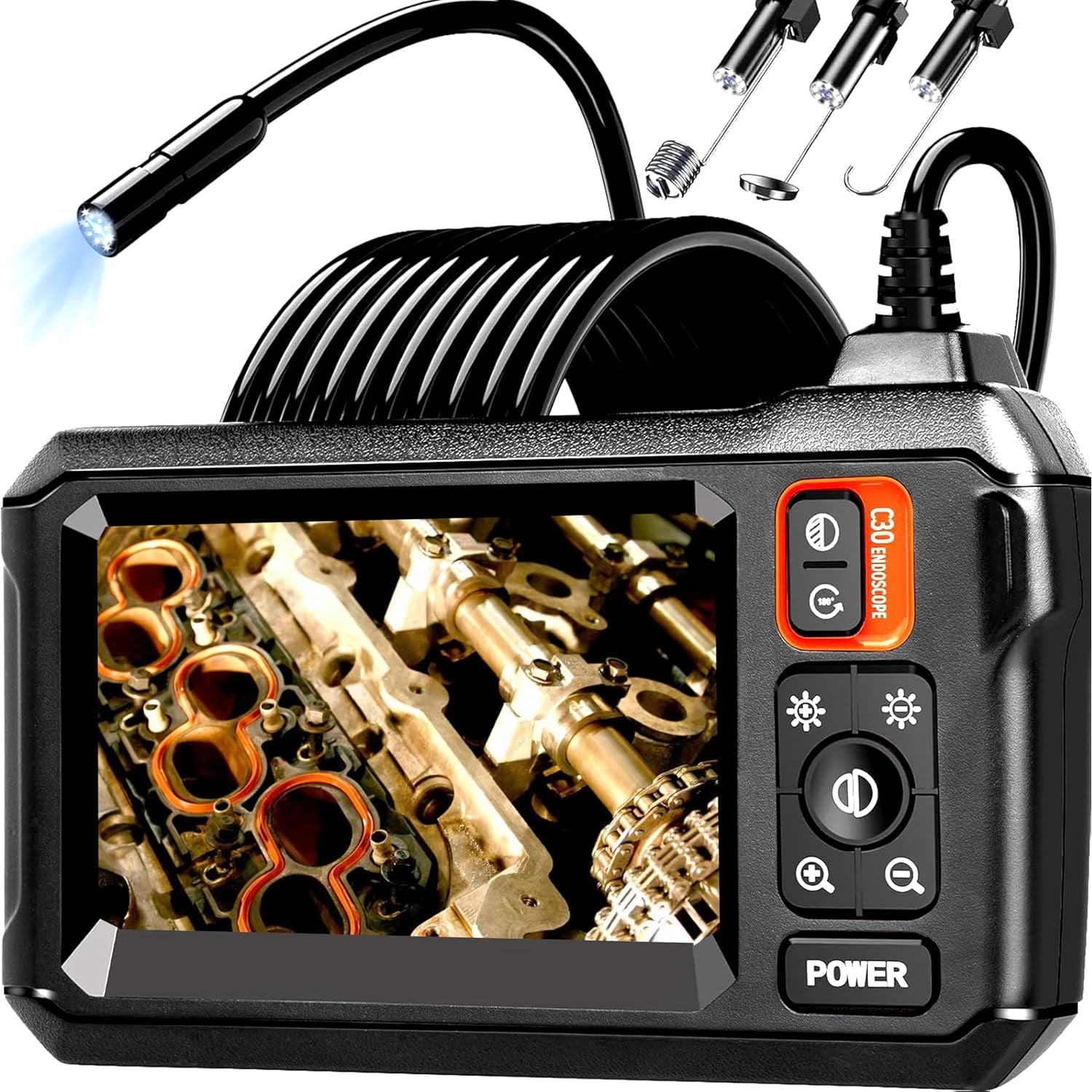
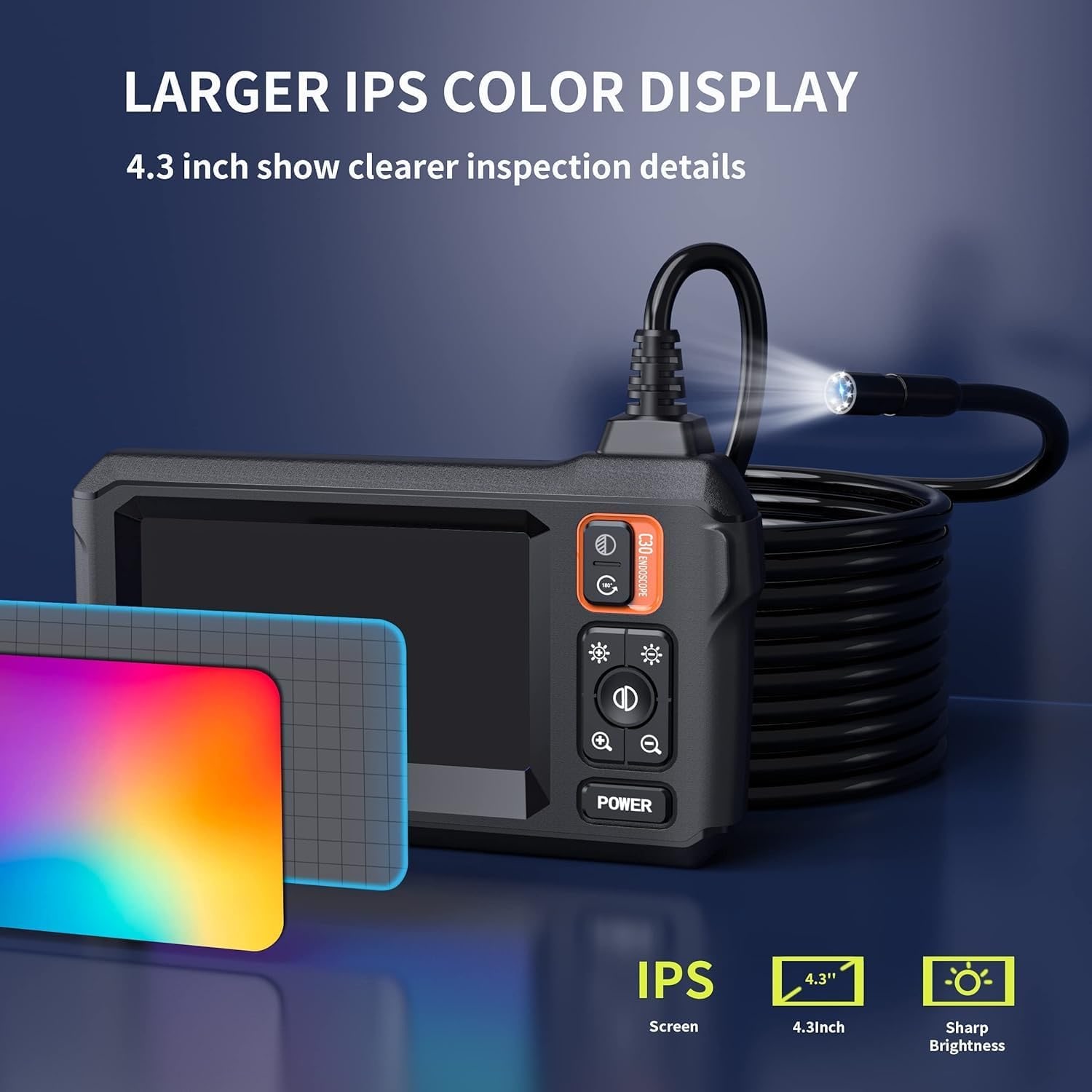
A screen model is simpler. This one has a 4.3 inch colour LCD on the handset. The maker says you can use it the moment it is switched on, with no WiFi and no driver or app to install. You hold the handset in one hand, feed the cable with the other, and watch.
That simplicity matters most when the job is messy or rushed. Under a sink with wet hands is a bad place to be typing a WiFi password. It also suits anyone who does not want another app, and the tool does not depend on whichever phone you happen to own next.
Live view only: read this before you buy
The maker states that this endoscope cannot take photos or videos. It is a live viewer and nothing more. There is no sound recording either.
For plenty of people that is no loss. If you only need to see whether the pipe is blocked, a live picture answers the question. And if you do want a record, pointing your phone at the screen and taking a photo is quick and good enough to show a contractor.
But be honest about your needs. Property agents, inspectors and tradespeople who must attach images to a report should buy a model that records to a card. This is not that model.
The camera head: 8mm, eight LEDs, 120 degrees
The camera head is 8mm across. That is the size you check first, because the head has to pass the tightest point on the route. Sink wastes, floor traps and most trunking are no trouble. The maker also says the head fits through a spark plug hole to view the combustion chamber, though plug sizes vary from engine to engine, so confirm yours.
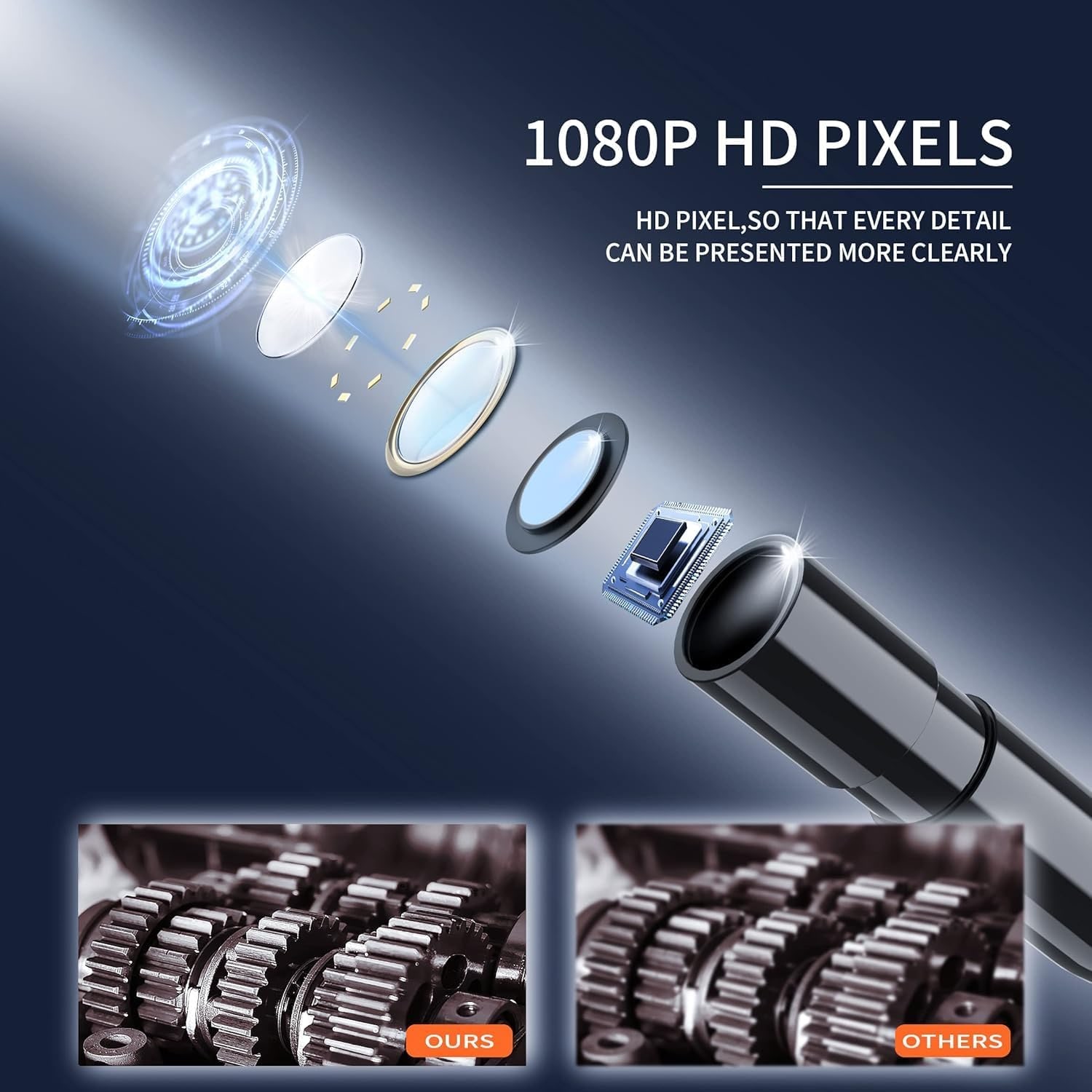
The specifications list a 1080p camera with a 2.07MP CMOS sensor. The angle of view is 120 degrees, which is wide. In a pipe that means you see the bore ahead and the walls around it in one picture. Focus is given as 10cm and beyond, so this lens is set up for looking along a space more than for extreme close-ups. If something looks soft, pull back a few centimetres.
Eight LED lights surround the lens. Dark, dry spaces show up well. Wet or glossy surfaces can reflect the light back, and the maker does not state whether the brightness is adjustable, so the practical fix is distance. Ease the probe back until the glare fades.
Five metres of semi-rigid cable
Cable length decides which jobs are possible. A short cable, around 1.5m, handles a sink trap or an engine bay. This cable is 5m, which opens up longer work: following a drain line beyond the trap, running along aircon trunking from a single access point, or reaching the far side of a ceiling void.
It is semi-rigid, and that matters as much as the length. A soft cable can only go where gravity takes it. A semi-rigid one holds the shape you bend into it, so you can push it horizontally or aim the lens up into a riser. The further you push, the more the cable's own weight makes it droop, so expect the last metre or two to need patience.
The maker says the cable can be detached and replaced, and that it connects with an aviation-style connector. A removable cable is easier to clean and to store. It also means a damaged cable need not write off the whole unit, though the maker does not list which replacements fit.
What IP67 covers
The maker rates this borescope IP67 and describes the probe and its connector as water resistant, naming pipes, swimming pools and rain as places it can be used. IP67 is the standard code for dust-tight and protected against short immersion.
Read that as applying to the working end. The maker does not say the screen unit can go under water, and it has buttons and a charging port. So put the probe in the water and keep the handset in your hand, dry. In a sudden downpour at the car park, a few drops on the casing are not the same as dunking it, but wipe it off and do not push your luck.
Heat is a separate matter. No heat rating is given. Let an engine or a hot water pipe cool down fully first.
Battery and charging
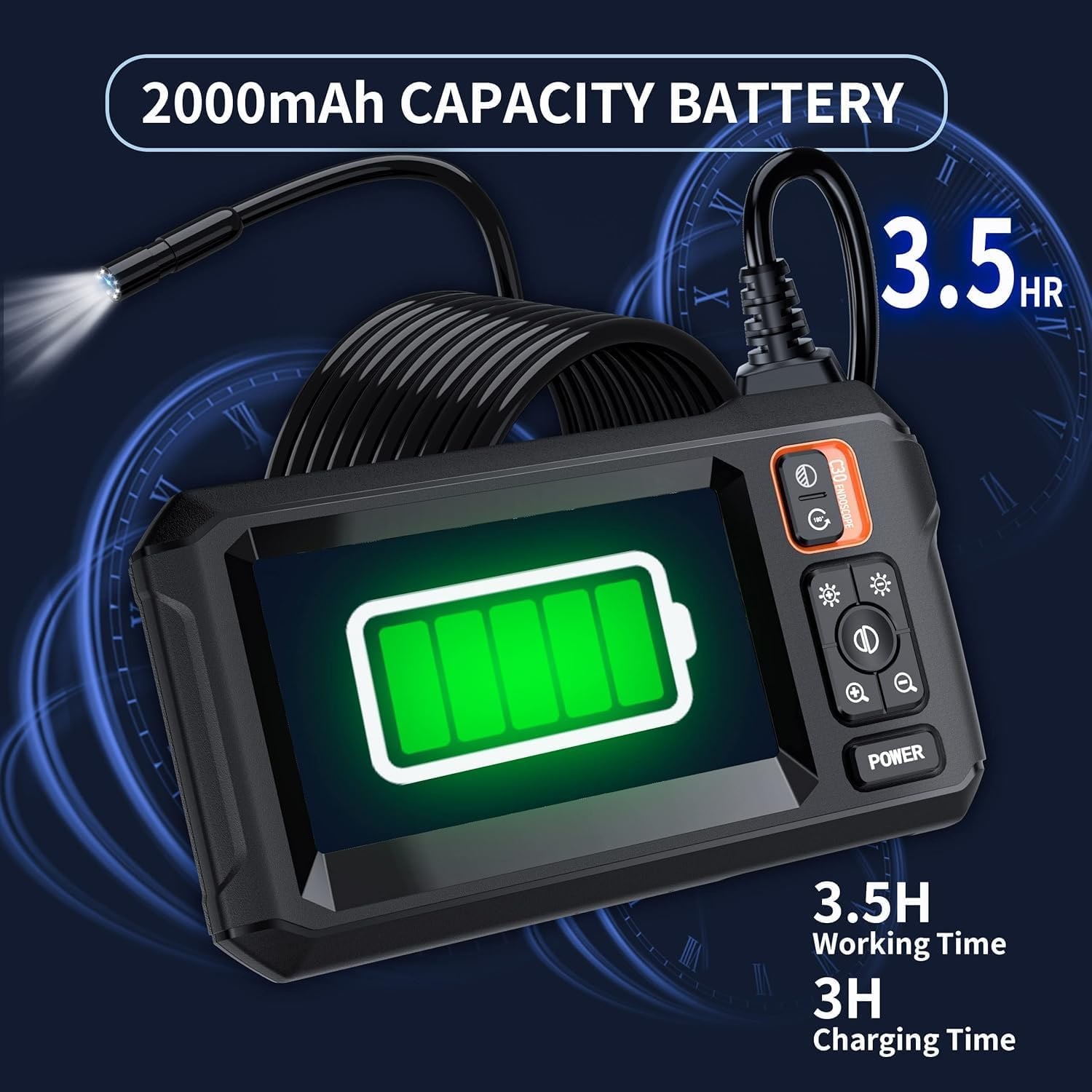
The listed battery life is 3.5 hours. That is a long session of actual looking, since most inspections take minutes. The maker does not state the battery capacity or the charging time. A Type-C charging cable is in the box. No wall charger is listed, so you will plug it into a USB charger you already have.
Jobs it suits, and where it is the wrong tool
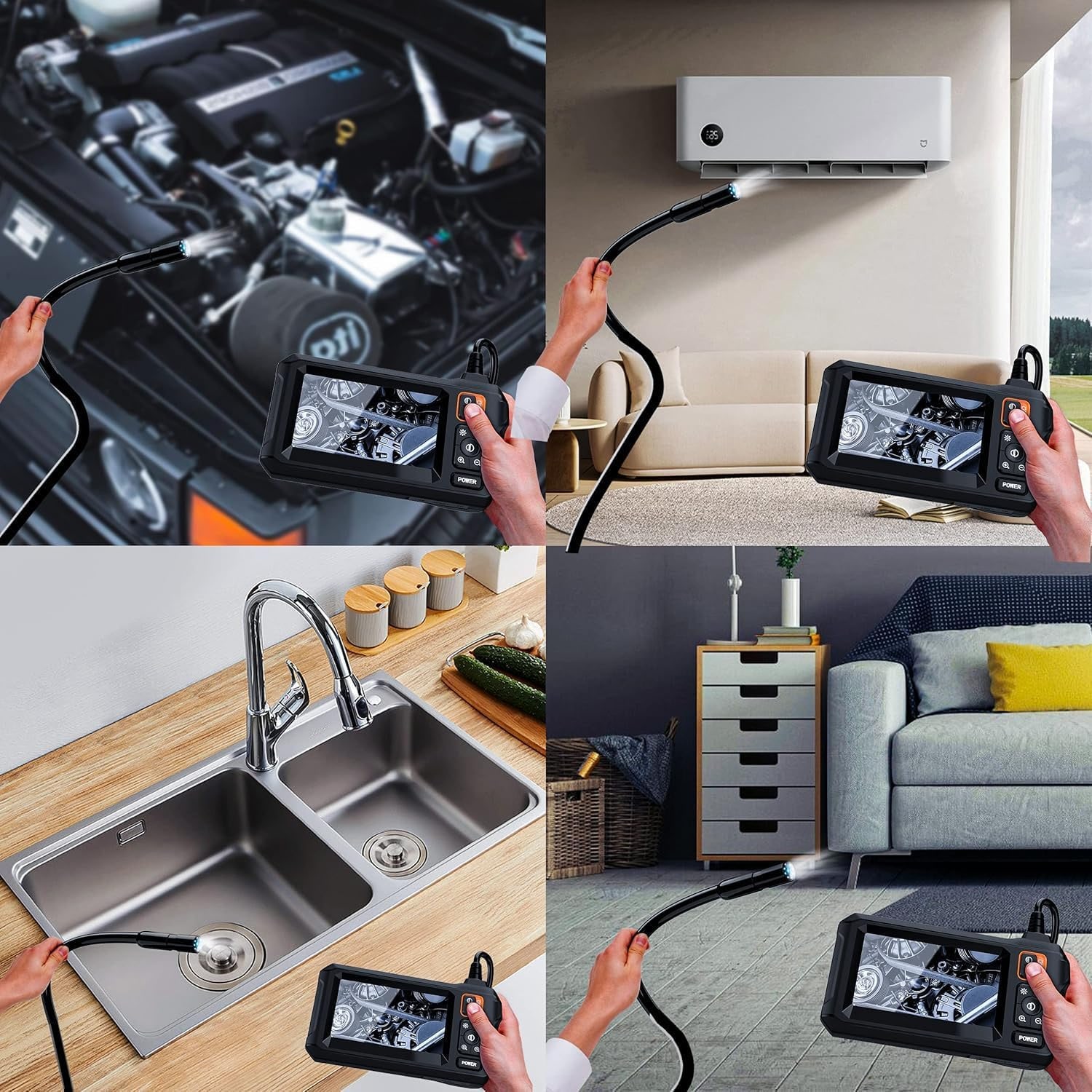
Around a flat or condominium, the common uses are drains and floor traps, aircon trunking, the gap behind built-in wardrobes, and ceiling voids reached through an access panel. The maker also lists car maintenance, electrical installation and general home inspection. For anything near wiring, switch the circuit off first.
The hook, magnet and side mirror extend what you can do. The mirror gives a sideways view of a pipe wall or cylinder bore. The hook and magnet are for retrieving small things, and they tend to pay for themselves the day a ring goes down the basin.
It is the wrong tool in a few cases. If your openings are under 8mm, you need a slimmer probe. If you must save images, you need a recording model. And if 5m of cable sounds like clutter for the one sink you want to check, a shorter phone-based camera costs less and stores smaller.
Getting a clear look the first time
A few habits make the picture far easier to read. Before the probe goes in, bend the first hand-width of cable into the direction you need. A slight upward curve helps it ride over joints in a pipe instead of digging into them.
Feed slowly. The view on screen has no fixed "up", so it turns as the cable twists, and fast movement makes it hard to tell where you are. Stop every so often and let the picture settle. If you need to know how far in a blockage sits, wrap a strip of tape around the cable at the opening before you pull back, then measure from the tape to the camera head.
Rotating the cable between your fingers rotates the view, which is how you scan all the way round a pipe wall. And if the picture turns cloudy, the lens has picked up grease or water. Pull the probe out, wipe the tip with a soft cloth, and go again. It takes ten seconds and saves a lot of squinting.
Looking after it
Drains are dirty and Singapore is humid, which is a poor mix for electronics. Rinse or wipe the probe and cable after each use and dry them properly. Leave the cable loosely laid out for a while before coiling it, then coil in wide loops. Wipe the screen with a soft dry cloth. Store the set in a dry cupboard, not on the balcony and not in a hot car.
The short version
This is a self-contained inspection camera. A 4.3 inch screen, an 8mm head with eight LEDs, a 5m semi-rigid cable, an IP67 rating for the probe end and about 3.5 hours of battery. No phone, no app.
Its one firm limit is that it does not record. If a live look is what you need, and your openings are wider than 8mm, it does the job with very little fuss.