

The complete guide
How to Choose an Outdoor Camera with Solar Panel for a Singapore Home
The power point problem
Most people who want a camera outside already know where it should go. It is the gate, the corner of the car porch, or the end of the balcony that looks down on the entrance. The trouble starts when you look for a socket. There almost never is one, and running a cable out through a window grille or along a wall is the job that stops the whole project.
Battery cameras solved half of that. You screw them up, join them to the WiFi and you are done. The catch comes a few weeks later, when the battery runs low and someone has to climb a ladder, take the camera down and charge it indoors. Do that four or five times and the camera tends to stay in a drawer.
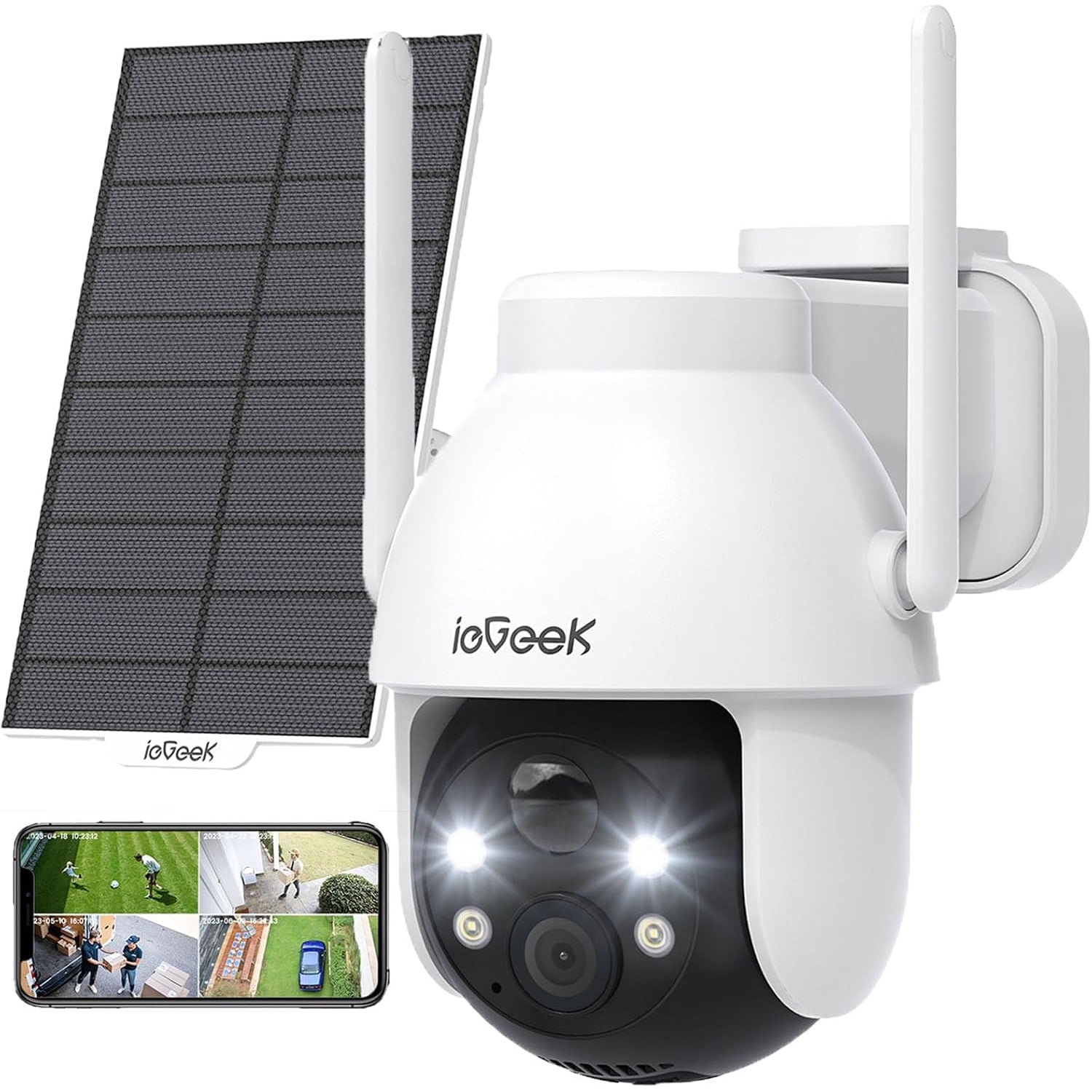
An outdoor camera with solar panel is the fix for the second half. The camera still runs on its own battery, but a panel sits beside it and feeds that battery every day. If the panel gets enough sun, the ladder stays where it is.
How this one works
This camera has a rechargeable battery built in, rated by the maker at 19.24 Wh. A separate solar panel comes in the box with its own holder, and it plugs into the camera. During the day the panel charges the battery. At night, and on dull days, the battery carries the load.
A 5 V power cable is also supplied, so you can charge the camera by hand before you mount it or after a long wet spell. No mains adaptor is listed in the box, so you will need a 5 V USB power source of your own for that.
The maker does not state how many days the battery lasts on a charge. That is normal for this type of camera, because the answer depends on your home. A camera that sees ten events a day uses far less power than one pointed at a busy footpath.
Where the panel goes matters most
This is the part people get wrong. A solar panel needs direct sun to do real work. Bright shade is not enough.
Singapore homes have a lot of shade by design. Deep roof overhangs, covered porches and sheltered corridors all keep the rain and the heat off, and they keep the sun off a panel too. Before you buy, stand where the camera will go and look up. If you can see open sky for a few hours of the day, you are in good shape. If you are under a roof, think about mounting the panel separately, out on the edge where the sun reaches it.
The panel has its own holder and its own screws for exactly that reason. The maker does not state the length of the cable between the panel and the camera, so ask us if your plan needs the two to sit far apart.
Dust matters as well. A panel near a road picks up a grey film that cuts its output. A wipe with a damp cloth every month or two keeps it working.
Pan, tilt and what 2K gives you
A fixed camera sees one slice of the world. If something happens just outside that slice, you miss it.
This camera has a motorised head. It pans 355 degrees and tilts 120 degrees, and you steer it from the app. Mounted on a gate pillar, it can look along the road, then turn to check the porch, then tip down to see what was left at the foot of the gate. The lens covers 130 degrees on its own, so even when the head is still it takes in a wide scene.
The maker gives the pan range as 355 degrees and not a full 360. In daily use you will not notice the 5 degree gap, because the wide lens covers it.
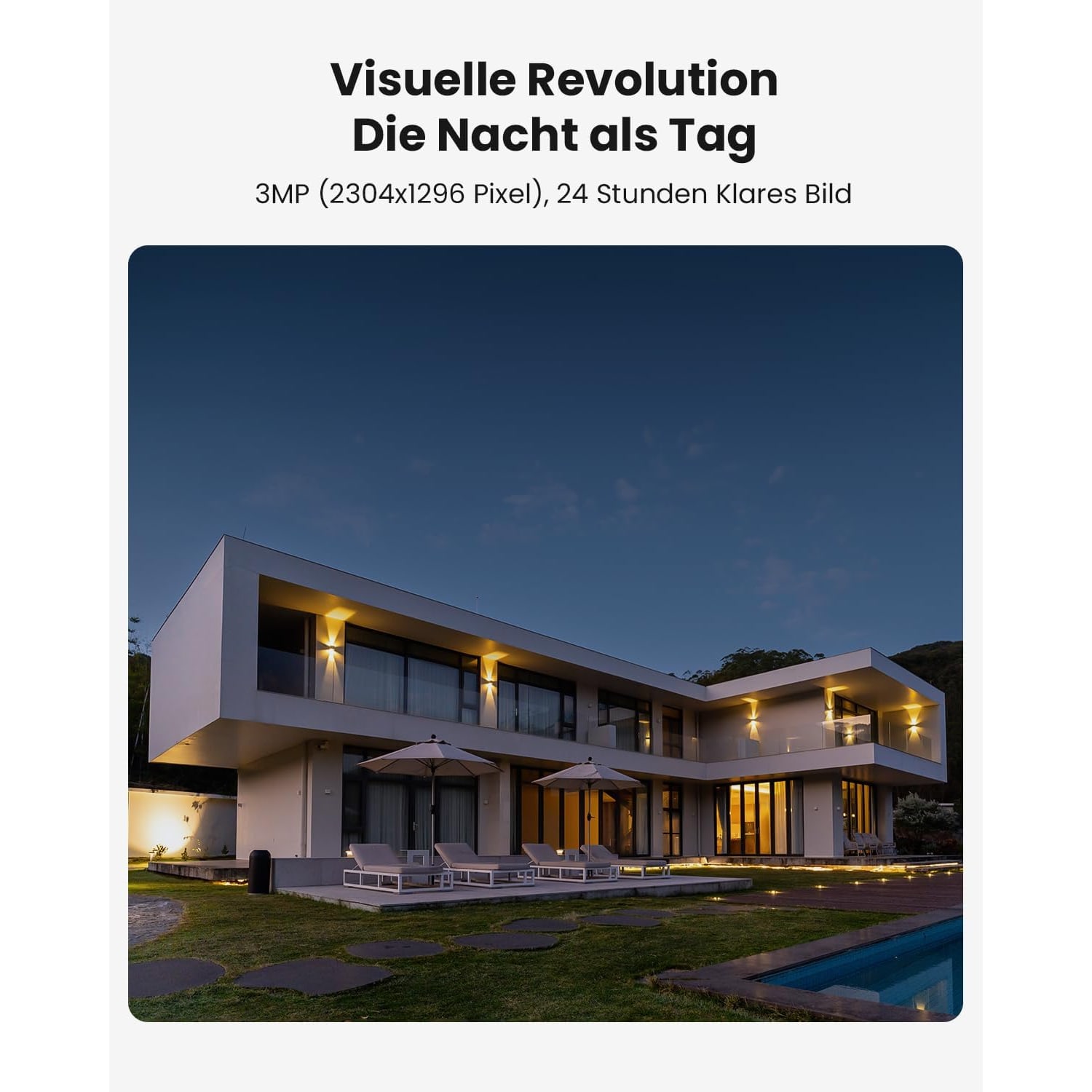
Video is recorded at 2K, which here means 2304 x 1296 pixels. The extra detail over 1080p pays off when you use the 4x digital zoom. Digital zoom only enlarges what the sensor has already captured, so starting with more pixels gives a cleaner result.
Alerts you will actually read
A camera that pings your phone forty times a day gets muted within a week. The settings that control alerts are worth more attention than the headline specs.
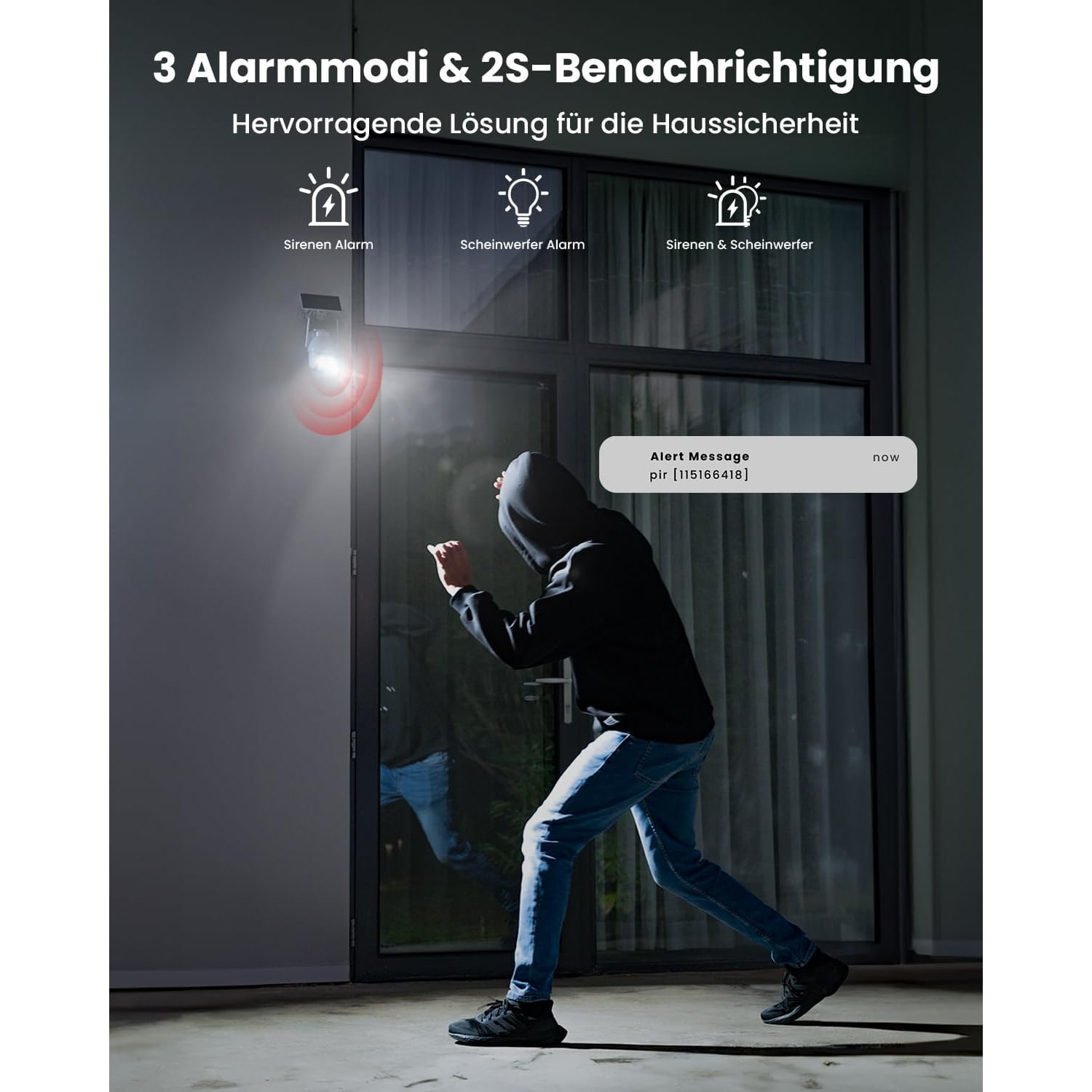
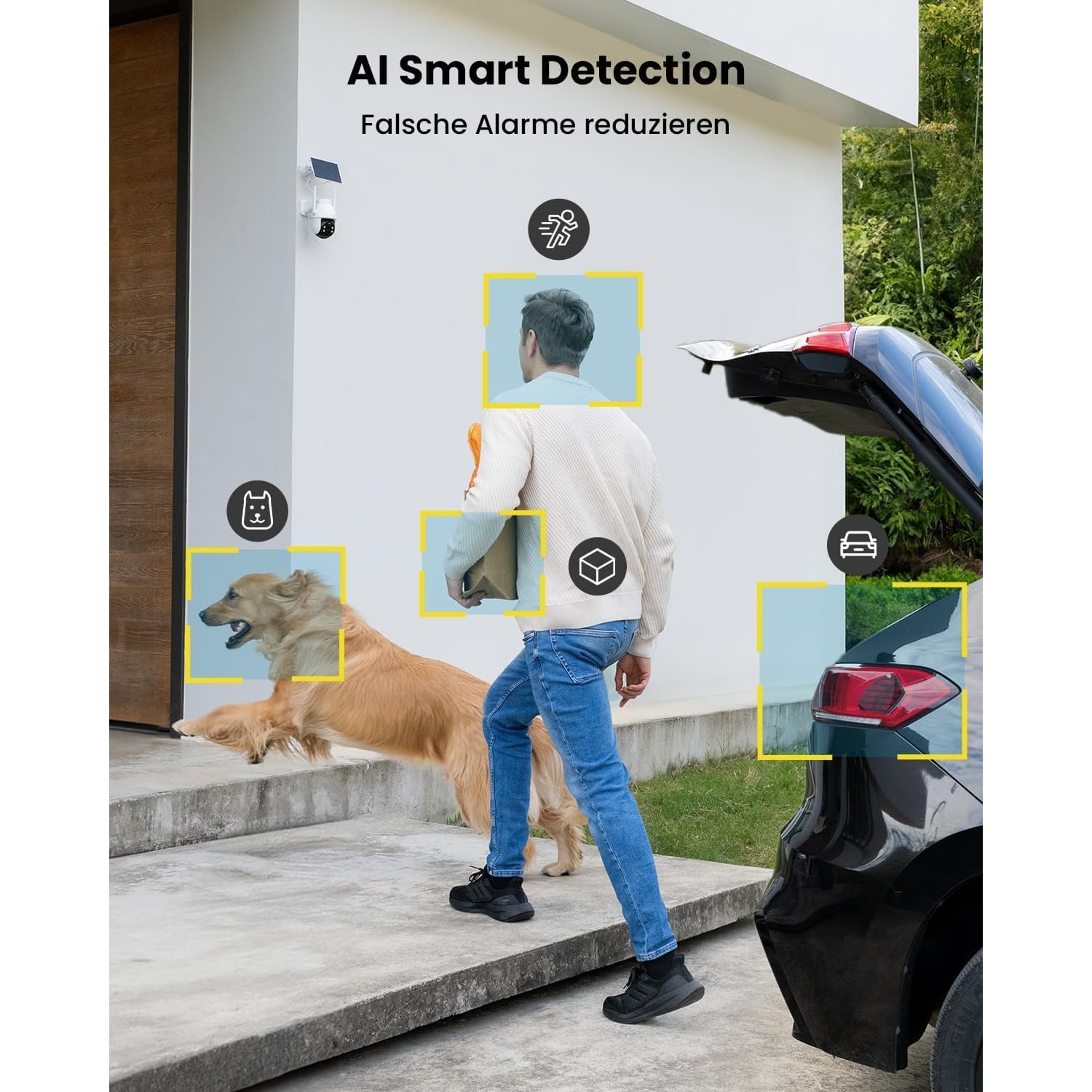
Detection here is done by a PIR sensor. It reacts to the heat of a moving body, which rules out a lot of the swaying branches and passing headlights that trip simpler cameras. Person detection is listed on top of that.
You then get three controls. Sensitivity runs from 1 to 10. Alert times let you switch notifications off during the hours you are at home and moving about. A monitoring area lets you tell the camera which part of the scene counts. Start in the middle on sensitivity, live with it for a few days, then adjust.
The camera can also respond on its own with a siren, a light, or both. Think about your neighbours before choosing a mode with the siren in it. The light alone is often the gentler choice in a terrace row or a cluster house estate.
Night, sound and talking back
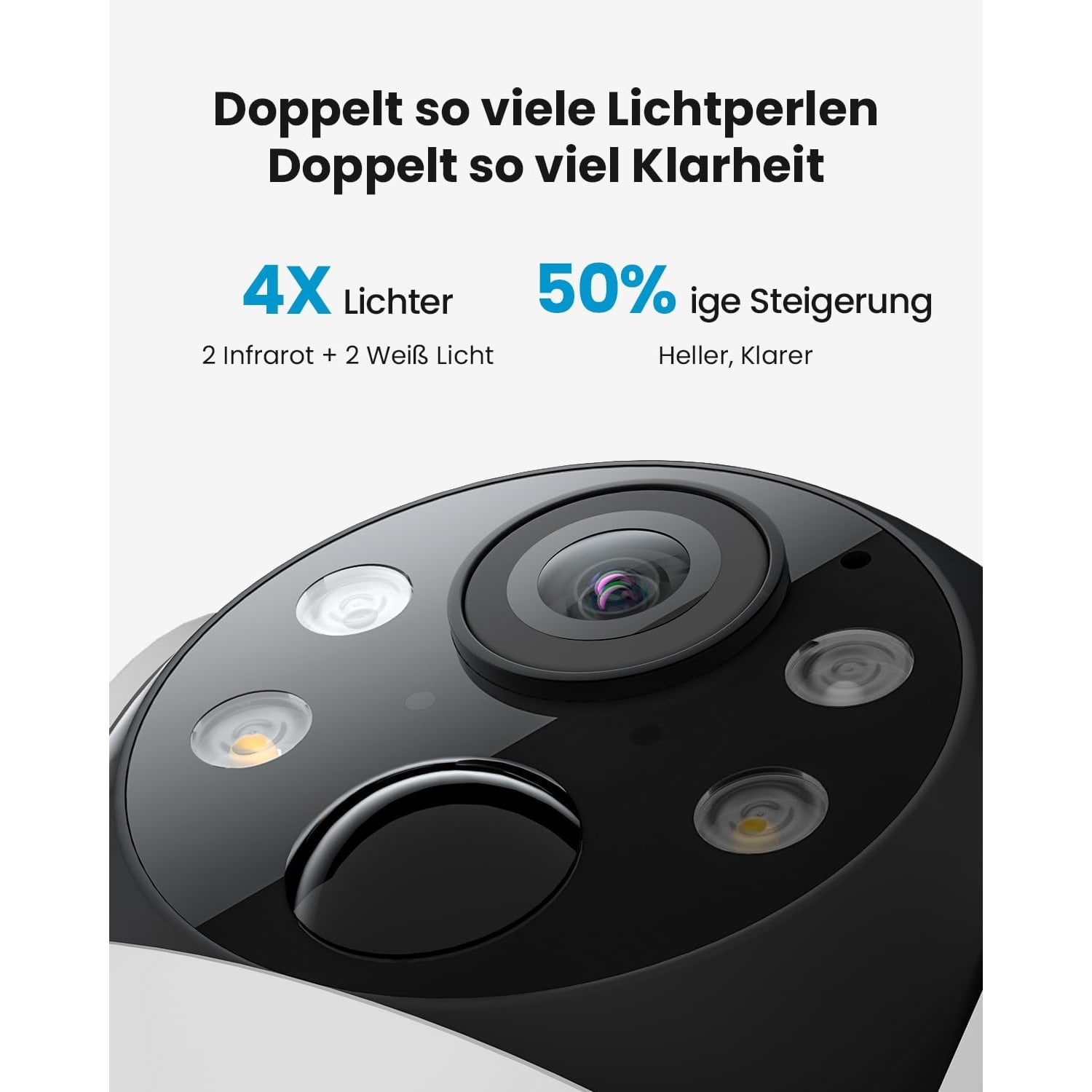
The maker lists colour night vision with a range of up to 15 m, along with infrared lighting. In practice the picture after dark depends on how much light is already around. A lit porch or a street lamp nearby will give a better image than a pitch-dark corner.
A microphone and speaker are built in. When the alert comes through, you can open the app, see who is there and speak to them. For couriers and food deliveries it is a real convenience.
Card or cloud
Recordings can go to a memory card of up to 128 GB in the camera, or to the maker's cloud storage. A card is not listed in the box, so add one to your order plan. Cloud storage is an optional extra, and the details sit in the app.
A card keeps everything local and has no ongoing cost. The trade-off is that the footage lives in the camera. Many people use a card and leave it at that.
The maker states that AES 128 encryption is used. Pair that with a strong password on your app account and a router that gets its updates.
WiFi at the edge of the home
Outdoor cameras sit at the worst spot for WiFi: far from the router, with at least one concrete wall in between. This camera uses the 2.4 GHz band, which travels further and passes through walls better than 5 GHz. It also has an external 4 dBi antenna.
Test before you drill. Stand at the mounting spot with your phone on the home WiFi and see whether a video plays smoothly. If it stutters, a mesh point or an extender near the front of the house will help the camera more than any setting will.
Rain, heat and mounting
The body is rated IP65, and the maker gives an operating range of -20 to 60 degrees Celsius. Afternoon storms and humid nights are well within that. The rating covers rain and spray, not immersion, so keep it clear of places where water collects.
The box includes a stand, a panel holder and the screws and nuts for both. For a concrete or brick wall, use a masonry bit and wall plugs sized for the screws. Mount the camera a little above head height so that it looks down across the entrance.
One more point on placement. Recording other people is covered by Singapore law, including the PDPA, and cameras that face a shared corridor come under HDB, Town Council or condominium rules.
Who it suits
This camera fits a landed home with a gate or a car porch, a ground-floor unit with a patio, or a balcony that gets sun. It also suits a small shop or office entrance where the frontage is open to the sky.
It is a weaker fit for a deep covered corridor with no sun at all. There, the panel cannot do its job and you would be charging by cable. A plain battery camera, or a mains-powered one, would make more sense.
The short version
Find the sun first. If the panel can sit in direct light for part of the day, this outdoor camera with solar panel takes care of its own charging. You get 2K video, a head that pans 355 degrees and tilts 120 degrees, PIR alerts you can tune, colour night vision up to 15 m and two-way audio. Add a memory card of up to 128 GB, check your 2.4 GHz WiFi reaches the spot, and have a 5 V USB power source ready for the first charge.