
The complete guide
Buying A Solar Camera With A 360 View: What To Check First
A camera that looks after its own power
Ask people what puts them off an outdoor camera and you hear the same two answers. They do not want to pay for a power point outside. And they do not want another thing that needs charging.
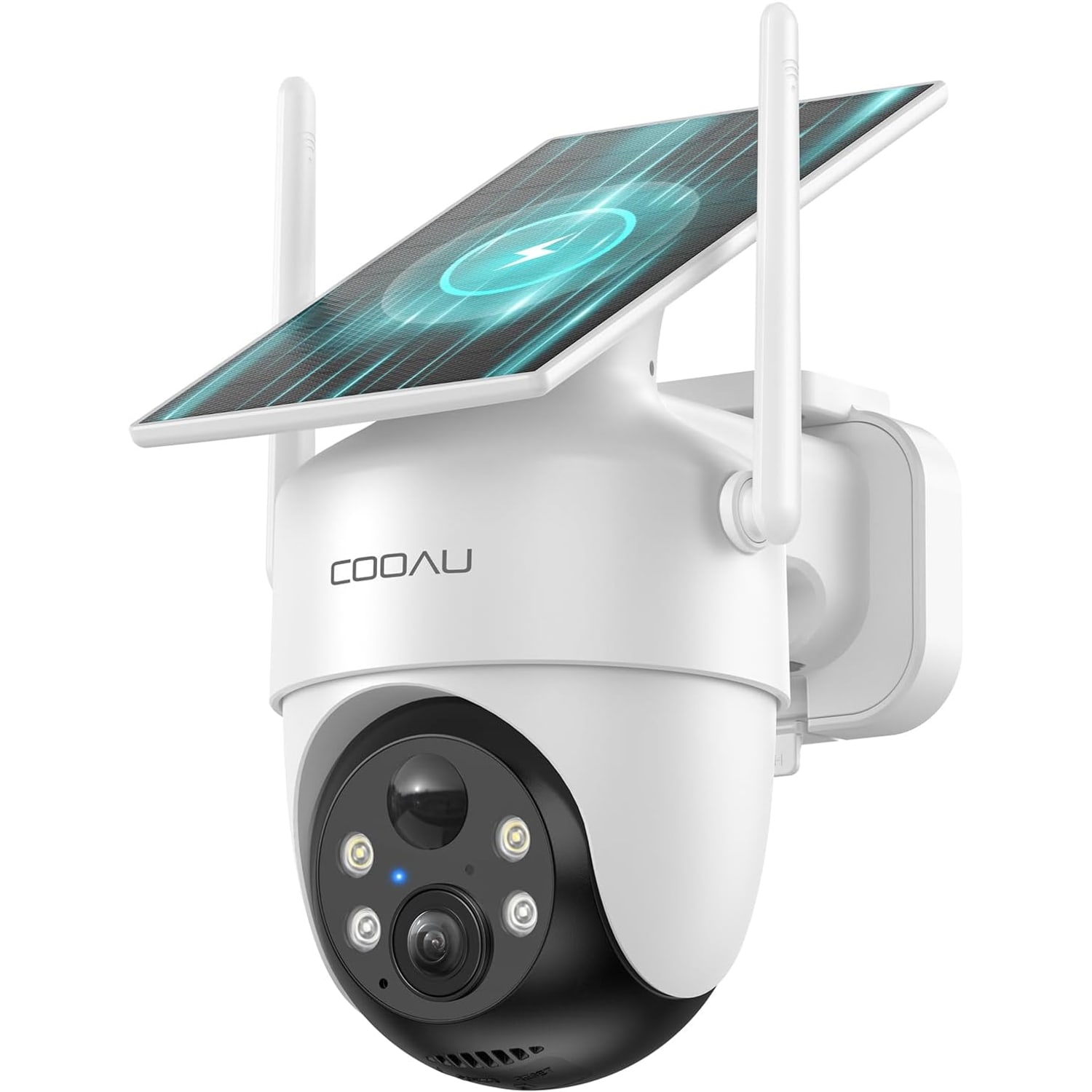
A solar camera is aimed squarely at both. The panel feeds the battery, the battery runs the camera, and on a good week you do nothing at all. This guide looks at one such camera: a 2K model with a pan and tilt head and an IP66 housing. It covers what the solar claims mean, what a 360 view can and cannot do, and the checks to make at home before you order.
Reading the solar claims sensibly
The maker makes a lot of the solar panel on this camera, so it deserves a careful look.
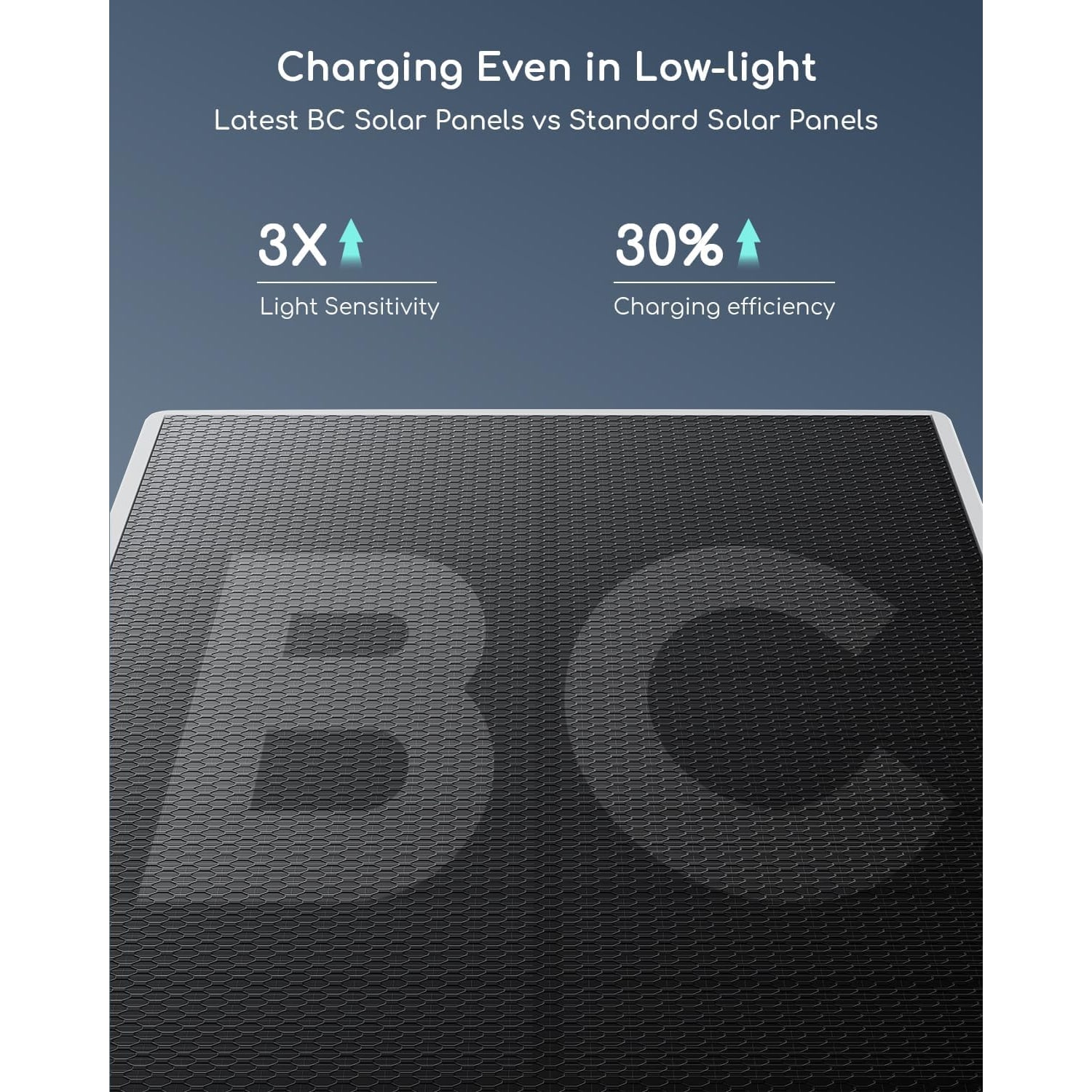
The maker calls it a BC panel, the solar industry's short name for back contact cells. In an ordinary solar cell, thin metal lines run across the front and shade a little of the surface. In a back contact cell, those connections sit behind the cell, so more of the front is open to light.
On the strength of that, the maker claims 30% more power and much longer daily running time, and says the panel charges even on cloudy days. Two things are missing. The maker does not say what the 30% is compared with. And it does not state the battery capacity, or how long the camera runs with no sun at all.
So take the claims as a sign that the panel is a strong point, not as numbers to plan your week around. The practical advice is the same as for any solar camera. Give the panel as much open sky as you can.
In Singapore that usually means thinking about shade, not about sunshine. The sun is high and strong all year. What blocks it is the building: deep eaves, the car porch roof, the floor above your balcony, the block across the road. Check your wall in the morning and again mid-afternoon. A few hours of direct sun a day is a good position. Bright open shade is workable. A spot that never sees the sky is not.
The charging cable is your backup
The box includes a charging cable, and that tells you something useful. The camera can be charged by cable as well as from the sun. The listed voltage is 5 V, the usual USB charging voltage. No wall charger is listed, so you would use a USB charger you already own.
Use the cable twice. First, charge the camera fully indoors before you mount it, so it starts life with a full battery. Second, keep the cable somewhere you can find it. During a long wet spell at the end of the year, a top-up can carry the camera through until the sun returns.
What a 360 view does and does not do
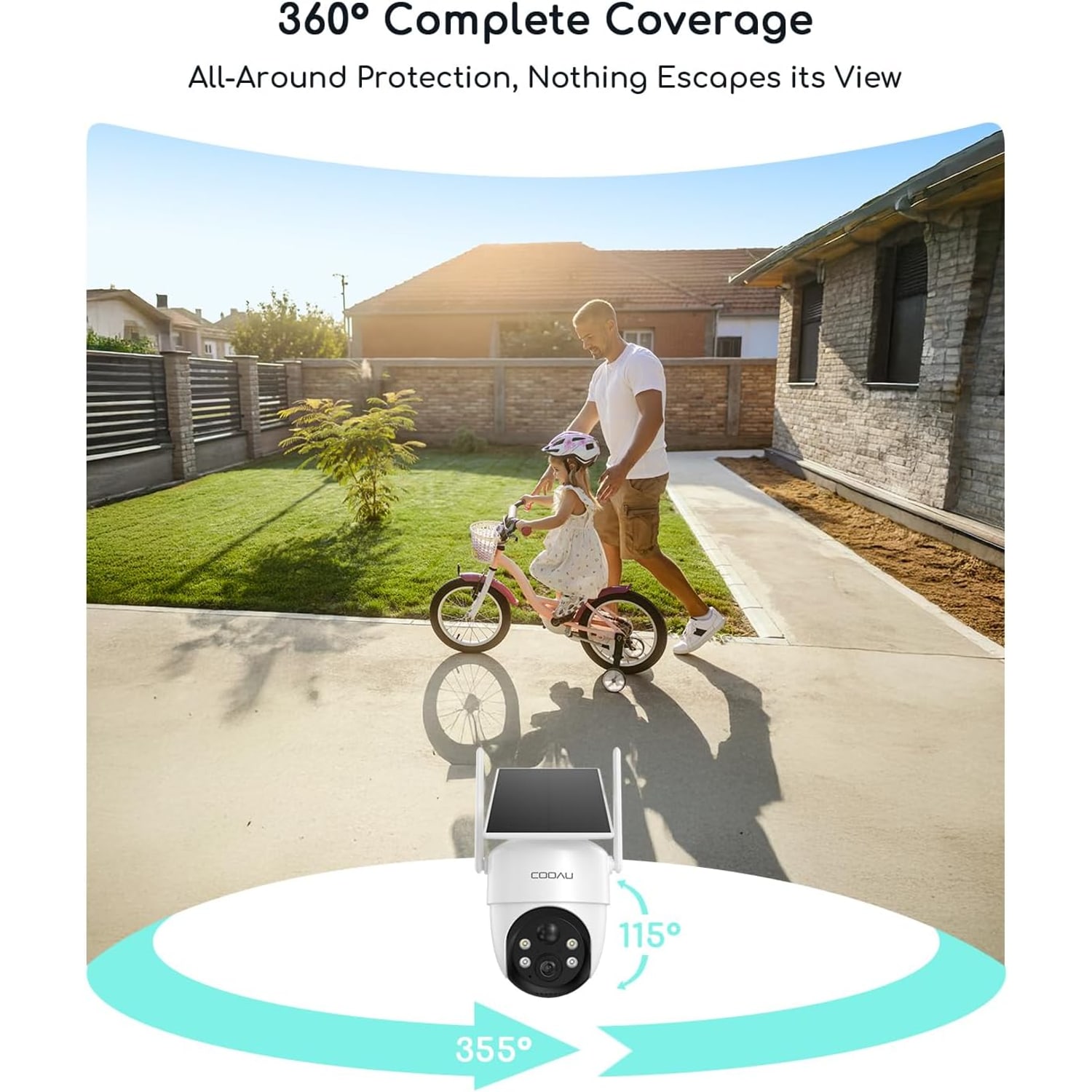
The 360 view comes from the pan and tilt head. In the app, you turn the lens left, right, up and down. By moving it, you can look in any direction around the camera. The maker does not give the exact angles in degrees.
That is a real advantage over a fixed camera. Mounted on a gate pillar, a fixed camera sees the road or the house, not both. This one can look out at the road, turn in to the car porch, and tilt down to the parcel on the ground.
Be clear on the limit, though. A 360 view is not a 360 picture. The camera sees one direction at a time. While it faces the road, it is not recording the porch. And the maker does not state an automatic tracking feature, so the camera stays where you leave it.
The way to use it well is to choose a resting position that covers the thing you care about most, such as the gate. Use the movement for looking around when an alert comes in or when you are simply curious.
The 2K picture, in plain numbers
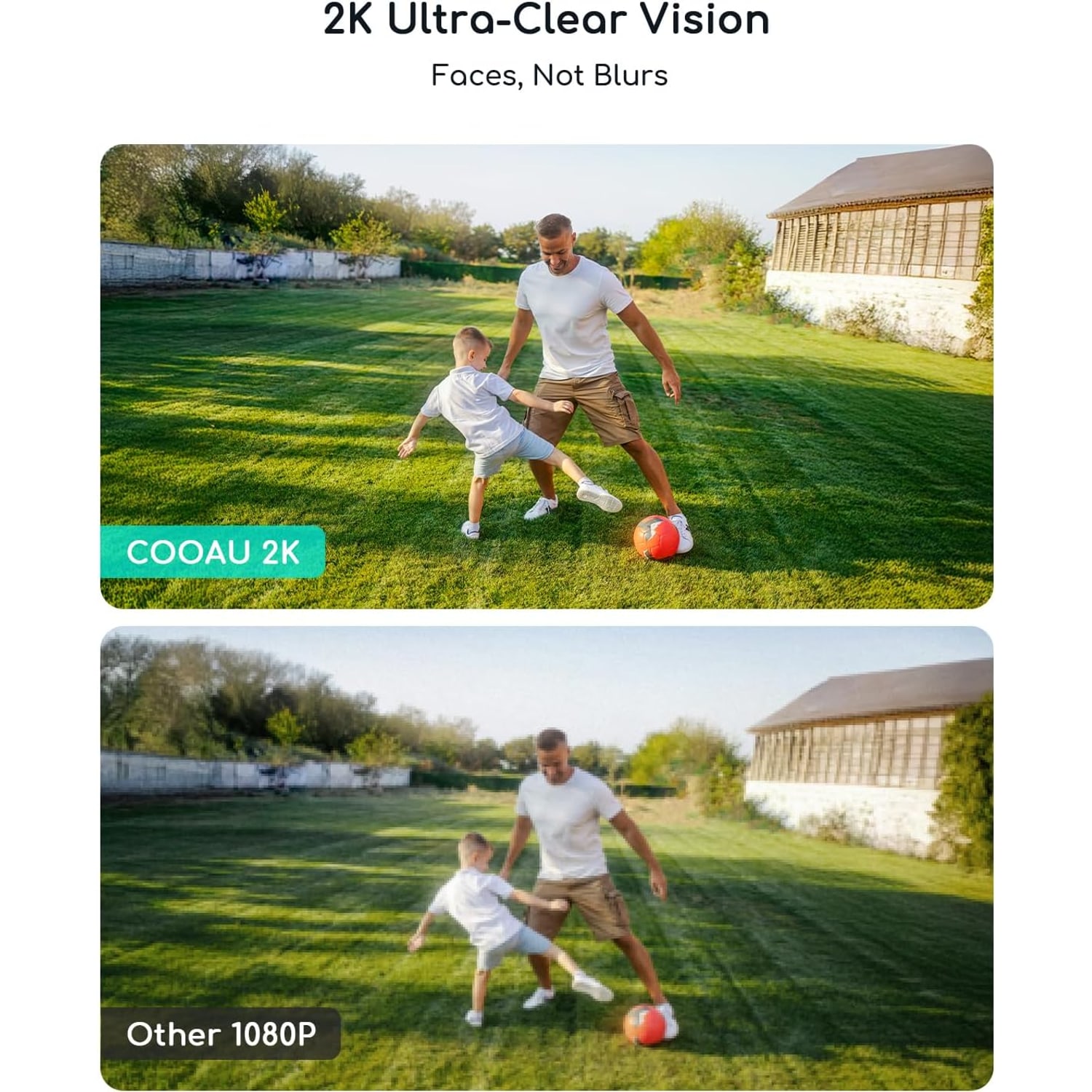
The camera records at 2560 x 1440. People call this 2K or 1440p. A 1080p picture is 1920 x 1080. Multiply those out and the 1440p frame has 78% more pixels.
More pixels help in one specific way. They let you enlarge part of the picture and still make sense of it. The camera has 4x zoom, listed as digital, and digital zoom is exactly that kind of enlarging. On a 1440p picture, there is more detail to enlarge.
The frame rate is 15 frames per second. That is on the low side compared with a phone video, and fast movement will look slightly stepped. For a camera whose job is to show who came to the gate, it is enough, and it is easier on the battery and the memory card.
After dark
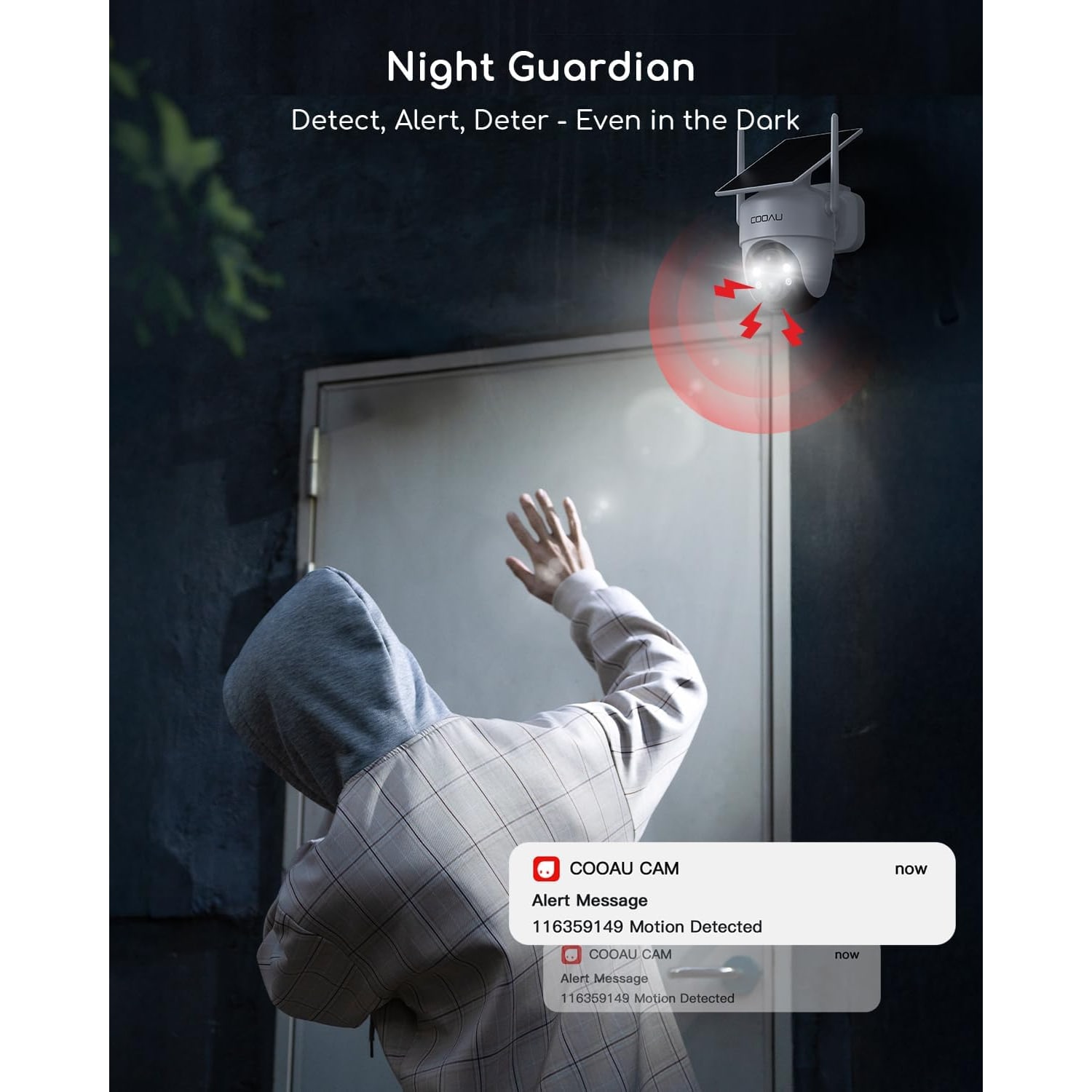
The maker lists colour night vision with a range of about 10 m. Colour at night is helpful for identifying things. A grey van and a white van look alike in black and white.
There are also two infrared lights. Infrared lets the camera see without any visible glow. The maker points out a pleasant use for this: watching animals at night without disturbing them. If your fence is on the route of the neighbourhood cats, or birds roost on the balcony rail, you may find yourself checking the camera for fun.
Fewer alerts, better alerts
The quickest way to stop trusting a camera is to get forty alerts a day about nothing. Outdoors in Singapore there is plenty of nothing: palms moving in the wind, rain sheeting past, geckos on the wall, cats on the fence.
This camera uses AI human detection. The maker says it is designed to ignore small animals and swaying branches, and you can adjust the sensitivity. The maker also quotes a very low false alarm figure. We have left that figure out, because real results depend on where the camera points.
Give it a week of tuning. Start at the default. If you get alerts with nobody in them, lower the sensitivity a step or turn the resting position away from the busiest background.
The maker does not state two-way talk for this model. If speaking to a visitor through the camera is on your list, look at a model that lists two-way audio.
WiFi and storage
The camera works on 2.4 GHz WiFi only, and the maker's details say plainly that it needs WiFi. The 2.4 GHz band reaches further and passes through walls better than 5 GHz, which is why outdoor cameras use it. Even so, test the signal at the wall with your phone before fixing the bracket.
For storage, you can fit a memory card of up to 128 GB. It is not included, so add one to your order. The maker also offers cloud storage for short clips through its app. That is the maker's service, and it is optional.
Mounting and weather
The housing is rated IP66 and the camera is sold for outdoor use. It measures 17 x 16 x 11 cm, so leave enough room around it for the head to turn without touching a pipe or a light fitting. The weight is not stated.
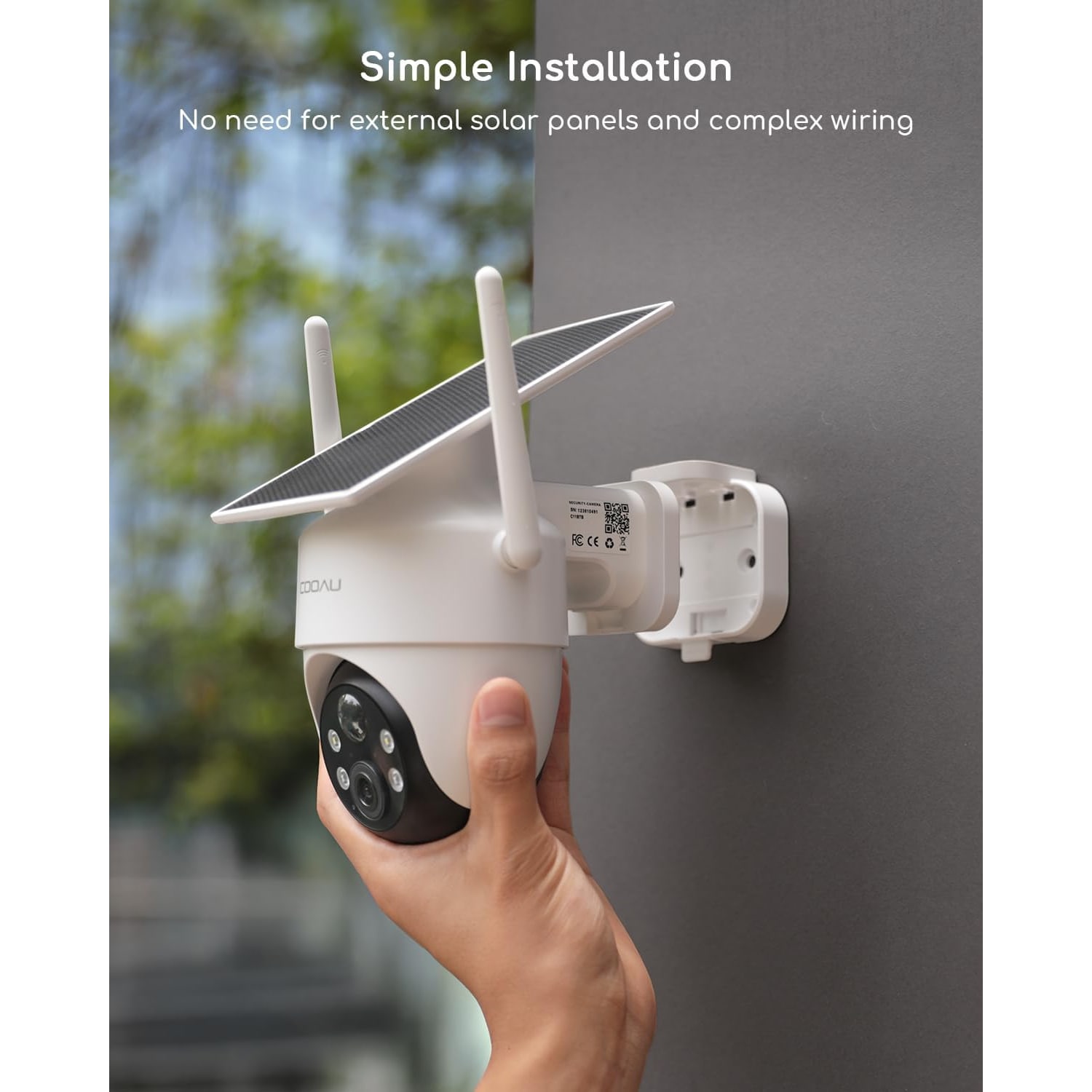
A bracket and screws are supplied. The maker says this version has reinforced screws and a sturdier bracket. Use wall plugs that match your wall, whether it is brick, concrete or rendered block.
The maker does not state an operating temperature range. Since a solar camera has to sit in the light, pick a wall with some airflow and stay off dark metal that heats up in the afternoon.
Every few weeks, wipe the panel and the lens with a soft damp cloth. Dust from nearby building work and dried rain marks both cut the light reaching the panel.
Is it right for your home?
It is a good match if you have an outside wall with daylight and 2.4 GHz WiFi, you want one camera to look in several directions, and you would like to avoid wiring.
It is a poor match if the only available spot is a shaded corridor, if you need two-way audio, or if you want the camera to follow movement without your input.
The short version
A white, IP66 solar camera with a back contact panel, 2560 x 1440 video at 15 frames per second, pan and tilt control from your phone, 4x digital zoom and colour night vision to about 10 m. AI human detection with adjustable sensitivity. Memory card up to 128 GB, not included. Bracket, screws and a charging cable in the box.
Charge it fully before mounting, give the panel open sky, test the WiFi at the wall, and it should ask very little of you after that.