
The complete guide
A Buyer's Guide To A Front And Rear WiFi Dash Cam With A 64GB Card
One camera only tells half of it
Think about where bumps happen in Singapore traffic. A car closes in behind you at a junction. A motorbike filters past and clips a corner. Someone reverses into your bumper in a car park. A single camera facing forward records none of that clearly.
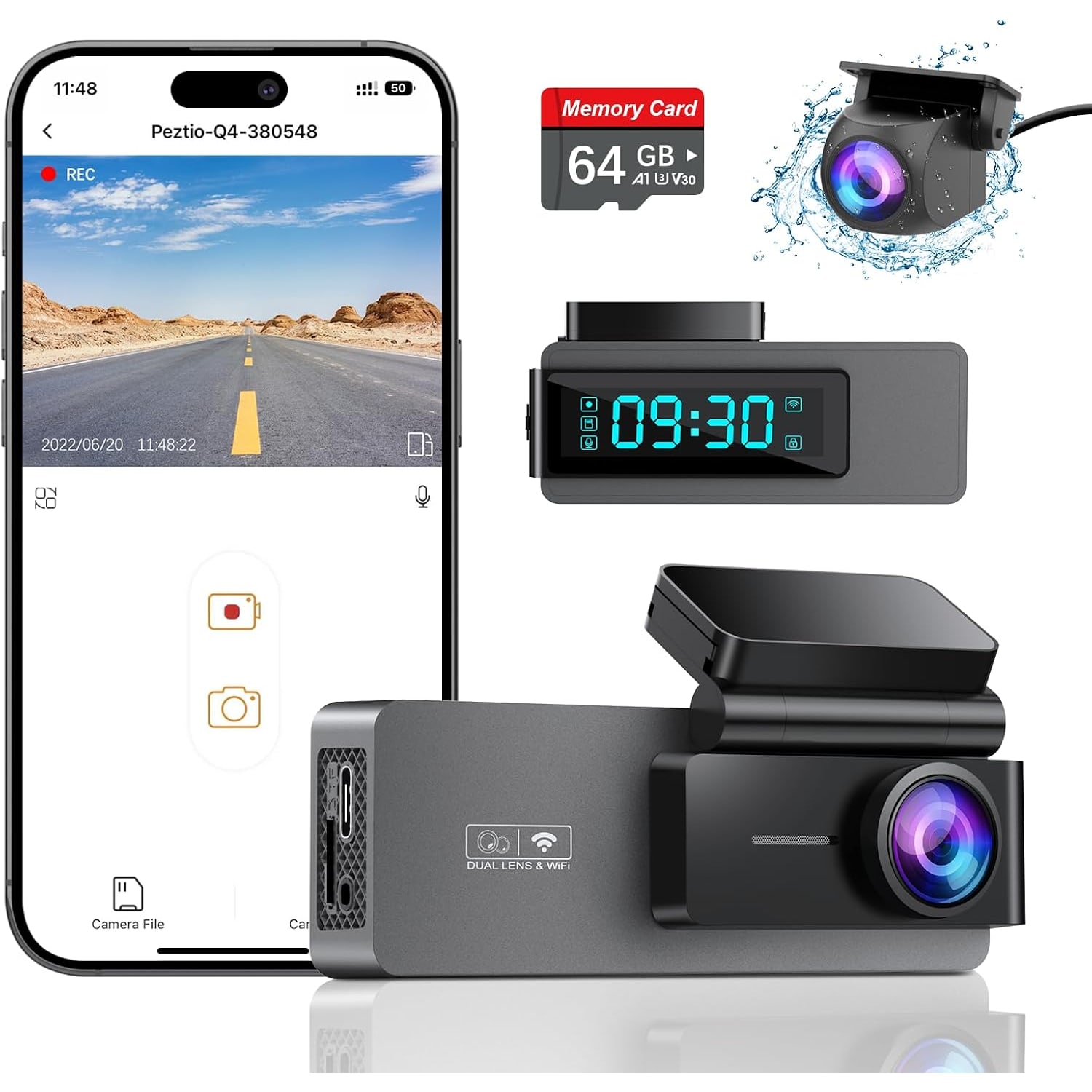
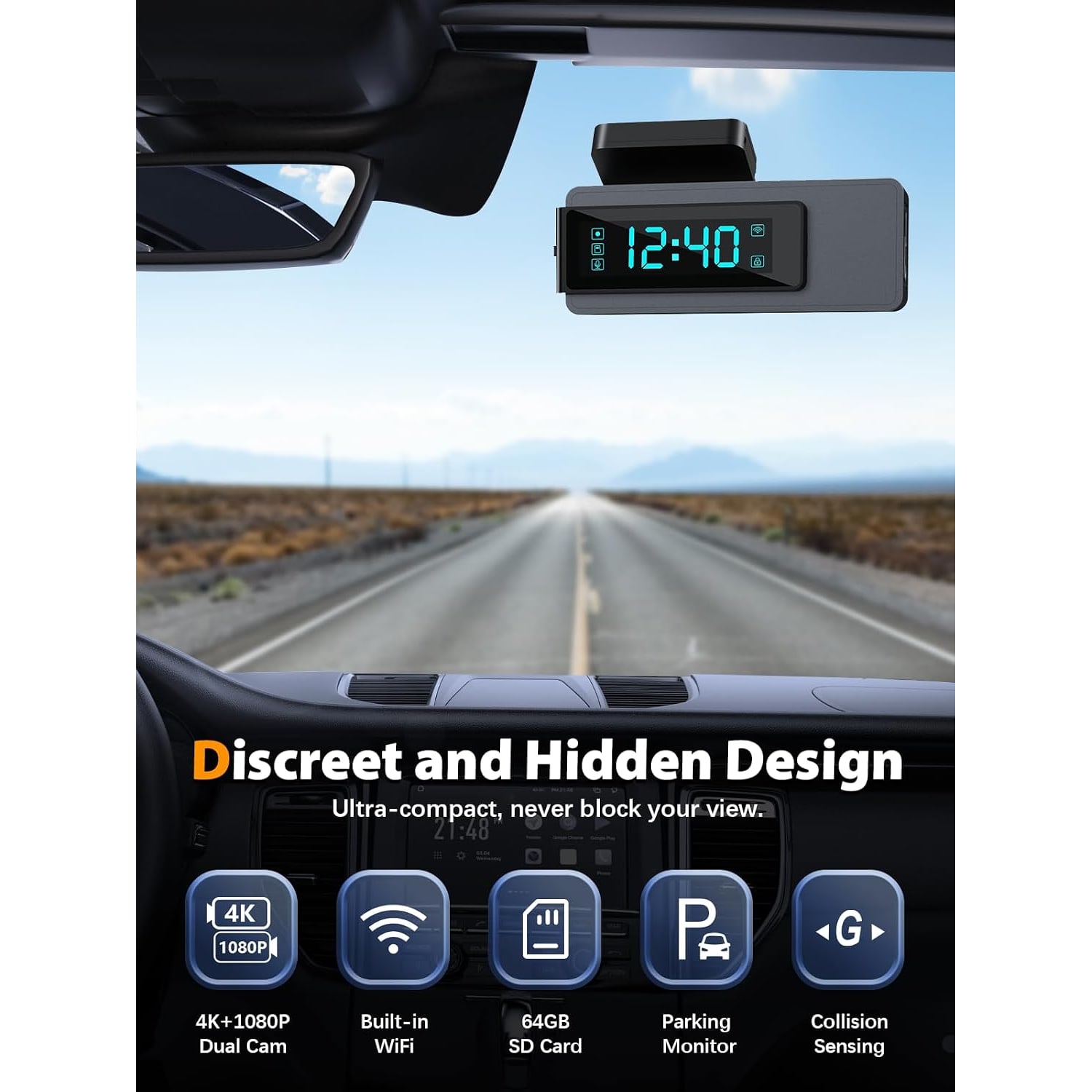
A front and rear set fixes the gap. This one puts a small camera at the windscreen and a second camera facing back, and it records both at the same time. It adds a phone app over WiFi and comes with a 64GB card listed in the contents, so it is close to ready when it arrives.
The 2K launch and the 4K update
The resolution deserves a plain explanation, because it can confuse.
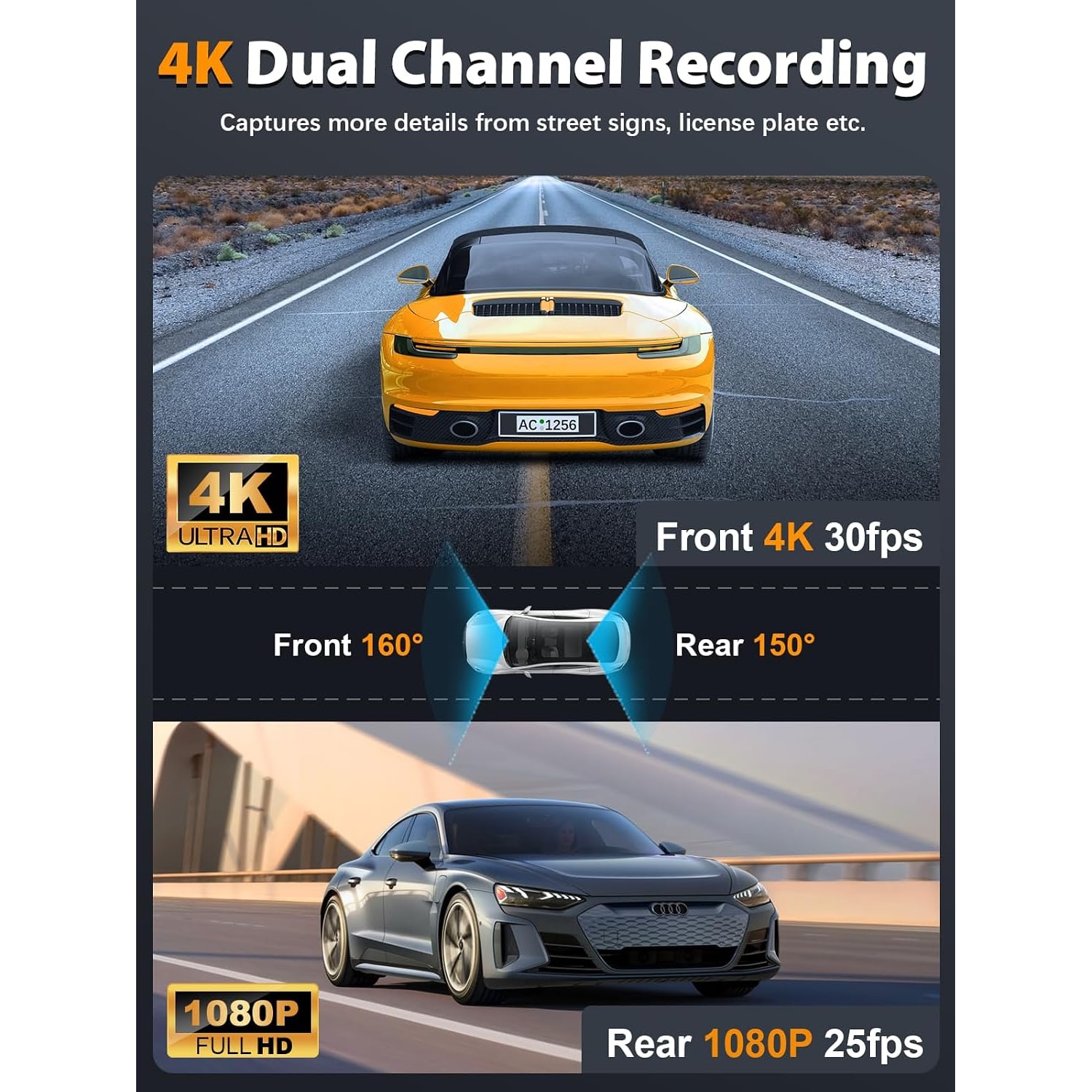
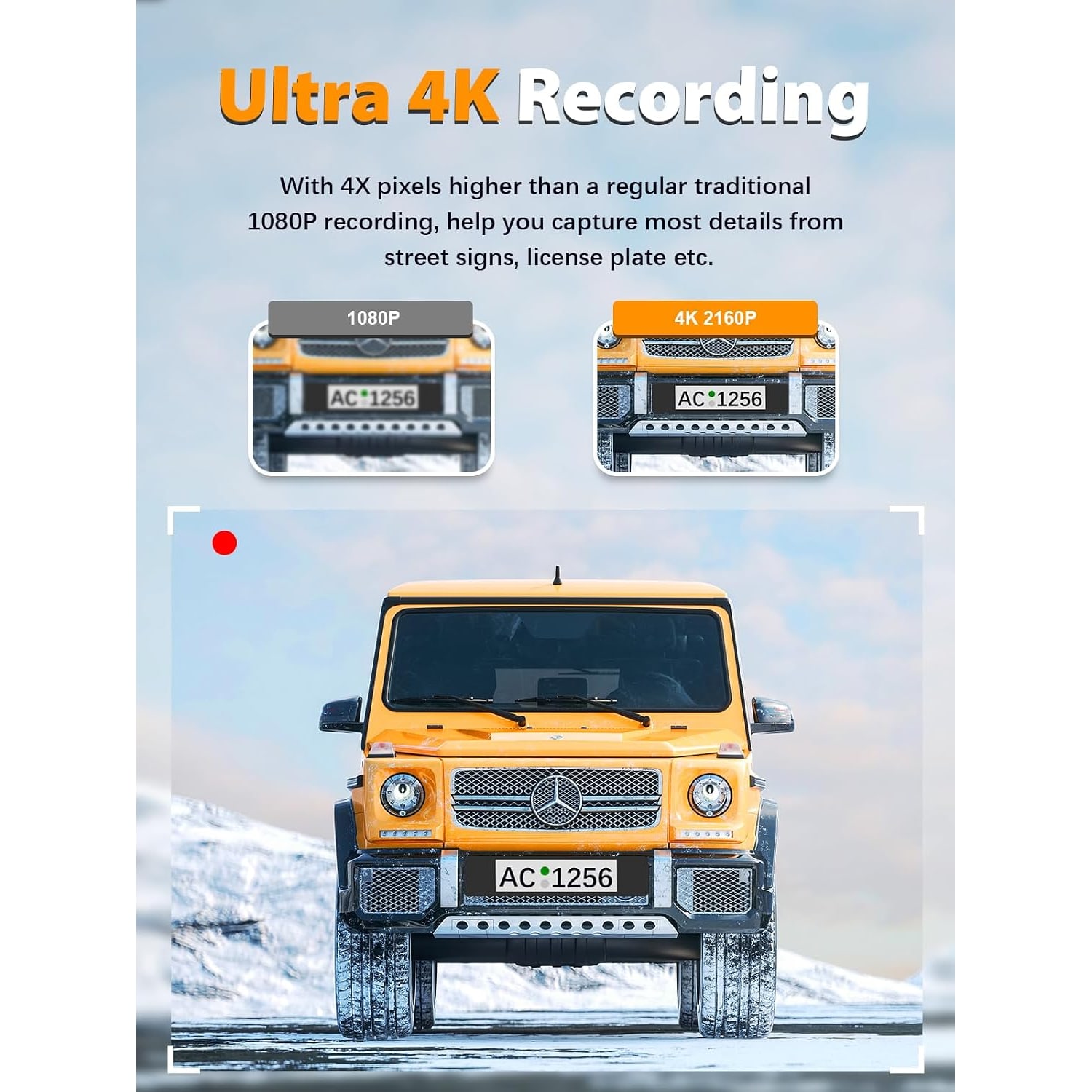
This model, the Q4, was first sold with a 2K front camera and a 1080p rear camera. The maker says it was upgraded on 17 August 2024. Since then, according to the maker, the front camera records 4K at 3840 x 2160 and 30 frames per second, and the rear camera records 1080p.
We leave the resolution out of the product name and describe the newer figures as the maker's statement. If you are buying mainly for 4K, message us first and we will check what the maker currently states.
What does more resolution buy you? More pixels on the same scene, which helps when you pause a clip and zoom in. It does not promise that every number plate will be readable. Distance, speed, rain and glare all play a part.
Lenses, angles and light
The maker gives the front lens a 160 degree angle and the rear lens 150 degrees. That is wide enough to take in the lanes on each side of you. Wide lenses make distant things look smaller, so a car two lanes over will appear further away than it felt.
The lens has six glass elements and a stated aperture of f/1.5, in front of a CMOS sensor. A lower f-number means a larger opening, and a larger opening gathers more light. That is useful at dusk, in tunnels and in covered car parks. The maker does not give a low-light figure or a sensor size, so we will leave night performance at that.
A small body behind the mirror
The main camera measures 9.4 x 4.6 x 3.6 cm. The maker says it mounts behind the rear view mirror, where it stays out of your line of sight, and the product details also allow for a dashboard mount.
There is a 2.1 inch touchscreen on the camera. On a screen that size you check the angle, tap a setting and move on. For actually watching footage, the app is the better tool.
The app and the WiFi link
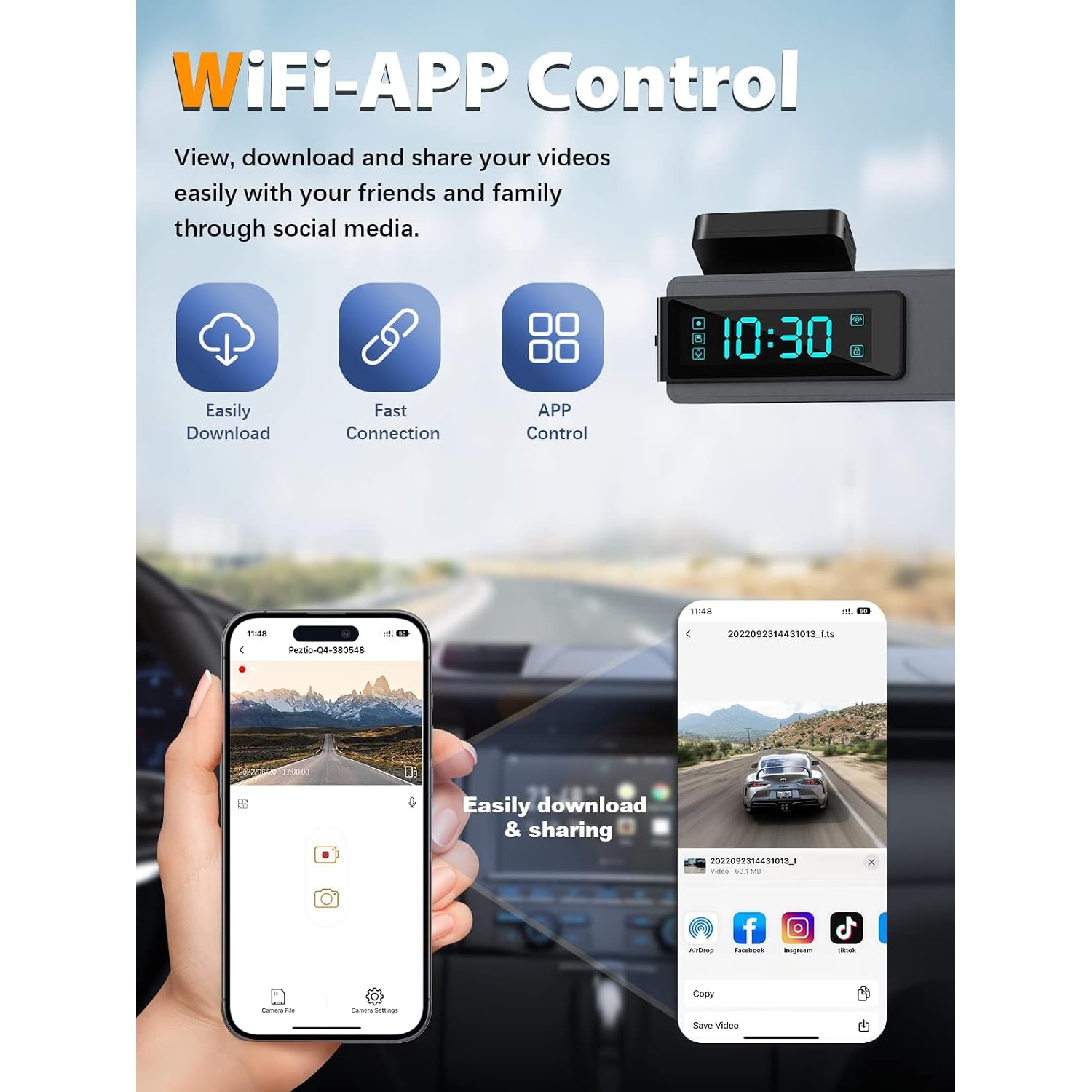
The camera has built-in 2.4GHz WiFi. Your phone joins the camera's WiFi and the app does the rest. The maker lists four jobs for it: a live view, downloading videos, changing settings, and editing and sharing clips. The app is offered for Android and iOS.
The live view is most useful on day one. Hold the camera where you plan to mount it, look at the phone, and adjust until the bonnet line sits low in the frame and the horizon is level. After that, the app is mainly how you pull a clip off the camera without removing the card.
The maker does not state the WiFi range or download speed. Large 4K files take time to move over 2.4GHz, so download the one clip you need instead of a whole afternoon of driving.
The 64GB card
The contents list names a 64GB SD card. That saves you from choosing a card on day one. Format it in the camera before the first trip.
Here is the limit to know about. The product details give 64GB as the largest card the camera supports. You cannot count on a 128GB or 256GB card working. With 4K files being large, 64GB fills quickly, so get into the habit of saving anything important soon after it happens.
What the maker leaves out
We only state what the maker gives, and for this camera there are gaps.
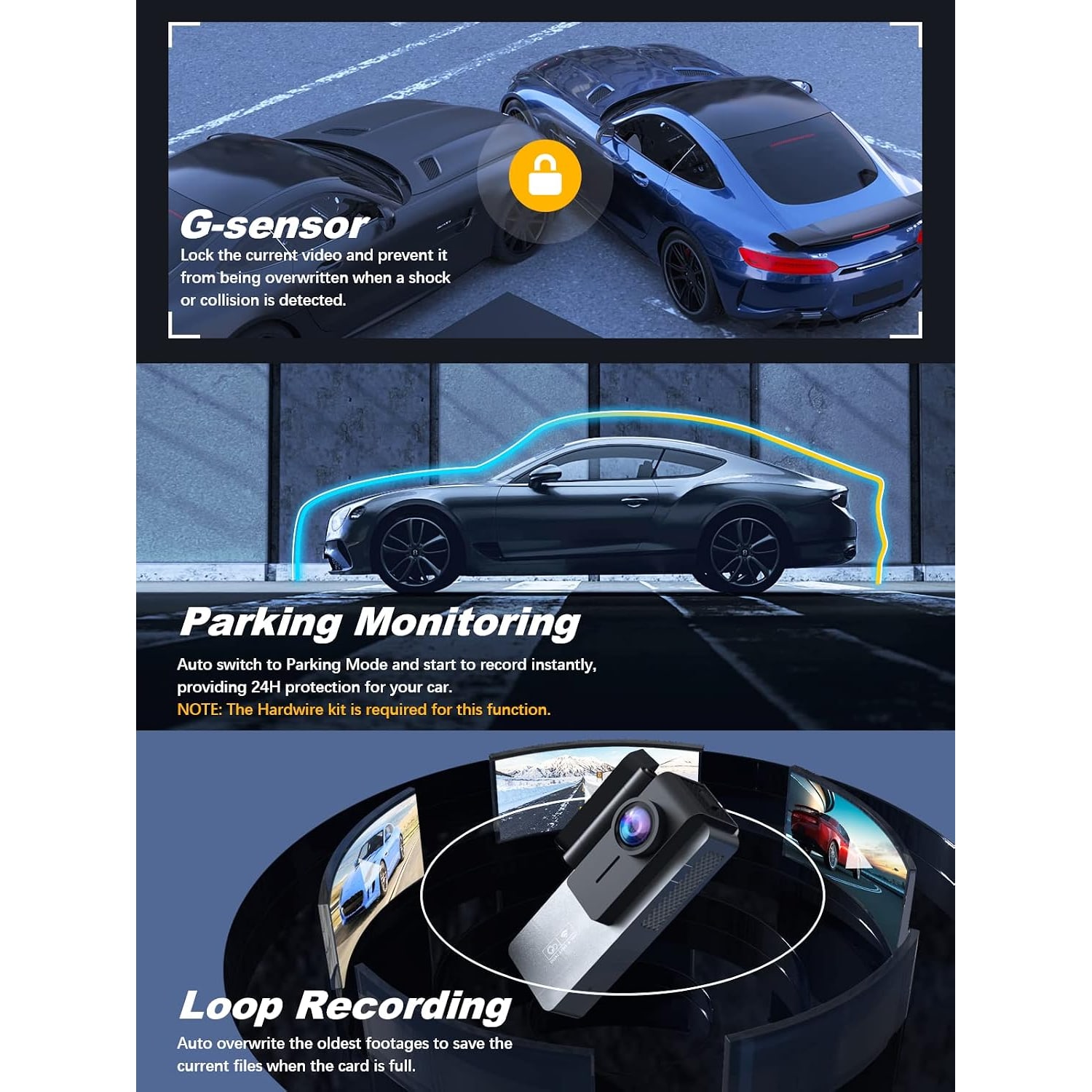
Loop recording is not mentioned. Neither is a G-sensor that locks clips after a jolt. GPS is not stated, and nor is a microphone. The contents list names the card and nothing else, so the mount, the power lead and the length of the rear camera cable are not spelled out. The weight given in the product details is not reliable, so we do not quote one.
Most dash cams have loop recording, and it would be odd for this one to lack it. But a guess is not a fact. If any of these points matter to you, ask us before ordering and we will find out what we can.
Power and parking mode
Dash cams take power from the car, through the 12 V socket or through a hardwire kit. The maker's parking kit for this model is a Type-C kit, which points to a Type-C power port on the camera. The product details list a lithium polymer cell with no capacity, so do not plan on battery recording.
The maker says the camera switches to parking mode by itself when the car is parked. The 24 hour version of that mode needs the Type-C hardwire kit, which is not included. A hardwire kit connects to the fuse box. It is a tidy job for an installer and a fiddly one for a first-timer.
Fitting it in a Singapore car
Singapore drives on the left and the driver sits on the right. A popular spot is just to the left of the mirror stem, on the passenger side. The camera is then behind the mirror from where you sit.
Run the power cable along the top edge of the windscreen, under the roof lining and down a pillar to the socket. The rear camera cable goes the other way, along the roof lining to the back. Take your time with the trim and do not force a cable across an airbag cover.
Test before you stick. Power the camera, open the live view and check both pictures. Only then press the mount on.
Your first week with it
Give the camera a short settling-in period. On the first evening, set the date and time, format the card in the camera and take a ten minute drive. Then open the app and watch a clip from each camera. You are checking three things: that both views are recording, that the picture is level, and that the files open on your phone.
After a few days, pull the card or use the app again and look at how far back the footage goes. That tells you how the camera behaves as the card fills, which the maker does not describe. If something looks wrong, it is far easier to sort out in the first week, while the return window is open and before the cables are tucked away for good.
Once you trust it, leave it alone. A dash cam earns its place by running quietly in the background.
Heat and care
The maker does not state an operating temperature. A car parked in the open at noon gets very hot, and heat shortens the life of electronics and memory cards. Covered parking, a shady lot or a windscreen shade all help.
Clean the lens and the patch of glass in front of it with a dry microfibre cloth. A film of dust on the inside of the windscreen softens every frame. If the mount loosens in the heat, clean the glass and press it back.
Who it suits
It suits a driver who wants two views, a small camera and phone control, and who likes the idea of a card being in the box. It also suits people who rarely want to touch the camera once it is set.
It is a weaker fit if you want GPS data, a card larger than 64GB, or a maker who spells out every feature. In that case, pick a model where those things are stated.
One note for every dash cam owner. Recording other people is covered by Singapore law, including the PDPA.
The short version
This is a small front and rear WiFi car camera. The maker says it has recorded 4K at the front and 1080p at the rear since August 2024, with 160 and 150 degree lenses, an f/1.5 aperture and a 2.1 inch touchscreen. An app for Android and iOS handles live view and downloads, and a 64GB card is listed in the contents.
Know the gaps before you buy. The card limit is 64GB, the 24 hour parking mode needs a Type-C hardwire kit, and several common features are not stated by the maker. Ask us about anything that matters to you, and we will check.