
The complete guide
A Plain Guide To Choosing A 2K Battery Camera With A Stand
One camera, more than one job
Homes change. The new kitten becomes a cat that sleeps all day. The renovation ends and the contractors stop coming. You start travelling for work and suddenly care about the balcony door. A camera that is screwed to one wall and wired to one socket cannot follow those changes.
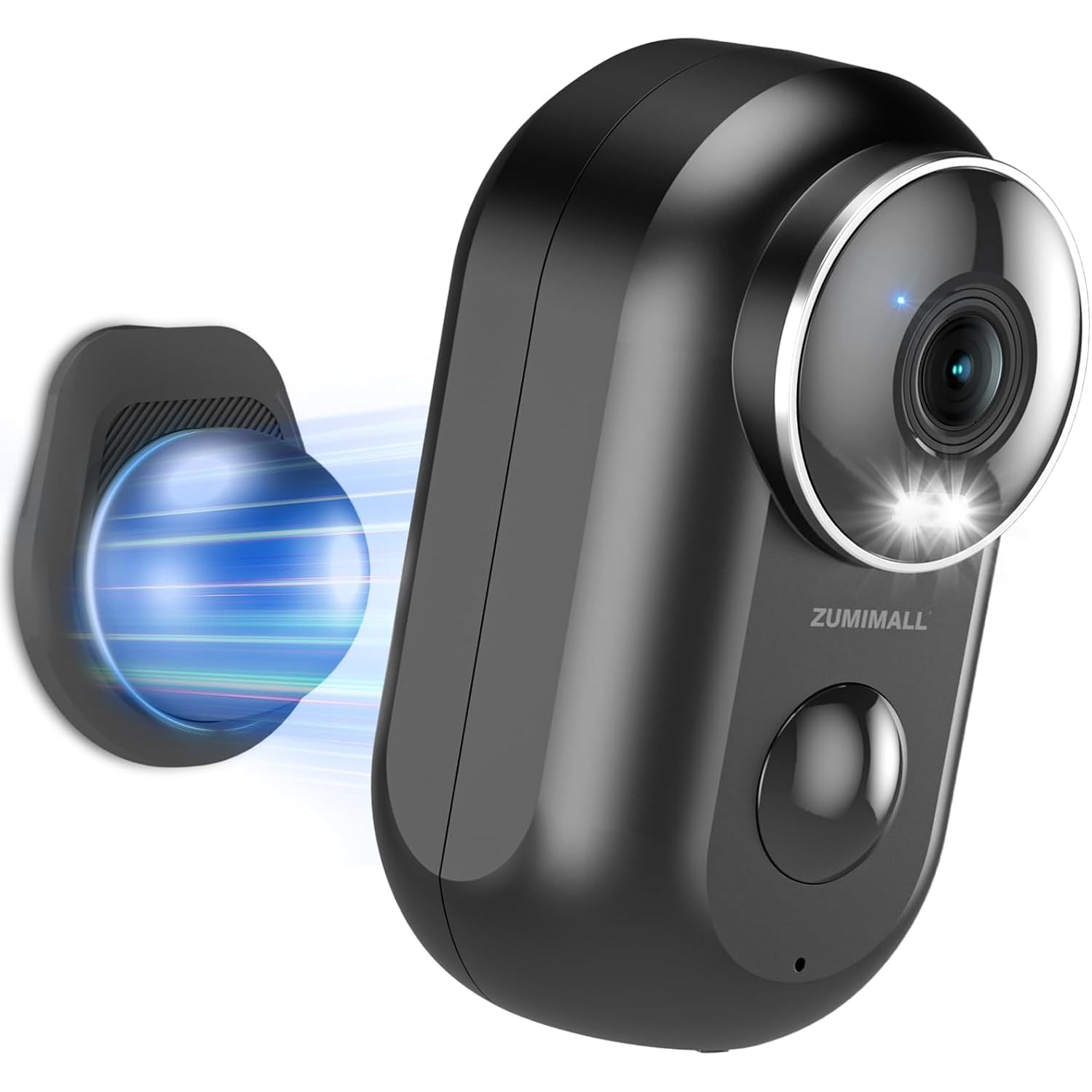
A battery camera with a stand can. You charge it, put it where the question is, and move it when the question changes. This guide covers what this particular 2K model does, how to set it up so it lasts between charges, and the one detail about weather that deserves a careful read.
What 2K adds to the picture
Resolution is the first number people look at, so let us be precise. This camera has a 3 MP sensor and the maker lists 1296 lines of effective video resolution, which it describes as 2K. A standard 1080p camera has about 2 MP. So you are getting roughly half as many pixels again.
Does that matter? At a doorway, yes. Extra pixels are what let you tell a food delivery rider from a parcel courier, or see whether the box on the floor is the one you ordered. Further away, they are what keep a face from turning into a smudge when you use the 4x digital zoom.
One line in the maker's details says 1080p instead of 2K. The sensor figure and the 1296 line figure both point to the higher number, and that is what we have used here.
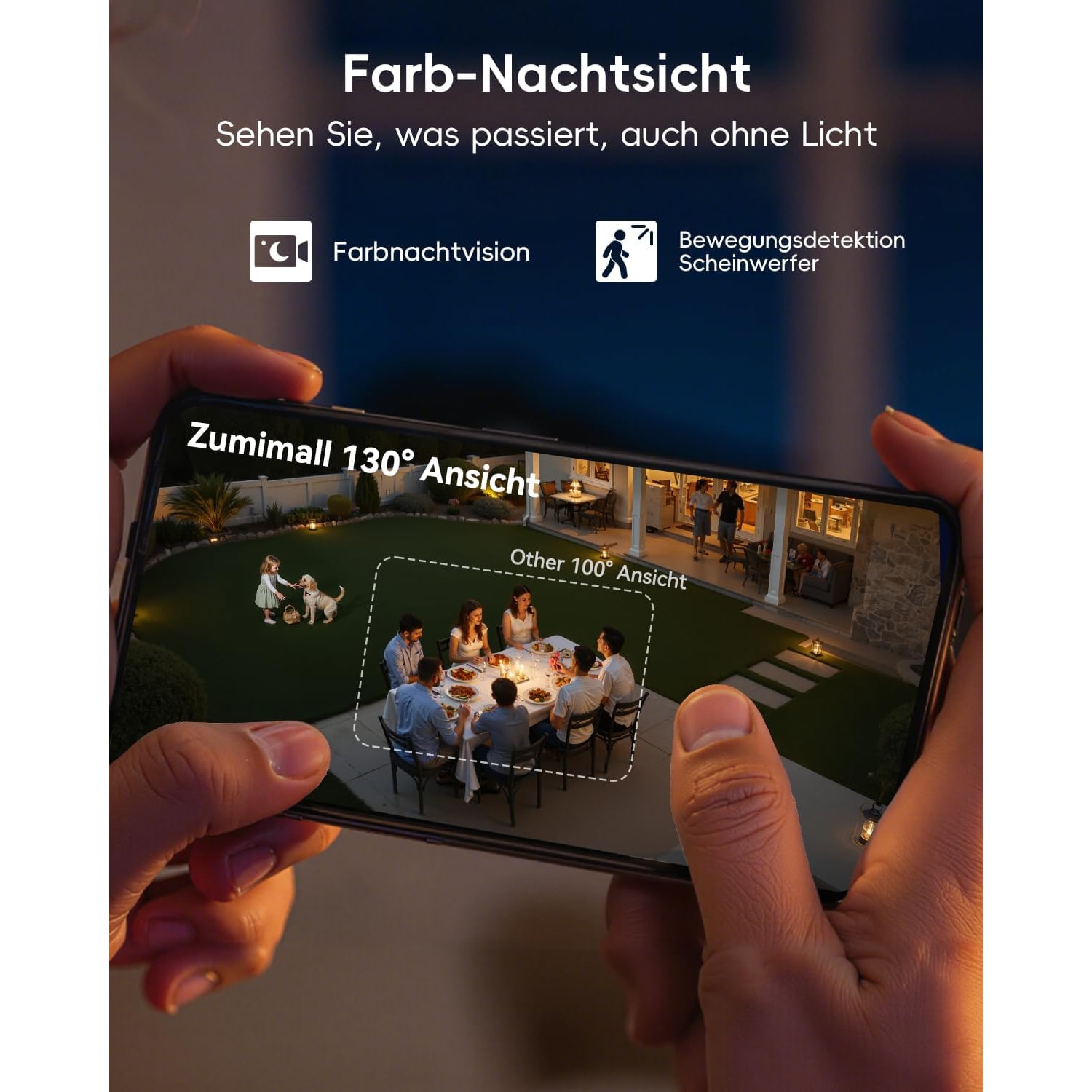
The lens takes in 130 degrees. That is a wide view, good for covering a whole doorway and the wall either side. It is a fixed lens. If you need a camera that swings round to follow someone, you want a pan and tilt model instead.
Video is recorded at 25 frames per second in MP4, a format that opens on almost any phone or computer.
Motion detection you can tune
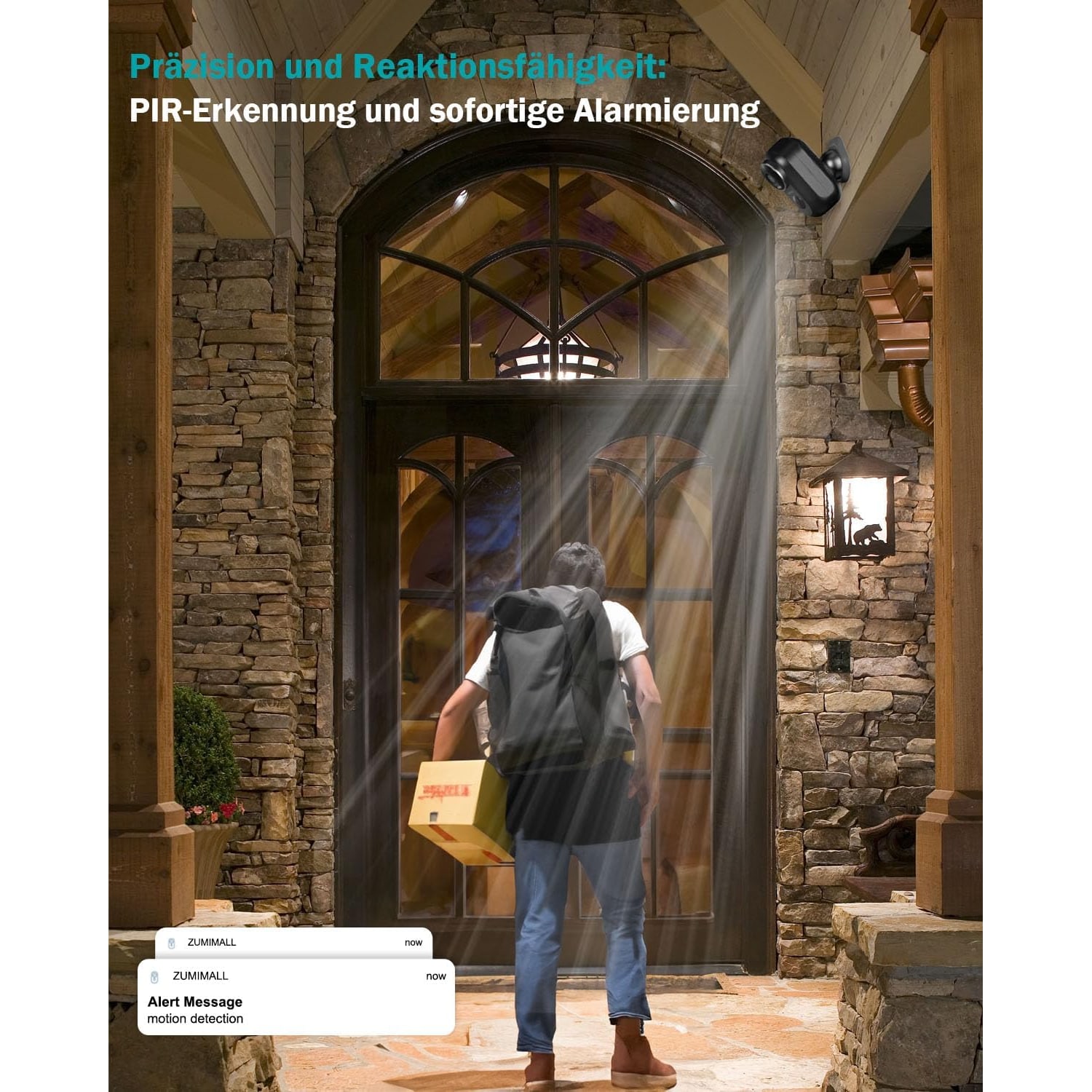
A battery camera lives or dies by its motion detection. Too sensitive, and it wakes for every flicker of light, fills your phone with alerts and drains itself in a fortnight. Not sensitive enough, and it sleeps through the thing you bought it for.
This one gives you several controls. There is body detection, which looks for people instead of any change in the picture. There is a sensitivity setting. And you can adjust both the detection range and how long detection runs.
Spend ten minutes on these in the first week. Start with medium sensitivity. Walk through the scene yourself and check that you get an alert. Then watch what else triggers it over a few days. A ceiling fan, a curtain in the breeze or a neighbour's wind chime catching the light are the usual culprits. Turn sensitivity down a step, or shorten the range, until the alerts are mostly ones you want.
The maker suggests a detection distance of about 10 m for finer detail. In a flat, the scene is rarely that deep, so you have room to pull the range in.
Talking through the camera
Two-way talk is the feature people use more than they expect. A courier rings while you are in a meeting. You open the app, see who it is, and ask them to leave the parcel with the neighbour or at the shoe rack. Or a family member arrives without keys and you tell them you are ten minutes away.
It works through the app, wherever your phone has a connection. Keep the conversations short. Live audio and video use more battery than a motion clip does.
Battery life in real homes
The maker's figure is one to three months of standby from a full charge. It does not state the battery capacity. That range is wide because use varies so much.
Three things eat the battery: how often motion wakes the camera, how long you spend on live view, and how weak the WiFi is. The last one surprises people. A camera at the edge of the router's reach has to work harder to send every clip.
So to get towards the three month end, place it where the WiFi is strong, tune the motion settings, and resist the urge to check the live view every hour. A calendar reminder to recharge every six or eight weeks is a sensible starting point. Adjust it once you see how your own spot behaves.
The box list names the camera, a holder and a user manual. No charging cable or wall charger is named. The camera is listed at 5 V, the usual USB charging voltage, so have a USB power source to hand and confirm the cable and port type from the manual.
The stand, and where it can go
The maker describes a double stand with two fixing methods. You can screw the holder to the wall, or use the magnetic holder.
Screws are the firm choice. Use them anywhere the camera will stay for months, or anywhere it could be knocked. The magnetic option is the convenient one. It lets you lift the camera off to recharge and put it back at the same angle in seconds. A metal door frame, a steel shelving unit in the office or a metal gate post under shelter are natural places for it.
The camera weighs 0.38 kg, which is solid for its size. Whichever method you pick, give it a firm tug after mounting. Better to find out now than at 2 am.
Weather: read this part twice
The category this camera sits in on our site is indoor cameras, and there is a reason for that.
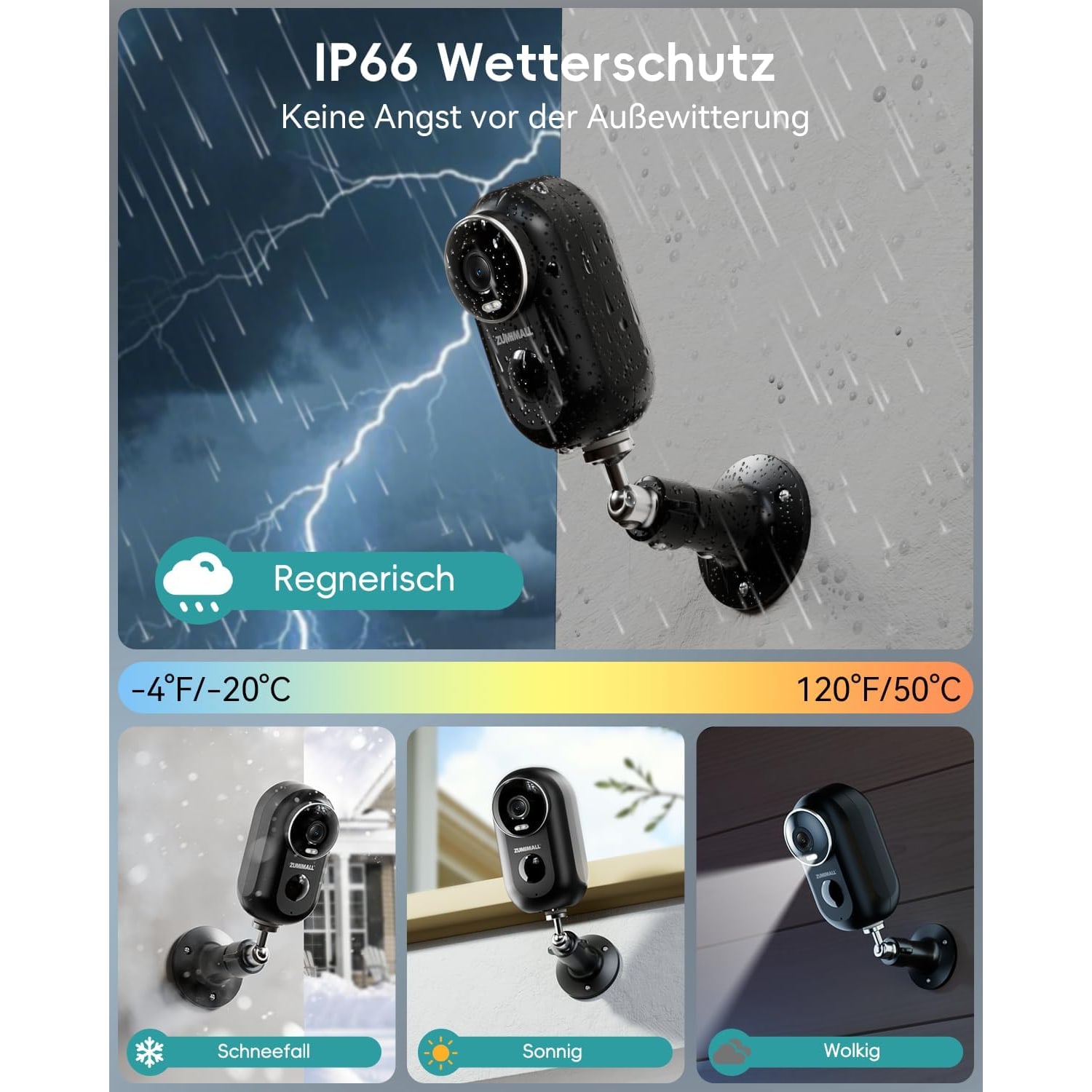
The maker gives it an IP66 rating for dust and water and talks about indoor or outdoor placement. An IP66 rating normally means a device can cope with heavy rain. But one line of the same maker's details lists the camera as indoor and not water resistant. Both statements cannot be fully right.
Our advice is to take the cautious path. Indoors is fine anywhere with WiFi. Outdoors, choose a sheltered position: under the balcony ceiling, beneath a car porch roof, or tucked under an awning by the gate. Avoid fixing it where monsoon rain can drive straight onto it, and keep the charging port dry.
Shade helps for another reason. The maker does not state an operating temperature range, and batteries age faster in heat. A west-facing wall in the afternoon is a hard life for any battery device.
Storage and sharing
There are two places for video to go. The first is a microSD card of up to 128 GB, which slots into the camera. The card is not included, so order one with the camera. The second is the maker's cloud service, which has optional plans you arrange in the app. Cloud is not required.
A card is simple and private. The trade-off is that the footage sits in the camera itself. Cloud keeps a copy elsewhere. Some households use both.
The camera can be shared with multiple devices. In practice that means two or three family members each see alerts and can open the live view from their own phone.
Getting it onto your WiFi
The camera supports 2.4 GHz WiFi only. It has a built-in antenna, and it will not see a 5 GHz network at all.
Most routers sold in Singapore are dual band. If yours shows a single network name for both bands, setup can fail because your phone is sitting on 5 GHz. The fix is usually to select the 2.4 GHz band on your phone for a few minutes, or to split the bands in the router settings.
Before mounting, hold your phone where the camera will go and load a video. If it plays smoothly, the camera will be fine there.
Who it suits, and who should look elsewhere
This camera suits someone who wants a clear picture of one doorway, room or sheltered outdoor corner, with no wiring and the freedom to move it. It suits renters. It suits small offices that want to see the reception desk after hours.
It is less suited to open, exposed positions, to anyone who wants continuous recording, or to anyone who wants a lens that pans and tilts. Homes with 5 GHz only WiFi should also pass.
The short version
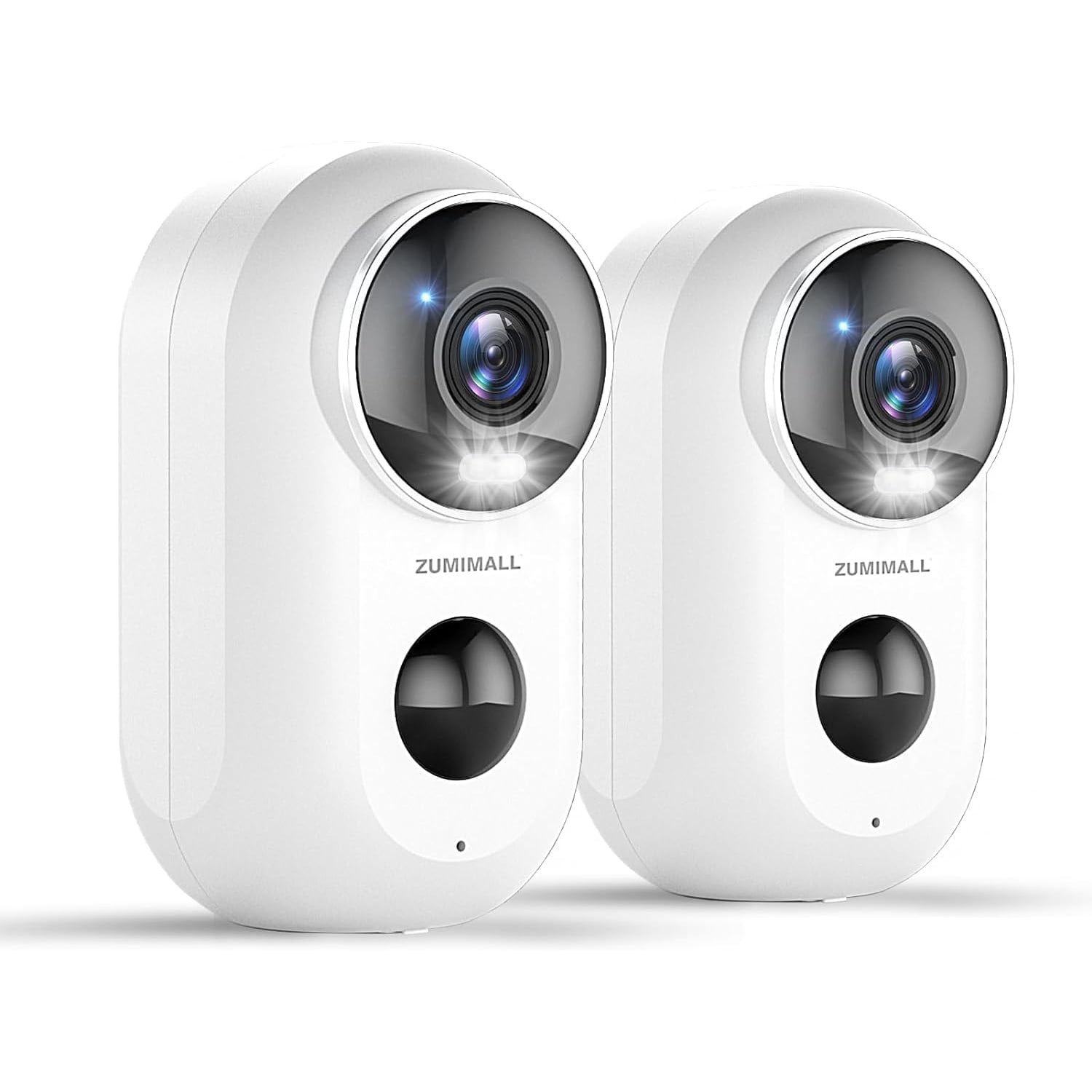
A 3 MP, 2K battery camera with a 130 degree lens, 15 m infrared night vision, two-way talk and tunable body detection. One to three months of standby by the maker's figure. Screw or magnetic stand. Records to a microSD card of up to 128 GB (not included) or optional cloud.
Give it strong 2.4 GHz WiFi, a shaded and sheltered spot, a memory card and a USB cable, and it will do its job without asking much of you.