
The complete guide
A Buyer's Guide To Cleaning An APS-C Camera Sensor And Lenses
Dust shows up when you least want it
You change lenses at a hawker centre, on a windy afternoon at Marina Barrage, or beside the car with the boot open. A few days later you photograph a clear sky and there they are: soft grey dots in the same place on every frame. That is dust on the sensor, and every camera with a removable lens picks it up sooner or later.
Lens glass has its own troubles. Fingerprints, sunscreen, sea spray, and the fine film that settles on anything left out in humid air.
A camera cleaning kit does not make any of this go away for good. What it does is put the right tools in one place, so that when the dots appear you are not wiping a lens with the hem of your T-shirt.
What is in the case
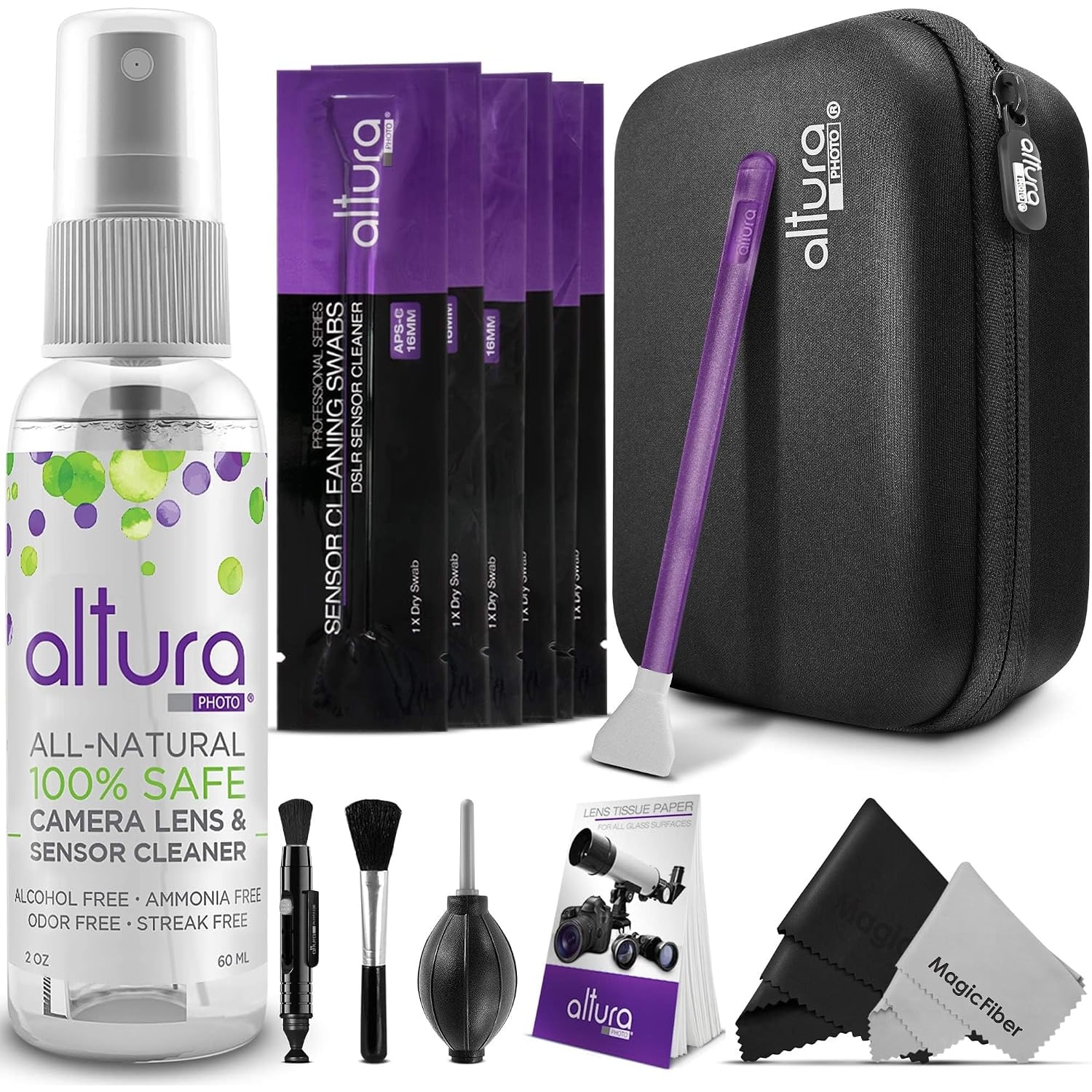
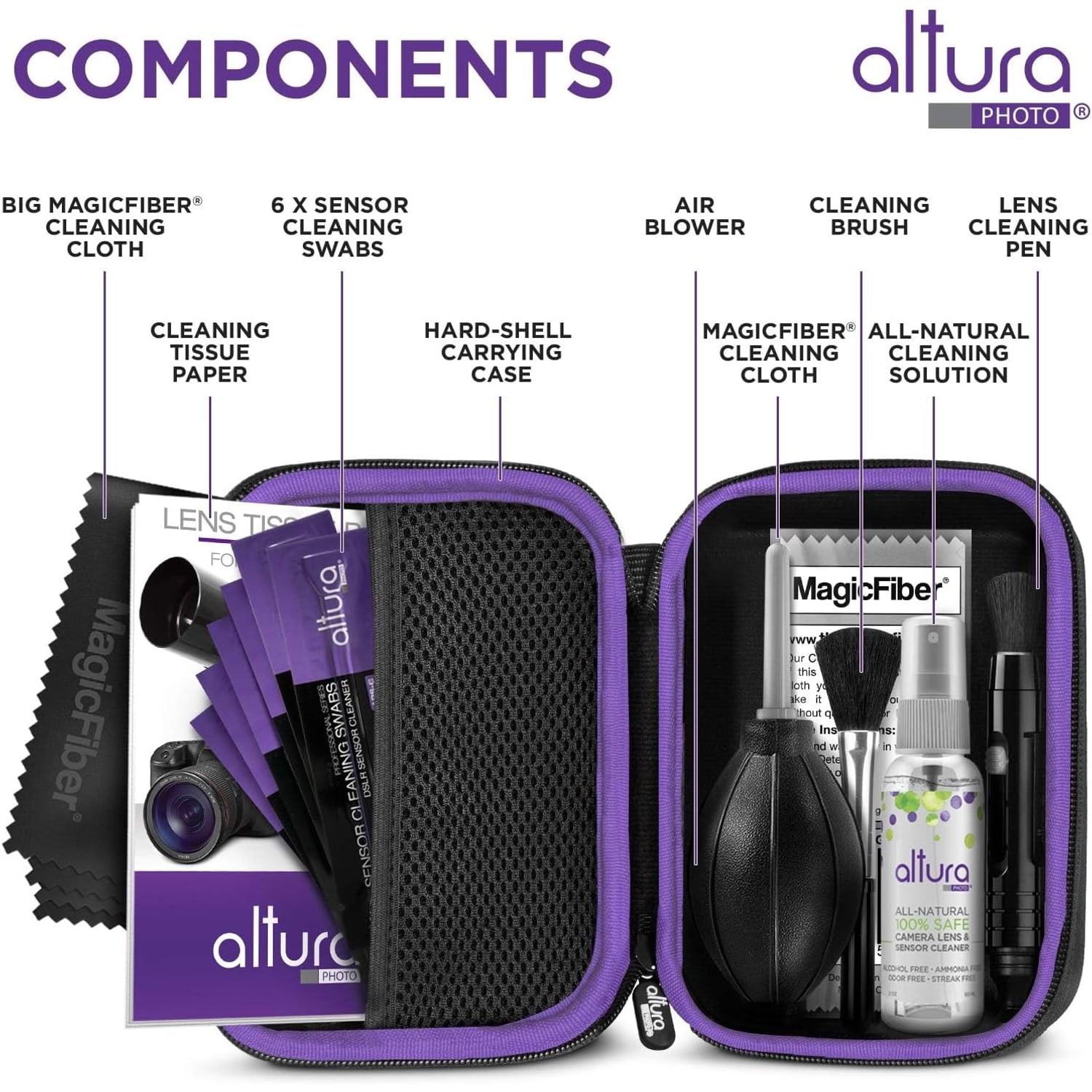
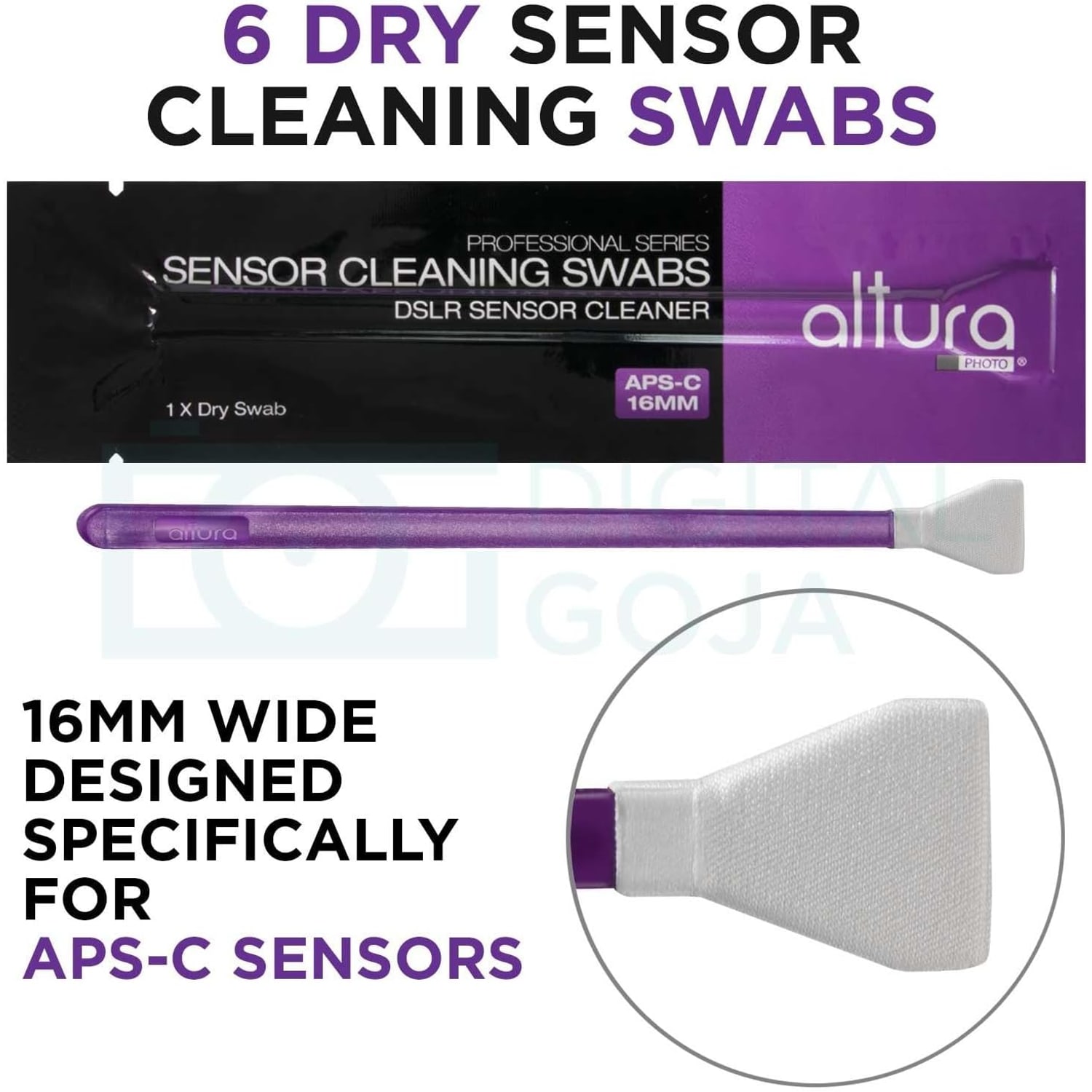
The maker lists the contents as follows. Six dry sensor swabs, each 16mm wide, individually wrapped and vacuum sealed. One 60 ml bottle of cleaning solution. An air blower. A lens cleaning pen. A lens brush. Fifty sheets of lens tissue paper. Microfibre cloths, though the maker does not say how many. And a hard zipped case that holds all of it.
The kit weighs 363 g in total. The materials are listed as paper and microfibre, the colour as purple, and the kit as not water resistant. The size of the case is not published.
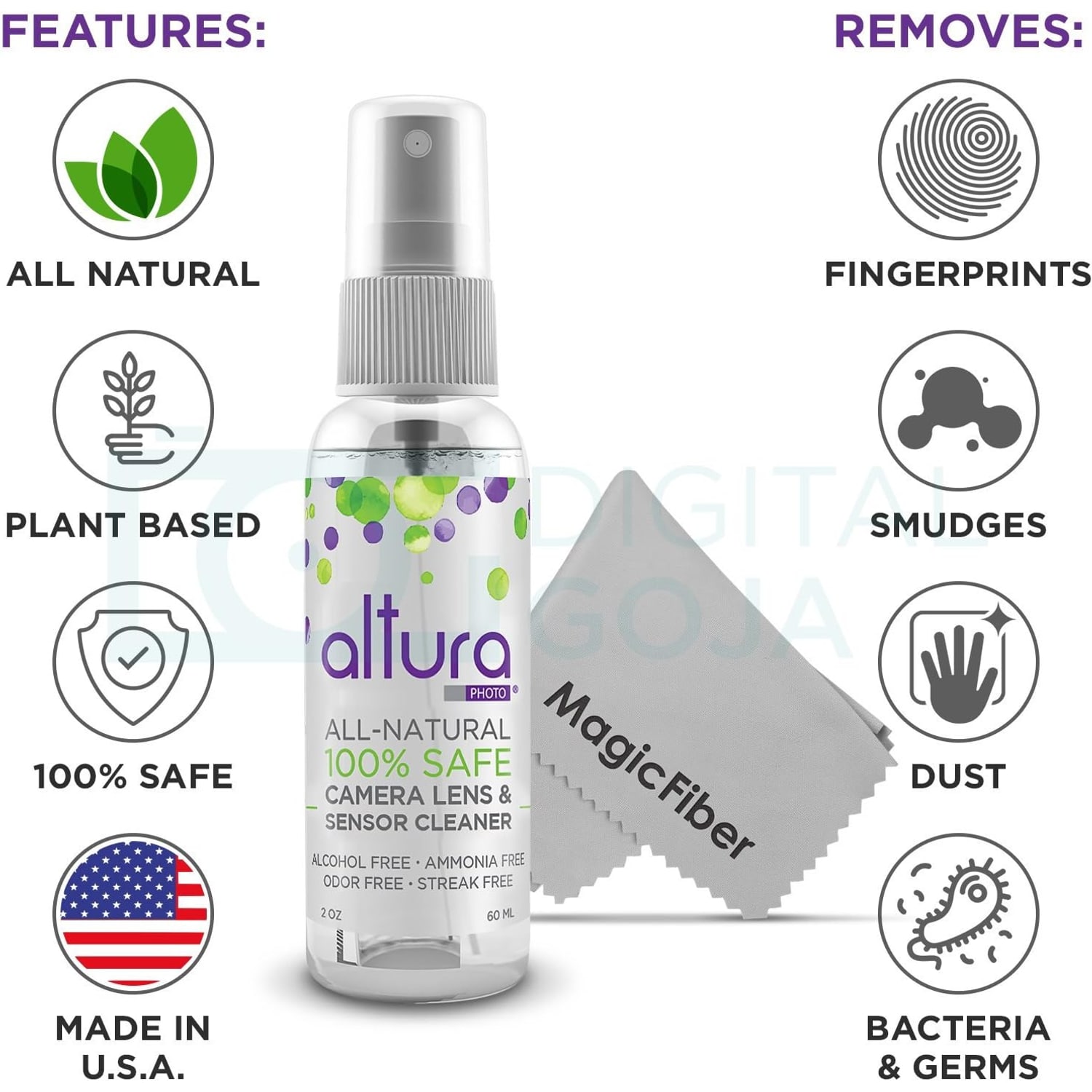
On the fluid: the maker states the solution contains no alcohol or ammonia and describes it as made from plant-based ingredients. That is as far as the published detail goes. There is no full ingredient list and no stated shelf life.
Which cameras the 16mm swabs fit
This is the detail to get right before ordering. Sensor swabs are sized to the sensor so that one pass covers it from edge to edge. These are 16mm swabs, which the maker says are made for APS-C sensors measuring 23.6 x 15.6 mm.
The maker's compatibility list names the Canon EOS Rebel T7, T7i and T8i, the EOS 80D and 90D, the Nikon D3300, D3500, D5500, D5600, D7500 and D500, and the Sony A3500, A5100, A6300 and A6500, along with other APS-C cameras of that sensor size.
Some of those model names are the ones used in other markets, and the same camera can carry a different name on a box bought in Singapore. So do not rely on the name alone. Open your camera manual or the camera maker's website, find the sensor format, and confirm that it says APS-C.
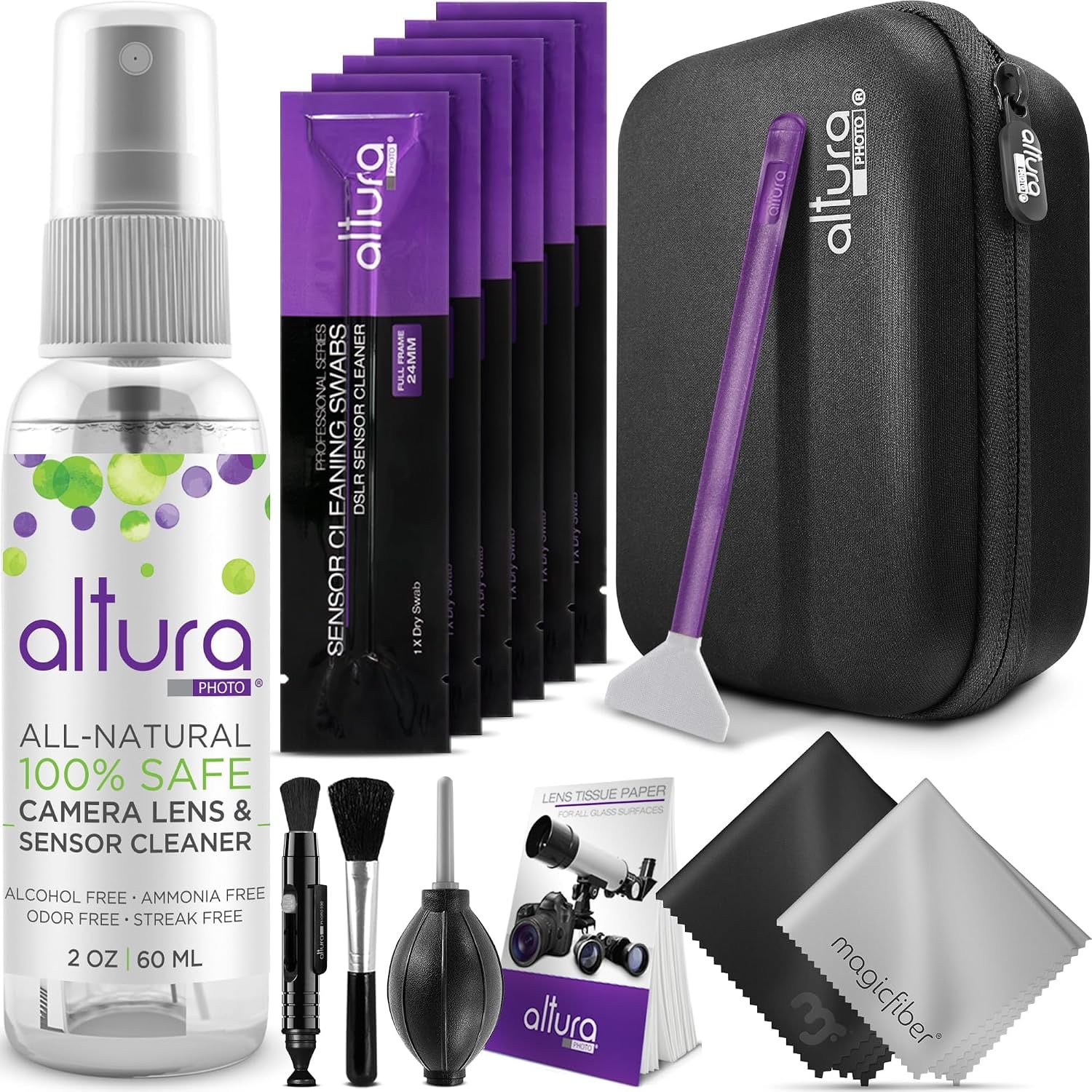
If your camera is full frame, these swabs are too narrow. The maker sells a separate full frame kit with 24mm swabs for that. For Micro Four Thirds and smaller sensors the maker gives no guidance, so this is not a kit to guess with.
Start with the least contact
Good cleaning follows one rule: touch the surface as little as you can. Most dust is loose, and loose dust does not need a wet swab.
Check first. Set a small aperture such as f/16, photograph a plain bright surface like a white wall or an overcast sky, and look at the picture on a computer. Dark spots that stay put from frame to frame are on the sensor. Spots that move or vanish when you change lenses are on the lens.
Then use the air blower. Follow your camera manual to expose the sensor, hold the camera with the mount facing down, and give a few firm puffs without letting the nozzle touch anything. Take another test shot. Very often that is the end of the job.
Do not use canned air or your breath. Canned air can spit propellant, and breath carries moisture.
Wet cleaning the sensor, and when to hand it over
If spots survive the blower, the swabs and solution come in. Before you open a swab, read what your camera maker says about sensor cleaning. Most manuals have a section on it, with a cleaning mode that holds the shutter open and a note about battery level. Some makers prefer that owners leave anything beyond a blower to a service centre. Their instructions come first, and it is worth checking how your warranty treats self-cleaning.
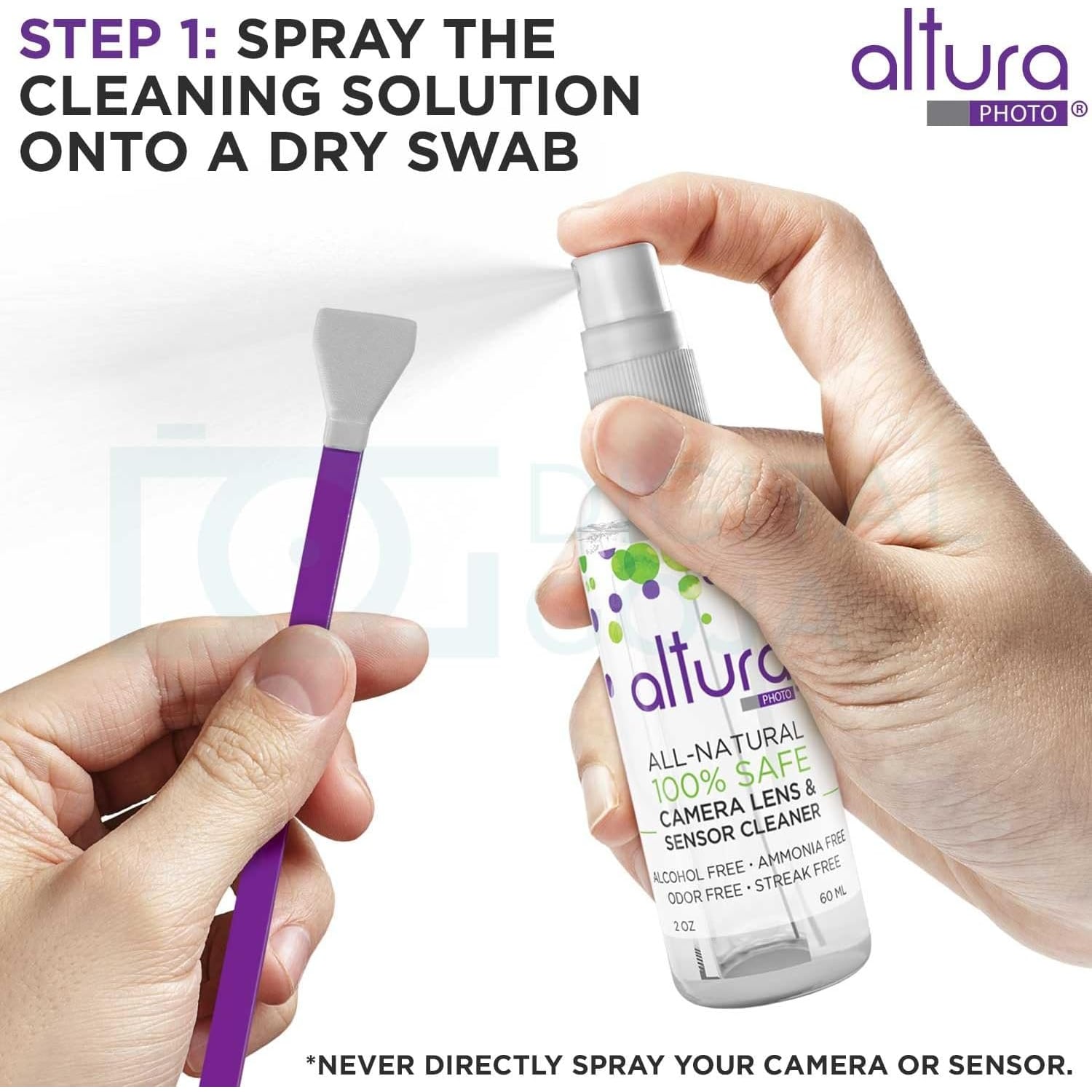
The swabs arrive dry and sealed. You add the solution yourself, sparingly, following any directions supplied with the kit. A swab that is dripping is carrying too much. Draw it across the sensor in a slow, even pass, and treat each swab as single use. That is why there are six.
We cannot promise a spotless sensor, and nobody honestly can. Stubborn specks and oil spots sometimes need a technician. If you feel unsure at any point, stop and book a sensor clean at a service centre. It costs less than a mistake.
Lenses, filters and screens
The rest of the kit is for glass you can reach easily.
Work in order. Blow loose grit off first so you do not drag it across the coating. Sweep what is left with the lens brush. For fingerprints and smears, use the lens cleaning pen, or a sheet of lens tissue with a little solution, wiping gently from the centre out. Put the fluid on the tissue, never straight onto the lens, so it cannot run under the front ring.
The fifty tissue sheets are single use, so there is no need to be precious with them. The microfibre cloths are for dry polishing, rear screens and viewfinder eyepieces. Wash them now and then without fabric softener, because a cloth full of grit or softener does more harm than good.
Humidity and fungus in Singapore
Ask any local photographer about lens fungus and you will get a story. Warm, damp air is what fungus likes, and a lens left for months in a cupboard or a zipped bag can grow fine, web-like threads on the inner glass.
The common habits here are a dry cabinet for storage and regular cleaning of the outer surfaces. Wiping off fingerprints, sweat and salt spray after a day out is part of that routine, and this kit covers that part.
Be clear about the limits, though. A cleaning kit cleans. It does not prevent fungus, and it cannot reach fungus growing between the elements inside a lens. That job needs a technician to open the lens. Controlling humidity is the work of a dry cabinet, not a bottle of solution.
It also helps to pick your moment. Gear carried from an air-conditioned room out onto a balcony will fog over within seconds. Let it clear before you clean, and do sensor work indoors with the fan off.
Who should buy this, and who should not
This kit suits owners of APS-C DSLR and mirrorless cameras who want one tidy set of tools instead of a blower in one drawer and a cloth in another. It suits students and hobbyists doing their first sensor clean with the manual open beside them. It also suits anyone who travels with a camera and wants a case that drops into the bag.
Look elsewhere if your camera is full frame, since the swabs will not span the sensor. Think twice if your camera has a fixed lens, because you cannot get to the sensor. The lens tools would still be useful, but you would be paying for six swabs you cannot use. And if the idea of touching a sensor makes you nervous, there is no shame in using only the blower and leaving the rest to a service centre.
Looking after the kit
Keep the swabs sealed until the moment you use them. Close the solution bottle firmly and store the case out of direct sun and away from a hot car boot. The case is not water resistant, so keep it inside your bag when it rains.
Keep the blower and brush clean too. Do not touch the brush bristles with your fingers, since skin oil ends up on the next lens. Replace the lens pen cap after each use.
Six swabs will not last forever. Once they are gone, the blower, pen, brush and case carry on, and you can restock with swabs of the same 16mm width.
The short version
This is an APS-C sensor cleaning kit in a hard zipped case. Inside are six sealed 16mm dry swabs, 60 ml of cleaning solution that the maker says has no alcohol or ammonia, an air blower, a lens pen, a lens brush, 50 sheets of lens tissue and microfibre cloths. It weighs 363 g.
Confirm your camera has an APS-C sensor before you order. Use the blower first, follow your camera maker's instructions for anything that touches the sensor, and hand the job to a service centre if you are unsure. No kit can promise a perfect result, but having the right tools in one place makes a careful clean much easier.