
The complete guide
How To Choose A 4K Dual Dash Cam With GPS In Singapore
Video shows what, GPS shows where
A dash cam clip answers one question well: what did it look like? It is weaker on two others. Where exactly was this? And how fast was I going?
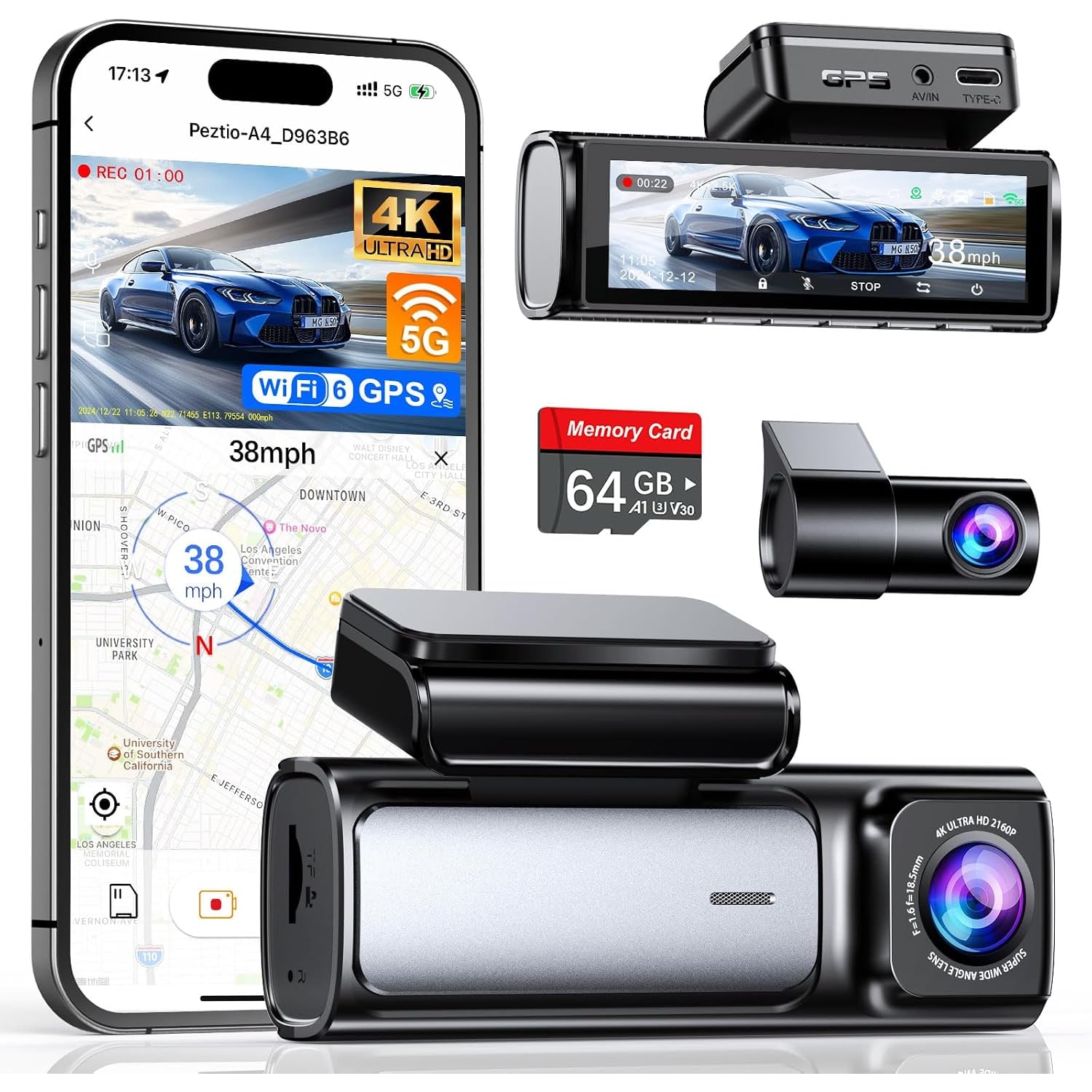
A time stamp helps a little. Built-in GPS helps a lot more. This 4K dual dash cam with GPS tracks your driving speed, your route and your coordinates while both cameras record. This guide goes through what that means in practice, what else is in the box, and who should spend the extra for it.
What the two cameras capture
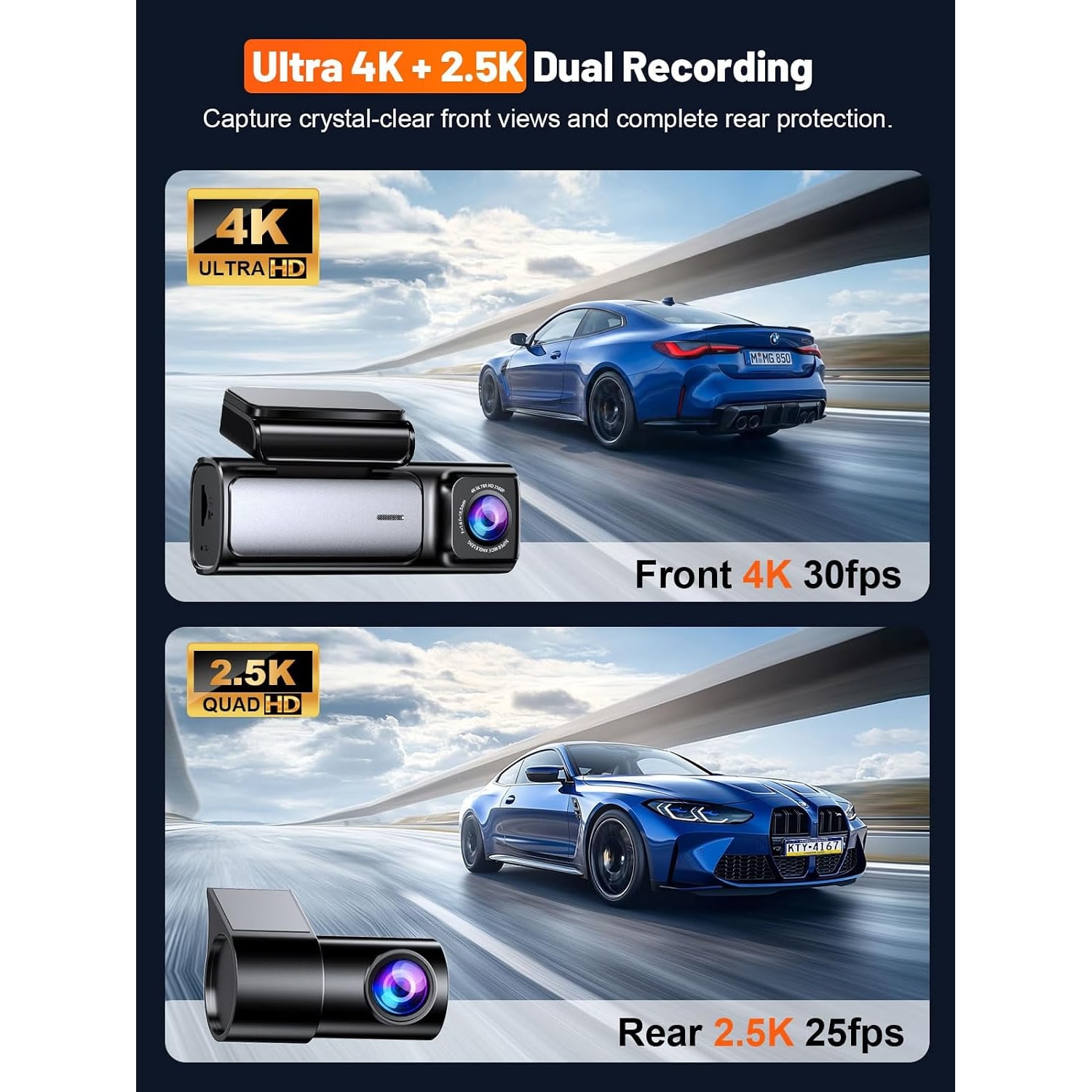
The front camera records 4K at 30 frames per second. Its lens has a 160 degree view and an f/1.5 aperture. The rear camera records 2.5K at 25 frames per second with a 155 degree view.
The rear figure stands out. Many dual sets pair a strong front camera with a basic 1080p rear camera. The maker says this model's rear camera was raised from 1080p to 2.5K on 1 June 2026. Rear-end bumps are a familiar risk in stop-start traffic, so a sharper rear picture is a practical gain. If that upgrade is the reason you are buying, ask us to confirm it before you order.
Higher resolution gives you more to look at when you pause a clip. It does not mean every plate can be read in every condition. Heavy rain, glare and distance still matter.
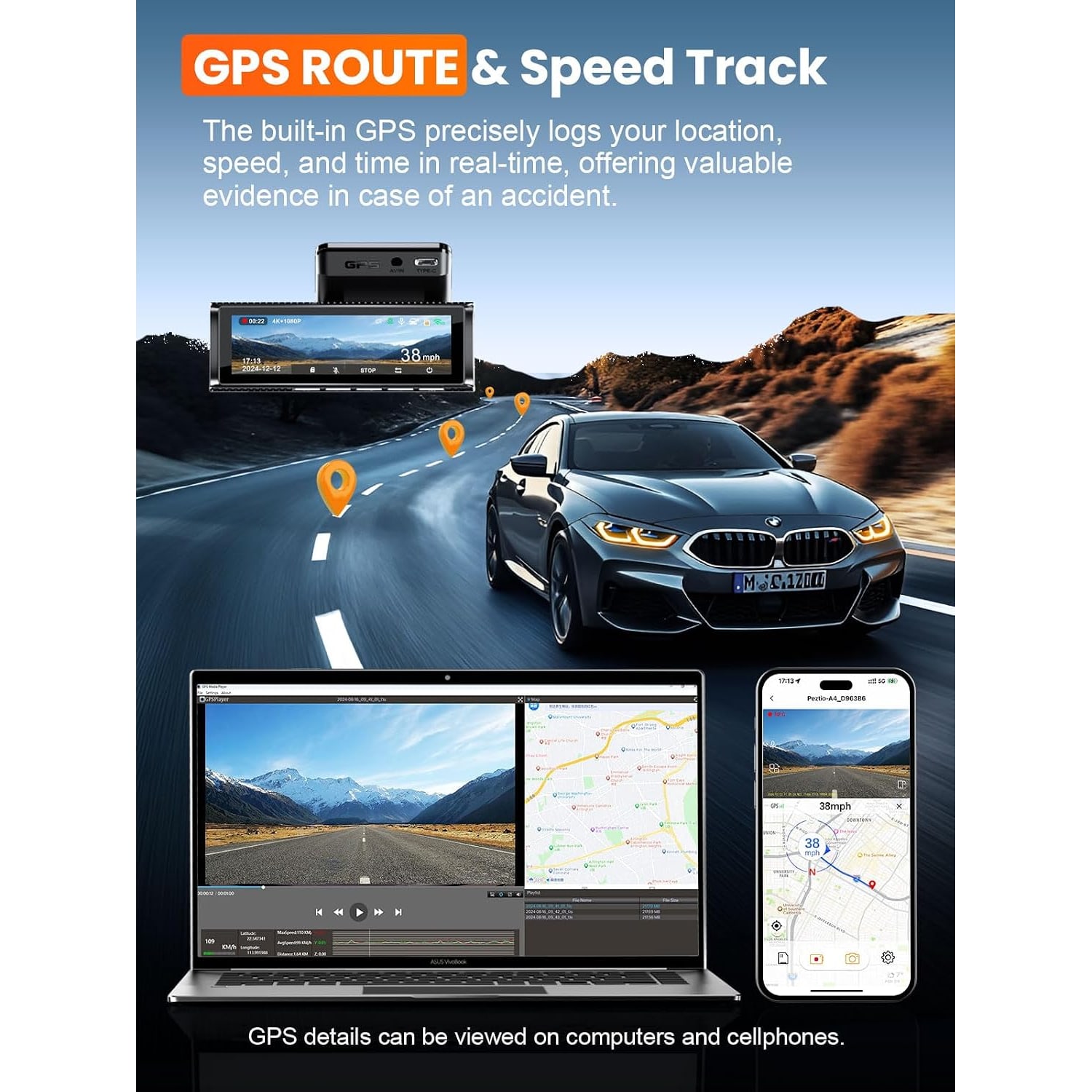
GPS: speed, route and coordinates
With GPS built in, each recording carries location and speed data. You can replay a whole journey in the app, or on a computer using the maker's GPS player for Windows and Mac.
When is that useful? Think of a dispute about where a lane change happened on an expressway, or which junction you were at. A video with coordinates is easier to place than a video alone. It is also handy for ordinary reasons, like finding the clip from a particular stretch of road.
There is a flip side, and it is fair to say it. GPS logs your own speed as well. If you were over the limit, the maker shows it. Most drivers are comfortable with that, but go in with open eyes. The maker does not state whether the speed display can be turned off.
WiFi 6 and the app
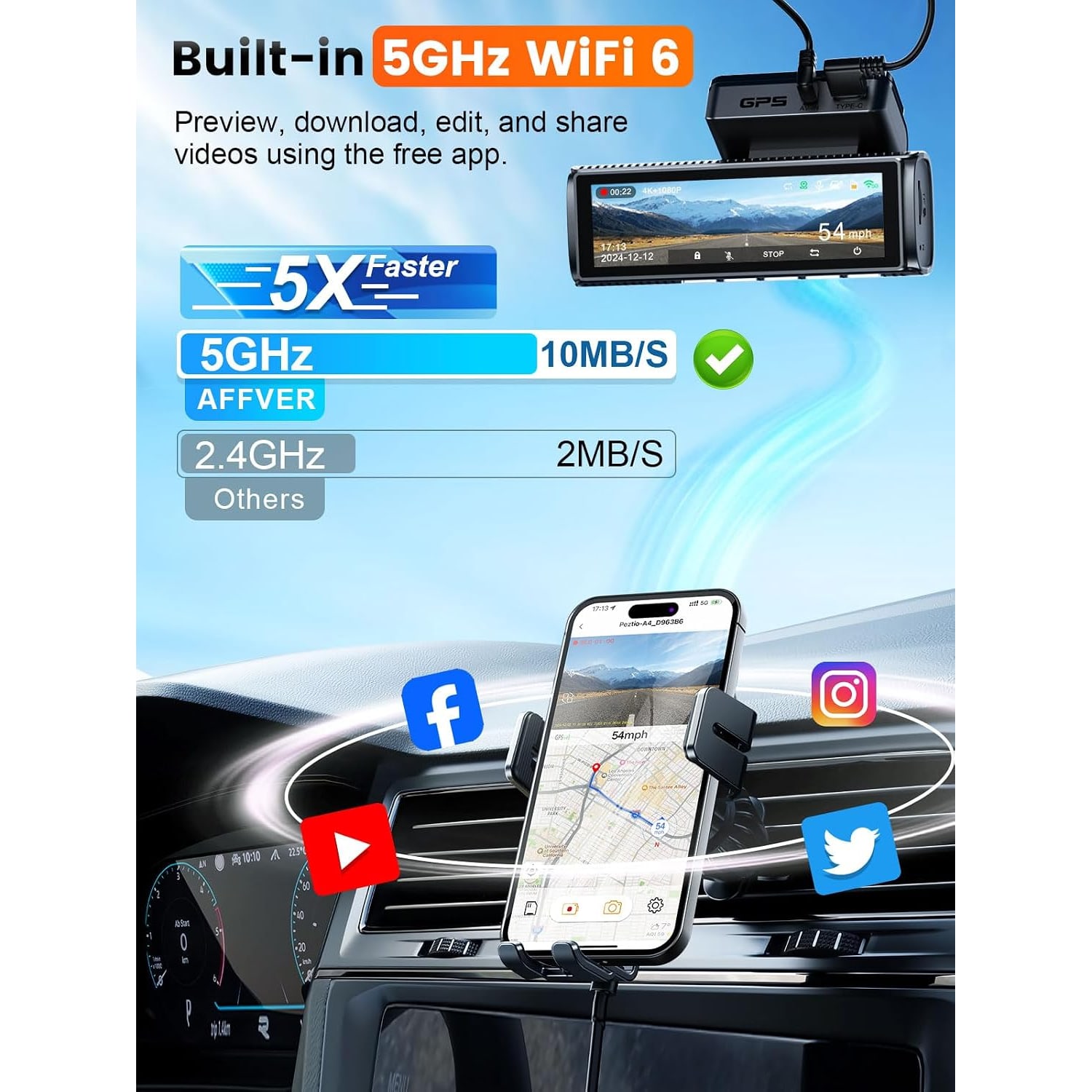
The camera connects to your phone over 5GHz WiFi 6. The maker states download speeds of up to 10 MB/s, about 25 percent faster than the 8 MB/s of the earlier version.
Speed matters here because 4K and 2.5K files are big. A fast link means you can stand beside the car, pull one clip and be done in a short while. Your phone needs to support 5GHz WiFi, which most recent phones do. The link is between the camera and the phone, and the maker does not mention any SIM card or data plan.
A screen you can actually read
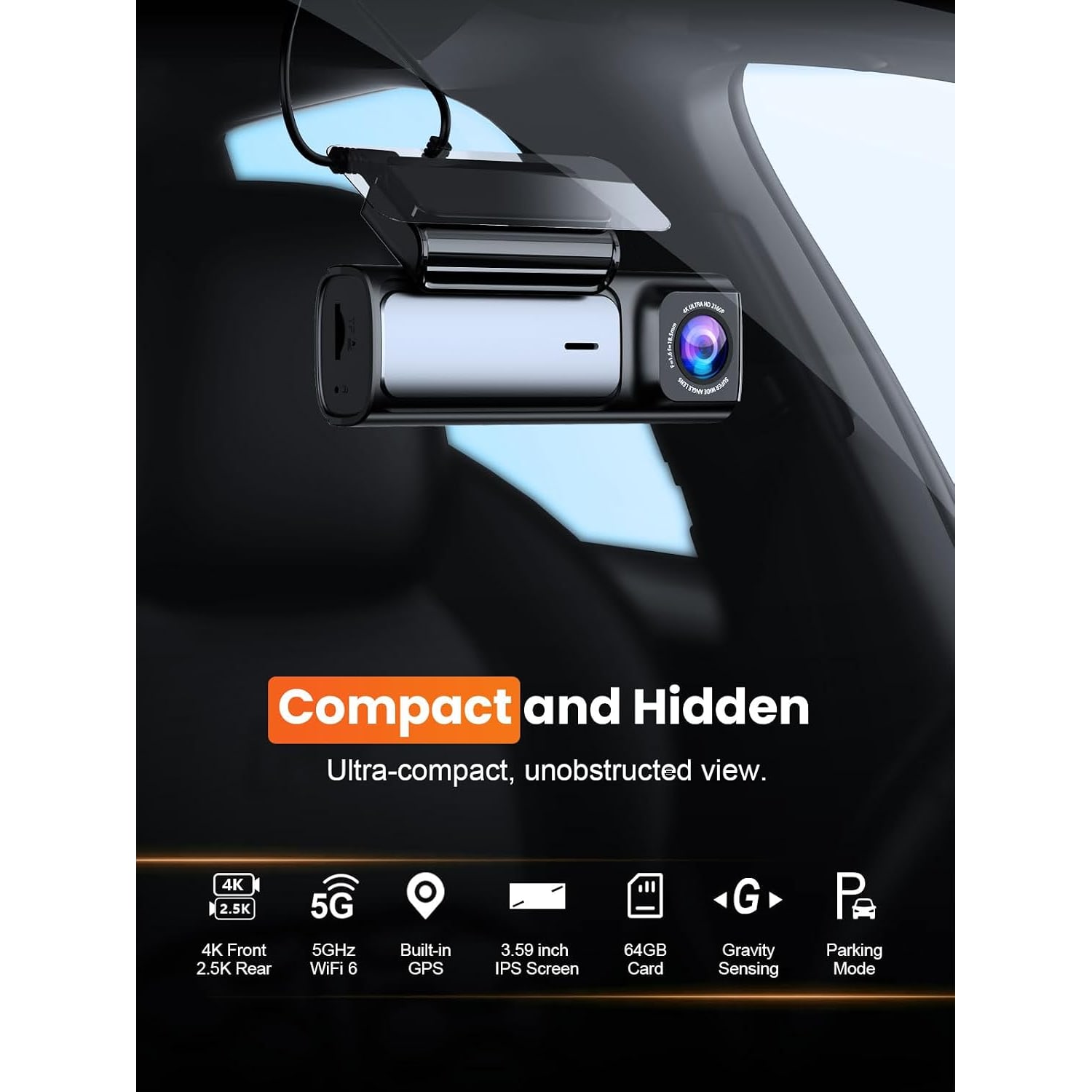
Most small dash cams have a tiny display or none at all. This one has a 3.59 inch IPS screen. The maker says the menus are easy to read, and at that size you can check a clip on the spot without your phone.
The body is described as low profile. The maker does not give a weight or reliable dimensions, so allow for a camera that is wider than a mini model because of the screen. Mount it behind the rear view mirror and it stays largely out of your eye line.
Storage, loop recording and file type
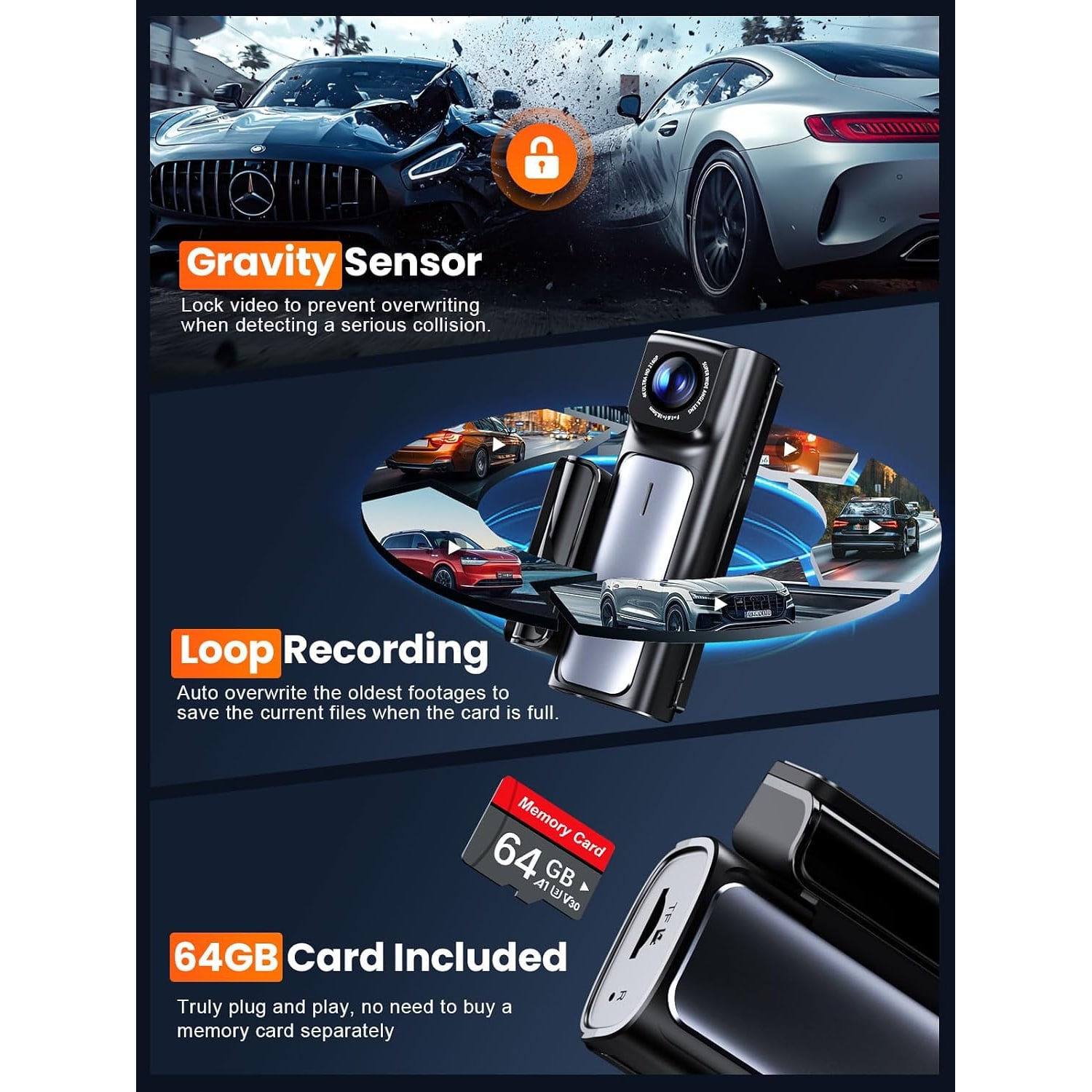
A 64GB card is included, so you can record from day one. The camera supports cards up to 256GB. If you drive for hours a day, a larger card means more history before the loop comes round.
Loop recording overwrites the oldest videos as the card nears capacity. The 3-axis G-sensor locks the video when it detects a serious collision, so that file is not overwritten.
Videos are saved as .TS files. The maker's app and desktop player open them. Some everyday video players do not, so use the maker's player or convert a clip if you need to send it to someone.
Power, with a port left over
The car charger is Type-C, with a 3.5 m cable. It plugs into the 12 V socket, and it has an extra USB port.
That spare port is a small thing that solves a real annoyance. In many cars the 12 V socket is the only place to charge a phone, and a dash cam takes it over. Here you keep a port for your phone or another device while the camera records.
The product details list a lithium polymer cell without a capacity. Treat the camera as car powered.
Parking mode
A 24 hour parking mode is listed. To use it, you need the maker's Type-C hardwire kit, which is sold separately. With the kit connected, the camera keeps recording at a low frame rate after you switch off and walk away.
The kit wires into the fuse box. If your car spends its nights in a crowded car park and you want that record, plan for the kit and for someone to fit it.
Fitting it in a Singapore car
Singapore drives on the left and the driver sits on the right. The usual spot is high on the windscreen, behind the mirror, inside the area the wipers clear.
The box has what you need for a tidy job. Electrostatic films cling to the glass, and the adhesive pad sticks to the film. A trim tool pushes the cable under the roof lining and down the pillar. Cable clips hold any run that will not tuck away. The rear camera connects by an extension cable that runs along the roof lining to the back. Its length is not stated, so ask us if you drive a long vehicle.
Power everything up and check both views on the screen before you press the pad down. Adhesive is far easier to place once than to move.
Family cars and private-hire drivers
The maker lists cars, minivans and trucks, and names family vehicles, new drivers and ride-hailing drivers as the people it suits.
For a private-hire driver who is on the road all day, the GPS log and the sharper rear camera are the draw. Note what it does not do. There is no cabin-facing camera, so it records the road and not the passengers. Voice recording is a listed feature, so check the menu and decide whether you want it on. Taxis and private-hire cars may have their own rules on recording inside the vehicle, so check with the Land Transport Authority first.
On that subject, recording other people is covered by Singapore law, including the PDPA.
Is GPS worth paying for?
It depends on how you drive. If you cover the same short school run and supermarket trip each week, you already know where every clip was filmed, and a plain camera does the job.
GPS earns its keep when your driving is varied or long. People who drive for work, who cross the island several times a day or who share a car with other family members get the most from it. A route log answers questions that video cannot, such as which road you took and when you passed a certain point. It also makes it quicker to find one clip among many hours of footage.
What the maker does not state
A few details are missing, and we would sooner say so than guess. There is no stated weight and no reliable set of dimensions. The length of the rear camera's extension cable is not given. The maker does not say whether the screen responds to touch, or what the spare USB port on the charger can deliver. If any of these would change your decision, ask us and we will try to find out before you buy.
Heat and care
No operating temperature is stated. A closed car in an open-air lot becomes very hot, and adhesive, cards and electronics all cope better with shade. Use covered parking where you can. Wipe the lenses and screen with a dry microfibre cloth, and keep the inside of the windscreen clean in front of the lens.
The short version
This is a front and rear dash cam for drivers who want more than video. It records 4K at the front and 2.5K at the rear, logs speed, route and coordinates by GPS, and moves clips to your phone over WiFi 6 at a stated 10 MB/s. The 3.59 inch screen makes it easy to use on the spot.
A 64GB card, a Type-C charger with a spare USB port and the fitting tools come in the box. Parking mode needs a separate hardwire kit. If you only want a simple record of the road, a cheaper camera will do. If you want the where and the how fast as well, this is the kind to look at.