
The complete guide
How to Choose a 2K Battery Outdoor Camera for a Flat, Balcony or Gate
When wiring is not an option
Plenty of homes have a place that would be perfect for a camera and no way to get power to it. In a condo it is often the wall by the front door. In a landed home it is the gate pillar. On a balcony it is the ceiling corner that looks back toward the sliding door. Each of these is metres from the nearest socket, and each would need a drilled hole and a run of trunking to wire properly.
A 2K battery outdoor camera removes that job. There is one small unit to fix to the wall, one app to set up, and no electrician. The price you pay is a recharge every so often. Whether that trade works for you comes down to a handful of practical points, and this guide walks through them.
How a battery camera gets months from one charge
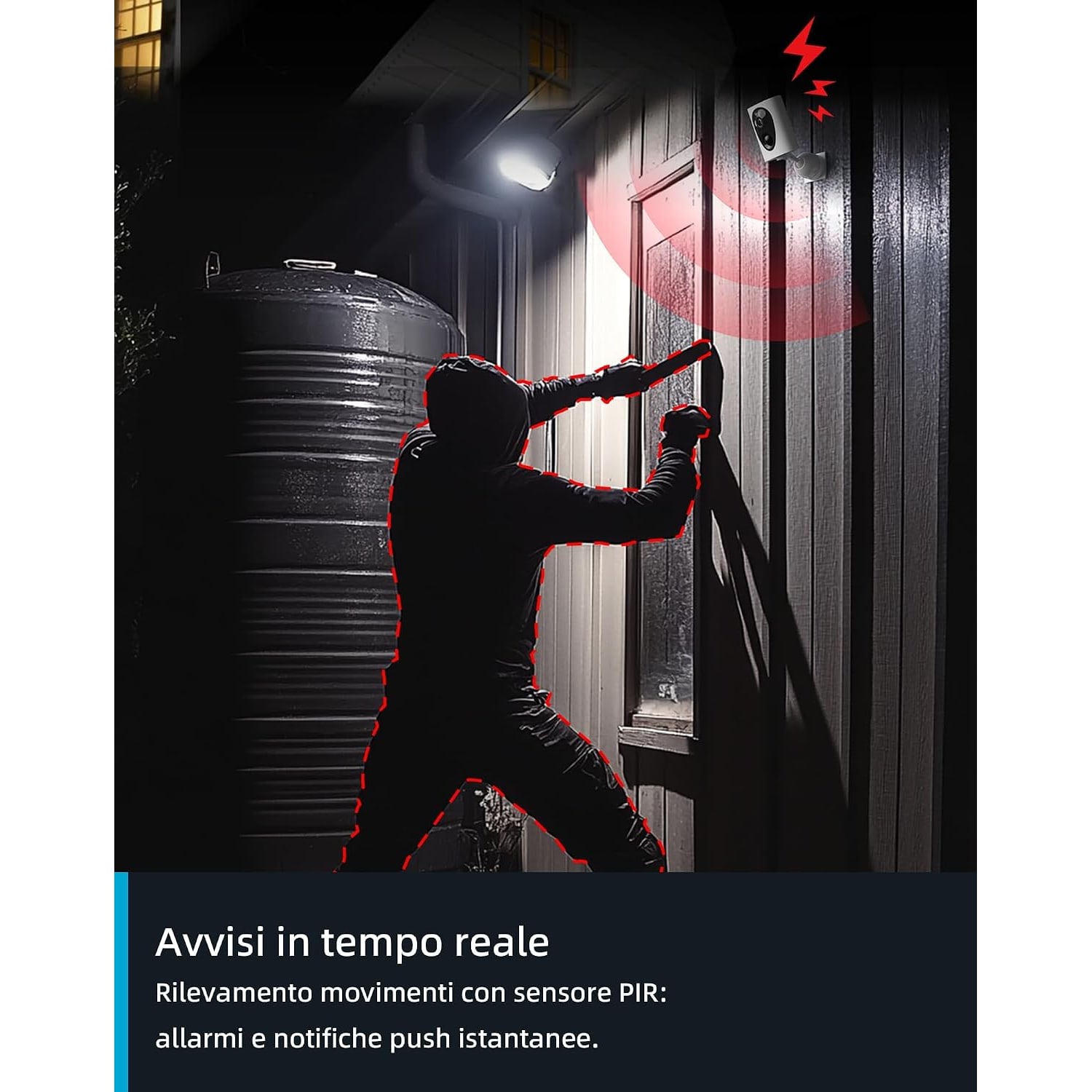
A camera that filmed all day would flatten a small battery in a day or two. Battery cameras avoid that by sleeping. A low-power PIR sensor stays awake and watches for body heat moving through its view. When it sees some, it wakes the camera, which records a clip and sends you a notification, then goes back to sleep.
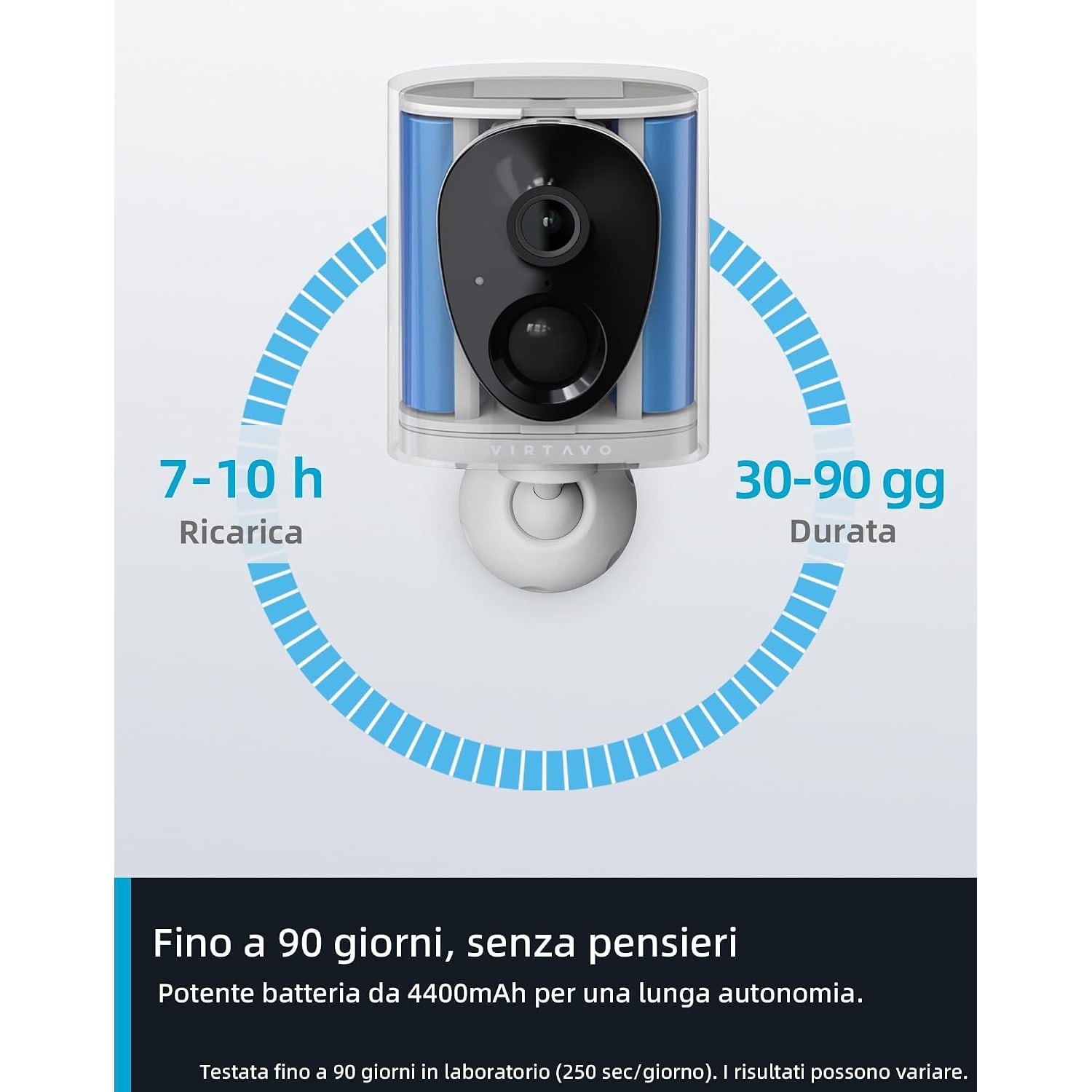
This model has a 4400 mAh rechargeable battery, and the maker rates it at one to three months per charge. Read that as a range, because it is one. A camera that wakes five times a day will last far longer than one that wakes fifty times.
The maker is also clear that the camera does not support continuous recording. It is an event camera. If you need a full timeline of everything that happened, look at a mains-powered model.
Estimating your own battery life
Think about the spot. A private balcony or a gate on a quiet lane might see a dozen events a day. The door of a flat near the lift lobby could see ten times that.
Three habits stretch a charge. Aim the camera so that it does not look at a road or a public path. Keep live viewing short, since streaming uses far more power than sleeping. And place it where the WiFi signal is strong, because a camera that struggles to connect spends longer awake each time.
When the battery does run down, the camera has to come off the wall to charge. Mount it somewhere you can reach with a step stool, not a full ladder. The maker does not state the charging port type or list a cable in the box contents, so ask us if you want that checked before ordering.
Why 2K is worth having
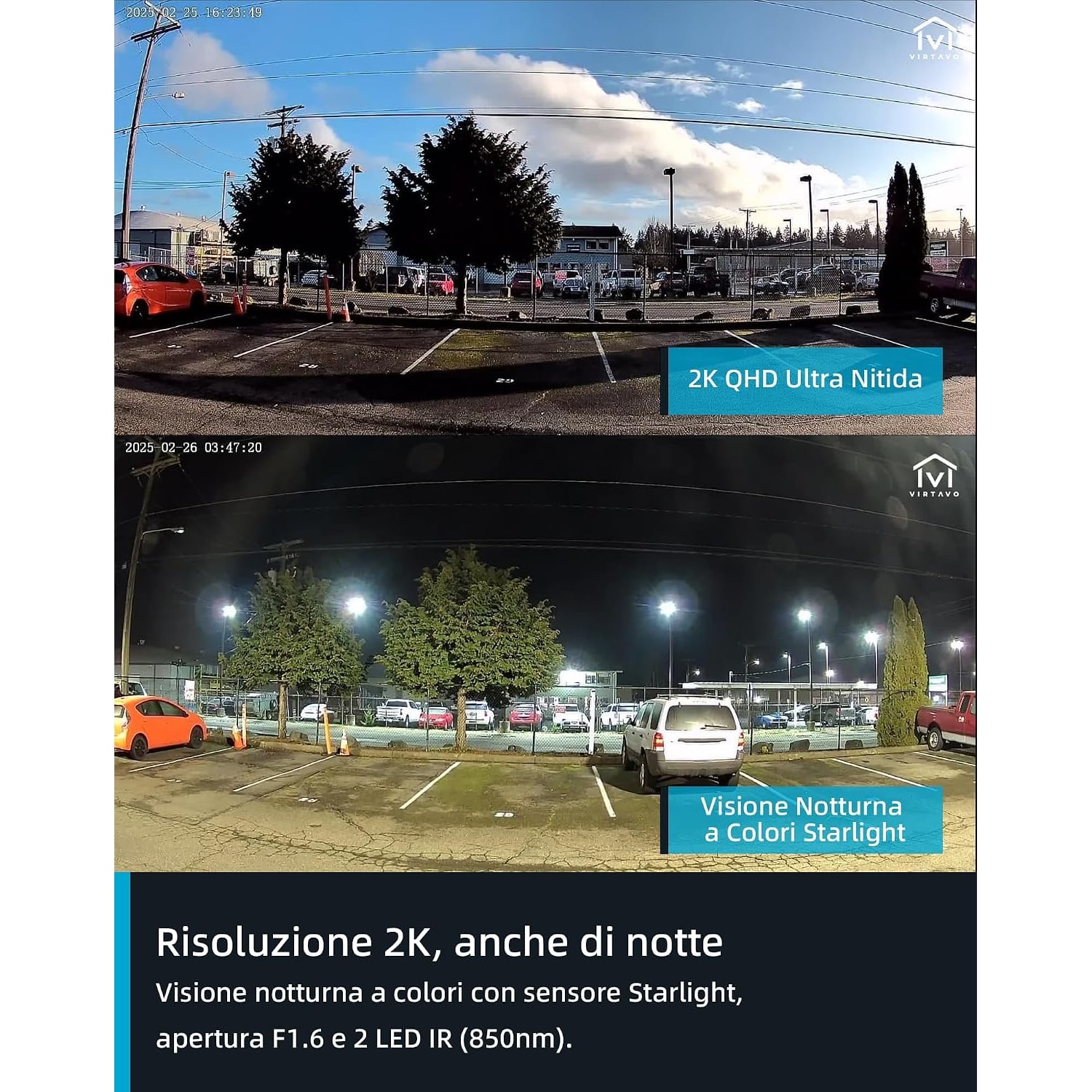
Resolution matters most when you need to look closely. A 1080p picture looks fine at full frame on a phone, then falls apart when you pinch in on a face. 2K QHD holds more detail, so there is more to enlarge.
This camera pairs 2K with a 120 degree field of view. That is wide enough to cover a doorway and the approach to it from a corner mount. The lens is fixed focus and does not pan or tilt, so what you frame on day one is what you get. A 10x digital zoom is there for playback and live view, with the usual softening as you push it.
Low light and the starlight sensor
Most activity you care about happens in poor light: early morning, dusk, a dim corridor. Ordinary small cameras switch to black and white infrared as soon as the light drops.
A starlight sensor is built to use what little light there is. Here it sits behind an F1.6 lens, which has a wide opening and gathers more light than the lenses on many compact cameras. The result, according to the maker, is colour night vision in low light. A neighbour's porch lamp or the glow from a corridor fitting is enough for it to work with.
When there is no light at all, two 850 nm infrared LEDs take over. The maker gives the night vision range as 10 m.
Motion alerts and talking back
The PIR sensor detects motion up to 10 m away. PIR works on heat, so it is less bothered by shadows and rain than systems that only compare one video frame with the next. It responds most reliably to movement across the scene, so angle the camera so that visitors walk through the frame from one side to the other.
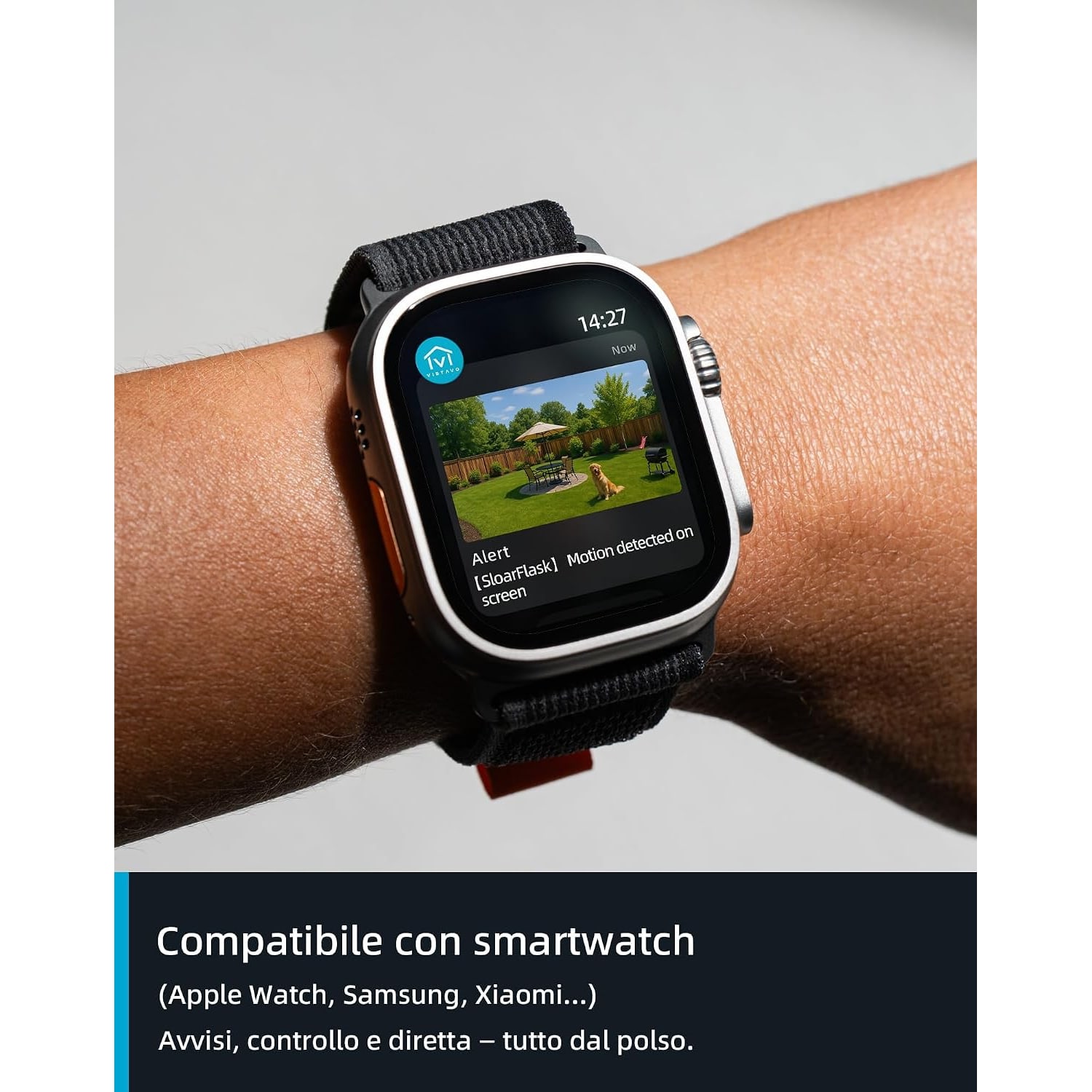
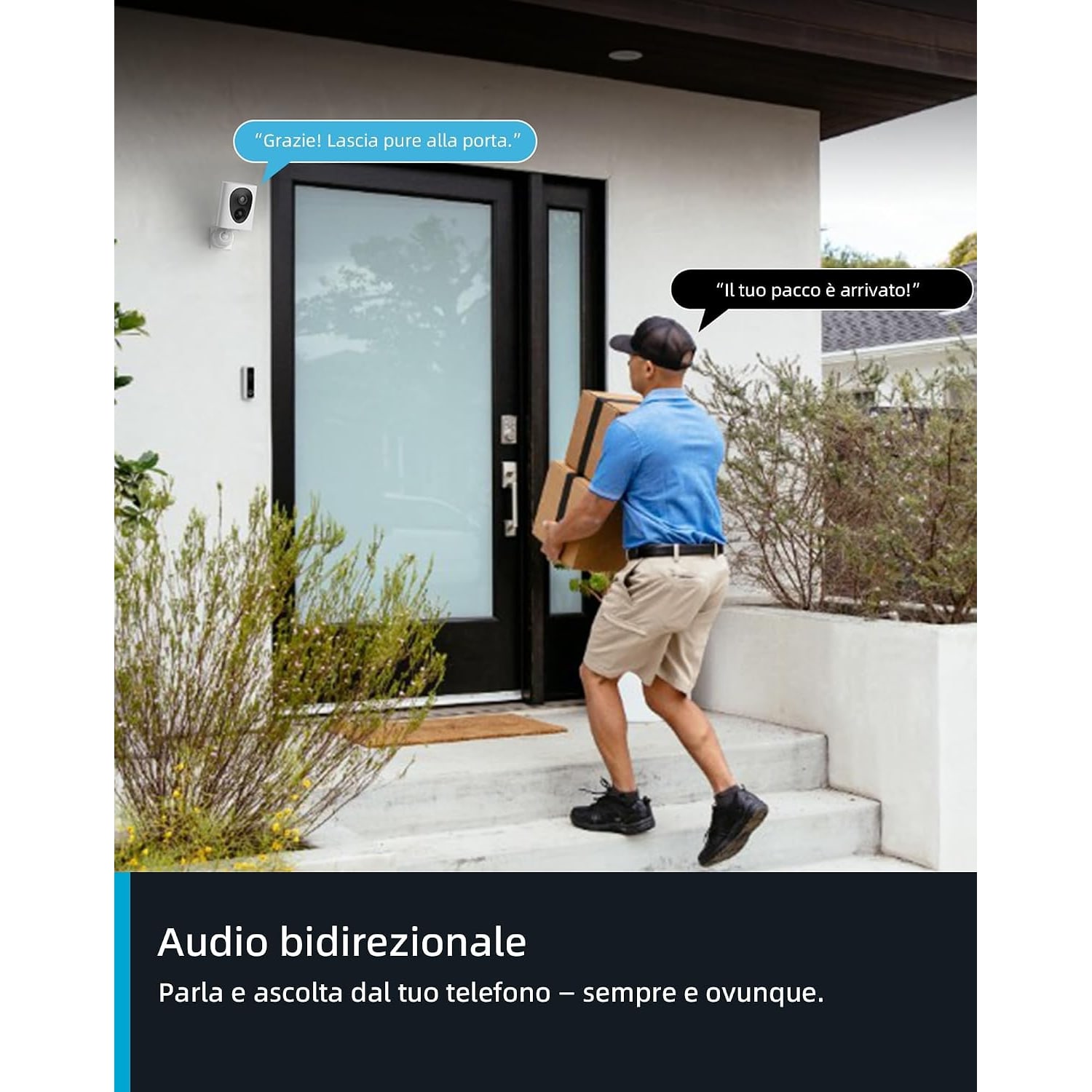
Notifications arrive in the app. From there you can open the live view and use the two-way audio to speak. Telling a rider to leave the food on the shoe rack takes about five seconds.
Storage choices
There are two ways to keep recordings. The first is a microSD card in the camera, up to 256 GB. The card is not included, so buy one with the camera. The second is the maker's encrypted cloud storage, which is an optional extra. The maker states that it is not required for the camera to work.
A card is simple and has no running cost. Cloud storage keeps a copy off the device. Start with a card, and look at the cloud option later if you feel you need it.
WiFi: 2.4 GHz only
This camera connects to 2.4 GHz WiFi and does not work on 5 GHz. That is common for outdoor cameras, and it is not a drawback. The 2.4 GHz band reaches further and gets through walls better.
If your router combines both bands under one name and setup fails, look in the router settings for a way to split them or to switch 5 GHz off for a few minutes. Before you mount anything, stand at the spot with your phone and check that the home WiFi holds a steady signal there.
Weather and placement
The body is plastic, white, and rated IP65. That covers dust and rain, including wind-driven rain on an exposed wall. The maker lists the camera for indoor and outdoor use but does not state an operating temperature range, so a shaded position is the sensible choice in a climate like ours. Under an eave or a balcony ceiling is ideal.
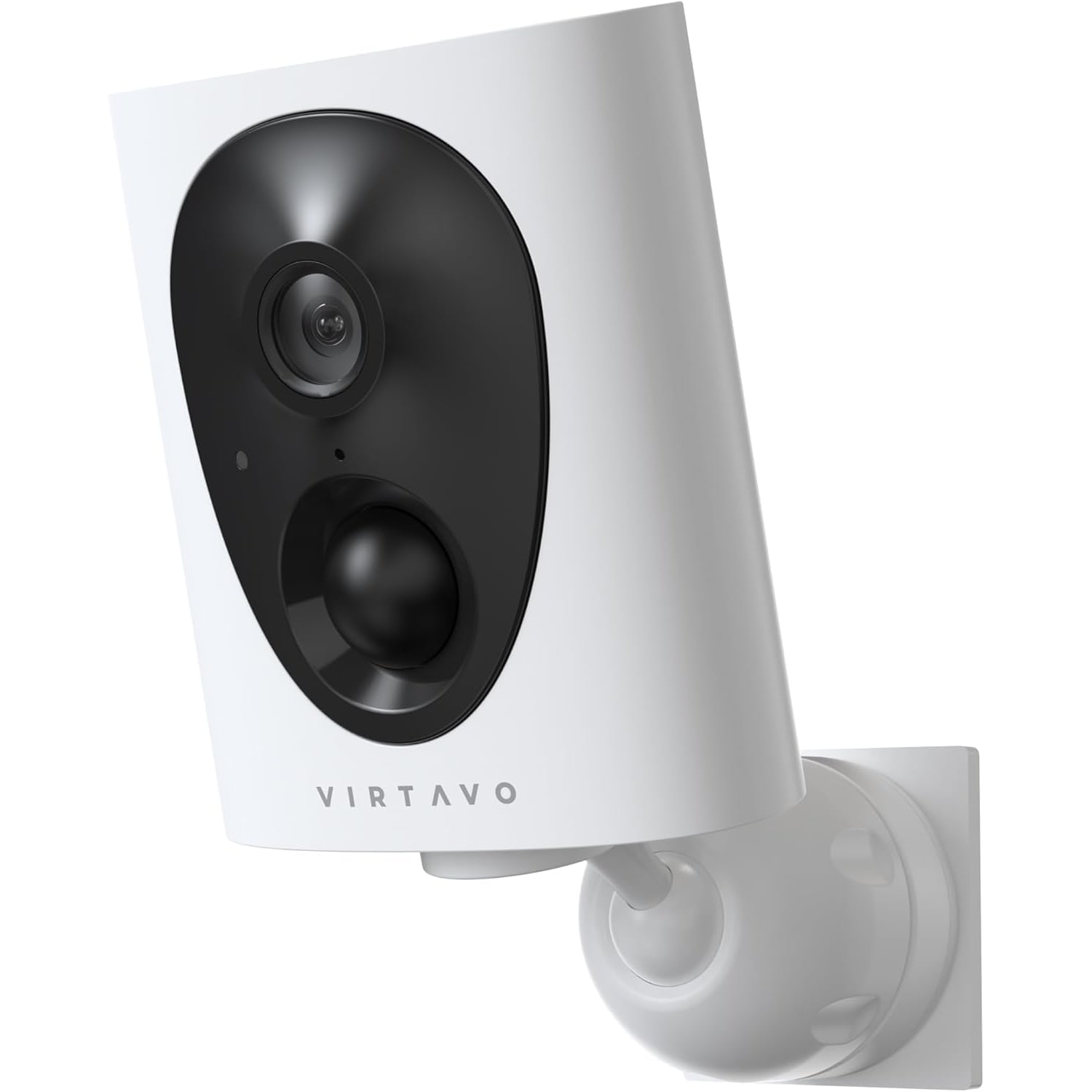
At 6.8 x 3.4 x 8.2 cm and 0.32 kg, it is light enough for a small bracket. The maker lists wall mounting.
A note on where it points. Recording other people is covered by Singapore law, including the PDPA, and a camera facing a shared corridor comes under HDB, Town Council or condominium rules.
Setting it up on day one
Do the setup indoors, at a table, before you touch a drill. Charge the battery fully first. Fit the microSD card, open the app on your phone or tablet and add the camera while it sits next to the router. That way, if anything goes wrong, you know it is not the distance.
Next, carry the camera to the mounting spot and hold it roughly in place. Open the live view and look at three things: how strong the signal is, what the 120 degree view takes in, and whether a bright window or lamp sits in the frame. Shift the position by a hand's width if you need to. It is far easier to move a camera you are holding than one you have already screwed down.
Walk the route a visitor would take and see whether the notification arrives. If it does, mark the holes and fix the camera up.
Looking after it
There is very little to do. Wipe the lens with a soft, dry cloth when you take the camera down to charge, because a film of dust or dried rain softens a 2K picture more than you would expect. Clean the body with a slightly damp cloth and keep sprays and solvents away from it.
Every few months, open the app and check how full the card is and whether old clips are still there. If you ever find gaps, the usual cause is a weak WiFi signal or a battery that was left to run flat.
Who should choose something else
Pick a different camera if you want round-the-clock recording, since this one does not do it. Look elsewhere too if you need to swing the view around from your phone, because the lens is fixed. And if the spot gets hours of direct sun and you never want to take the camera down, a model with a solar panel will suit you better.
The short version
This is a small, light, wire-free camera for places where a cable is not practical. It records 2K QHD video across 120 degrees, sees in colour in low light with its starlight sensor and F1.6 lens, and detects movement up to 10 m away. The 4400 mAh battery is rated at one to three months per charge and it records on motion only. Add a microSD card of up to 256 GB, make sure you have 2.4 GHz WiFi at the mounting spot, and put it where you can reach it on recharge day.