
The complete guide
How To Choose A Kids Instant Print Camera: A Plain Guide For Parents
Why a print matters to a child
Hand a child your phone and they will take forty photos of the ceiling fan. Then the phone goes back in your pocket and the photos are gone, as far as the child is concerned. Nothing is left to show anyone.
A print changes that. A small piece of paper with a picture on it can be carried to the dinner table, stuck inside a notebook, or taped to a bedroom door. It belongs to the child. That is the whole appeal of a kids instant print camera, and it is why this type of toy has become a common birthday request.
It also takes your phone out of the picture. The maker of this camera says as much, pitching it as a way for children to have a camera of their own and leave the adults' phones alone. Most parents will see the point of that straight away.
How this one works
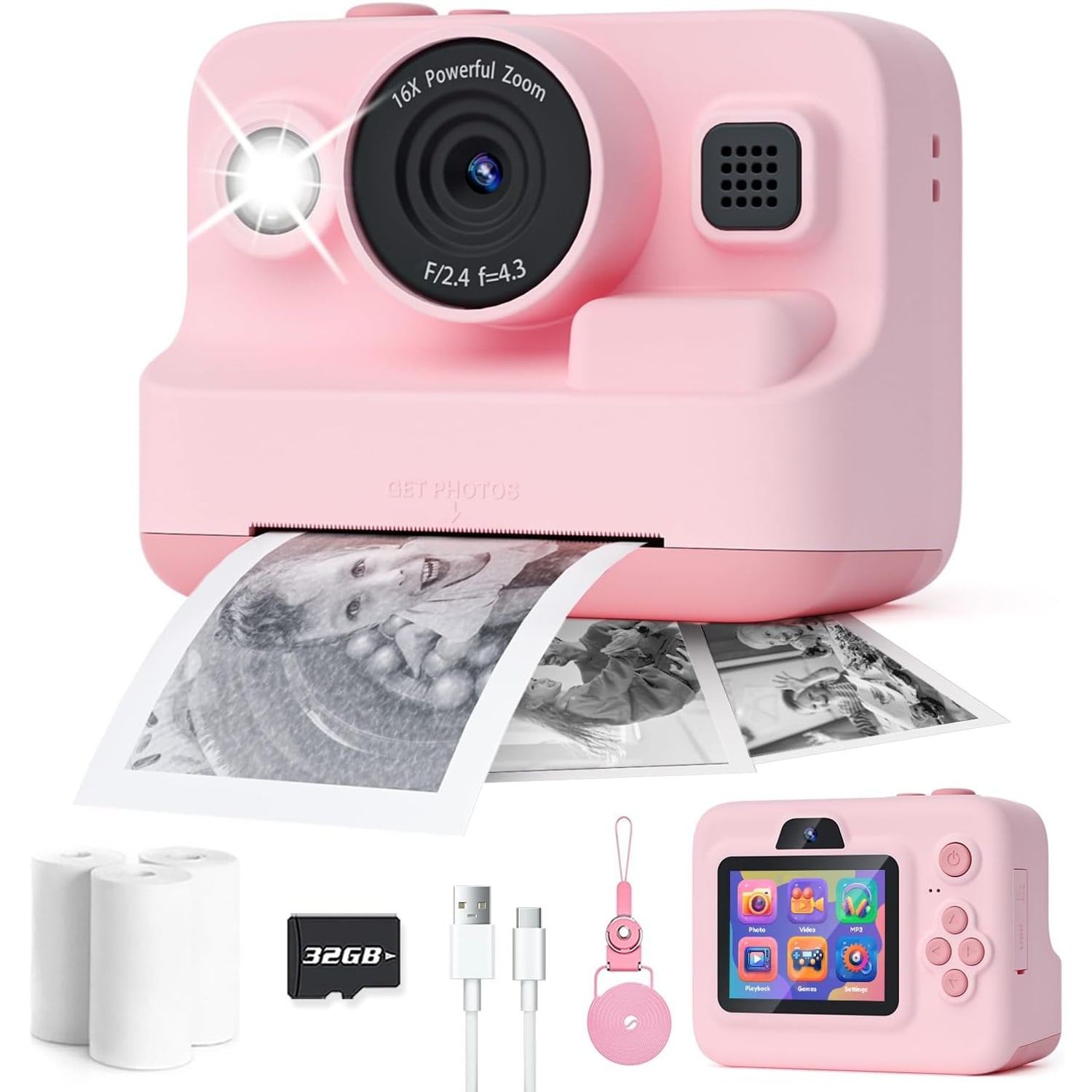
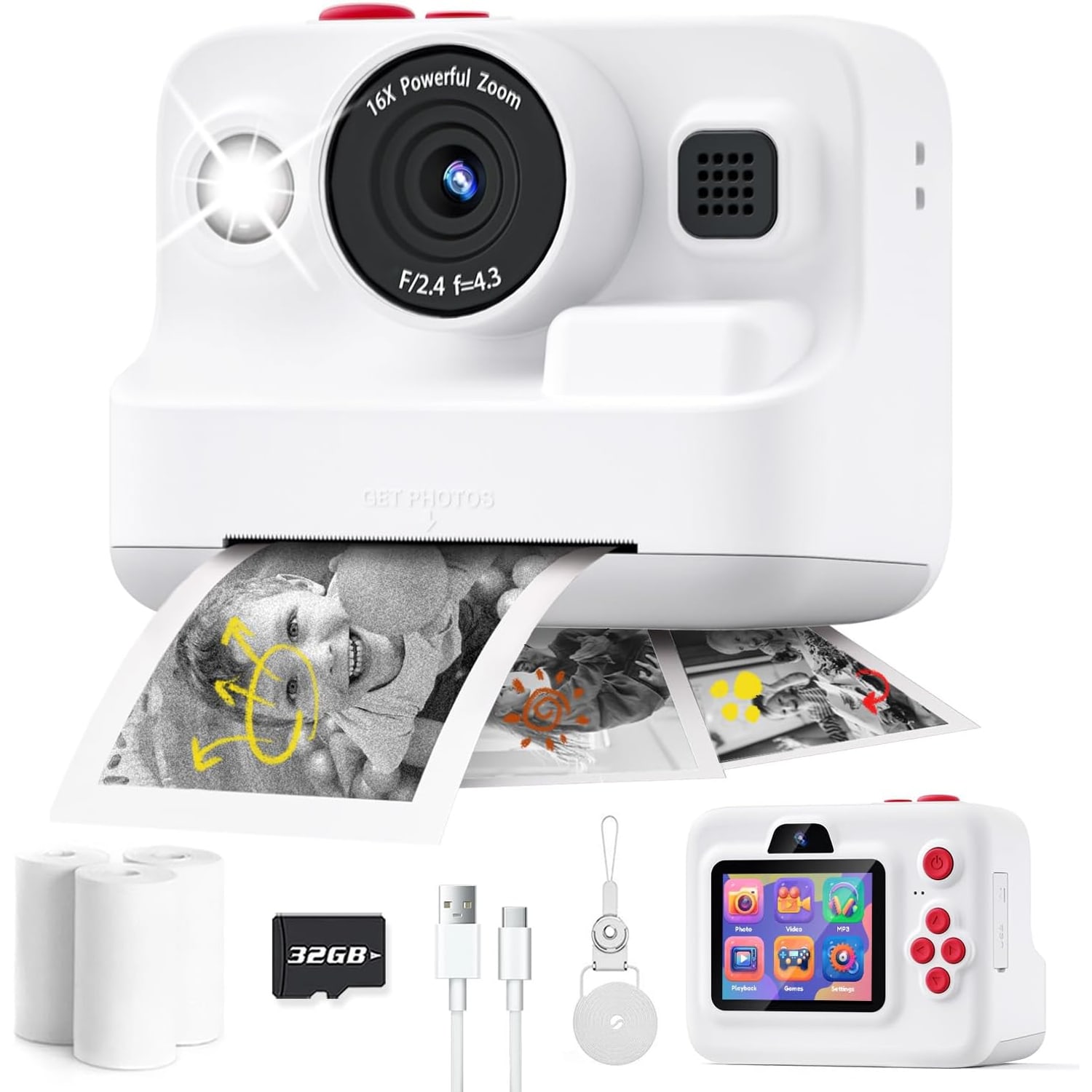
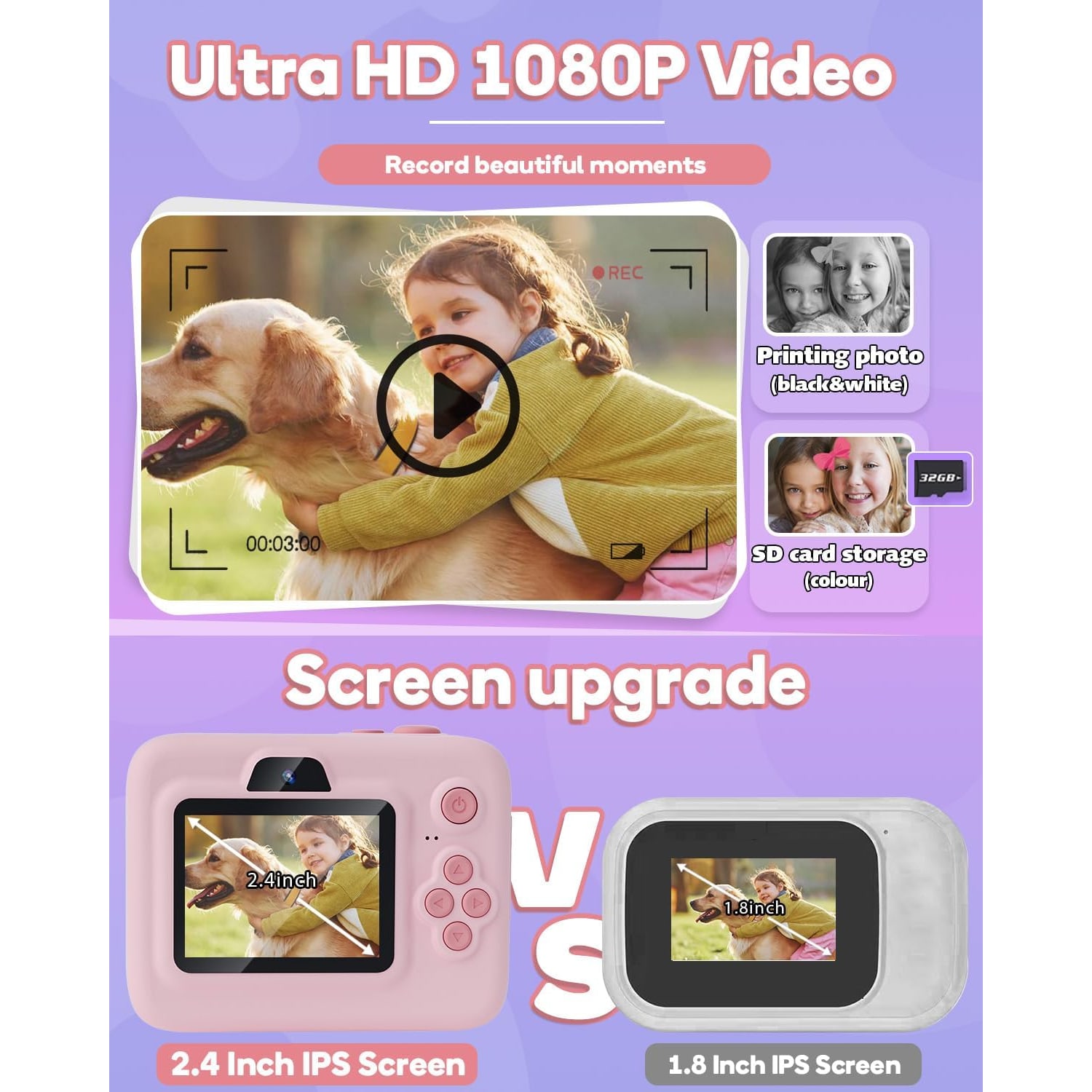
The camera does two jobs with one press. It saves a colour photo to the memory card, the way any digital camera does. It can also feed out a black and white print from a slot in the body.
The printing uses no ink. The maker describes ink-free paper rolls, and three of them come in the box. There are no cartridges, no ribbons and nothing to spill on the sofa. When a roll is finished, you fit a new one.
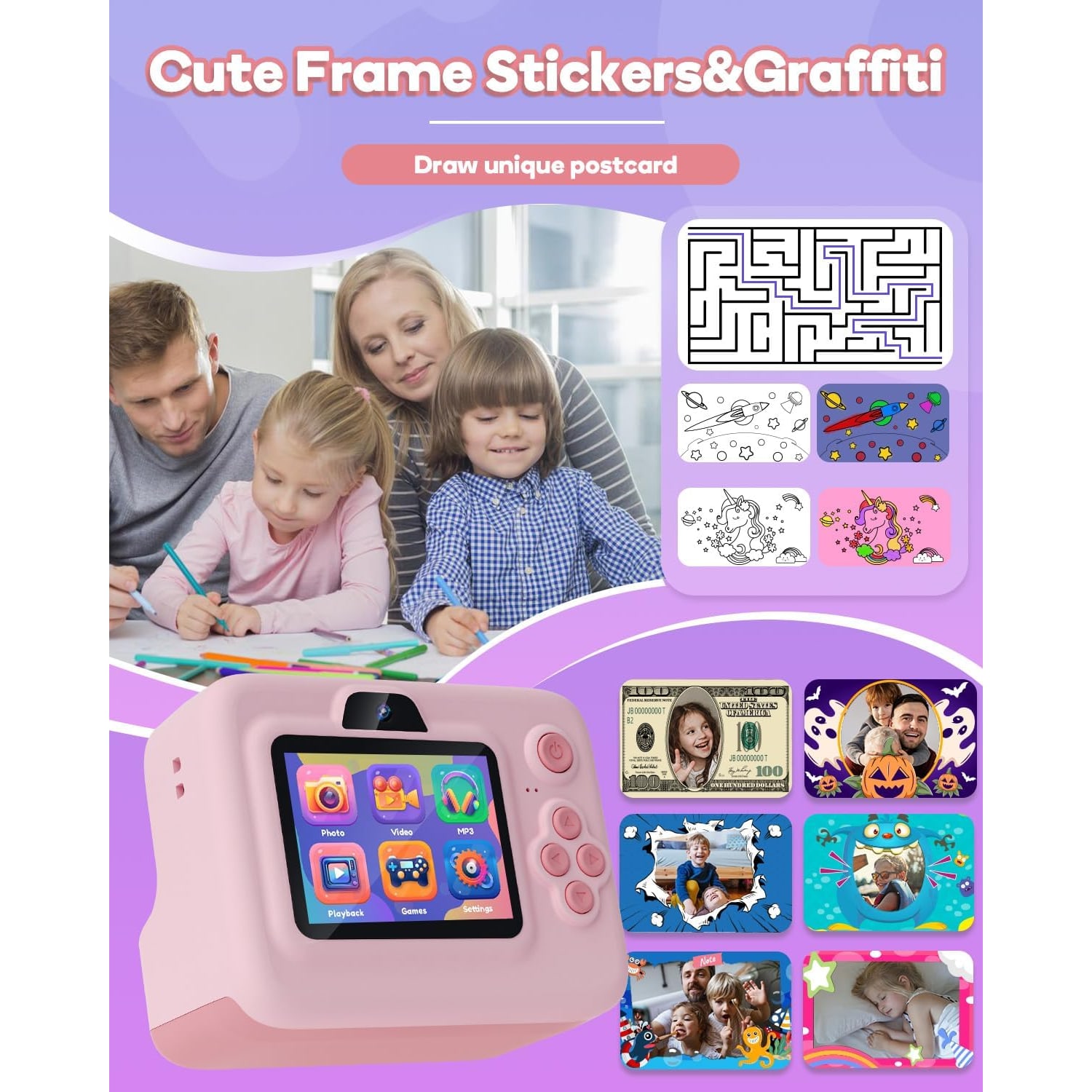
Be ready for how the prints look. They are black and white, a little grainy, and closer to a till receipt than a photo lab print. Children rarely mind. Many like to colour them in afterwards, and the maker mentions coloured pens for exactly that, although pens are not named in its box contents. The pencil case from school will do the job.
The colour photo stays on the card. If a picture turns out to be a keeper, that digital file is the one to copy to a computer.
A toy first, a camera second
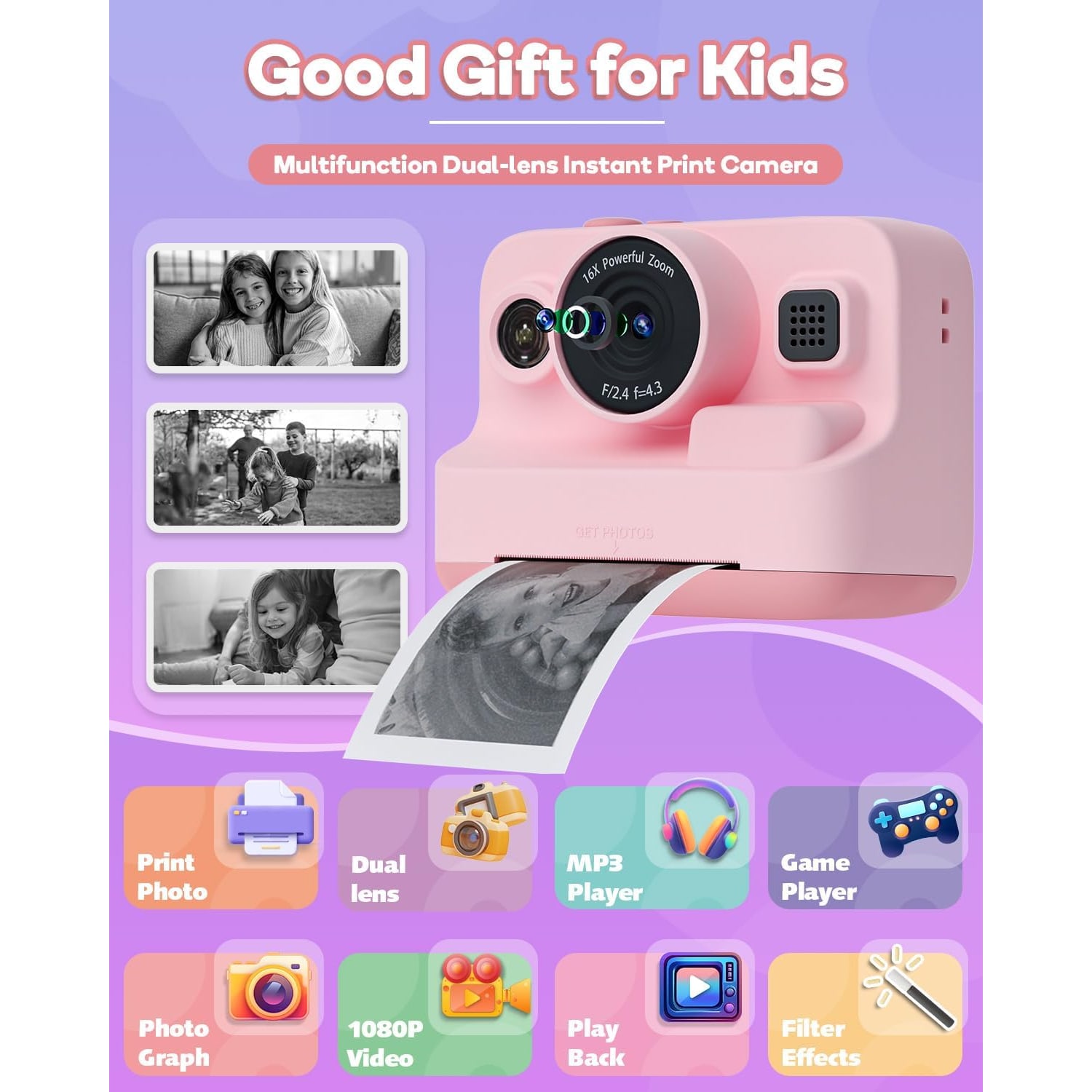
The numbers on the box sound grown up. The maker lists 12MP photos, 1080p video, 16x digital zoom and a built-in flash. It is worth reading those with a level head.
The sensor inside is small, a 1/4 inch CMOS type. Small sensors struggle in dim rooms and make soft pictures when the subject moves. The 16x zoom is digital, which means it crops into the picture and blows it up. Zoom all the way in and the result looks rough. Teach your child to walk closer and the photos improve at once.
None of this is a fault. It is what a toy camera is. The controls are simple so that a young child can use them without help, and the picture quality is modest. If you are shopping for an older child who wants to take photography seriously, a 1080p kids camera like this one will feel limited within a year, and a basic compact camera would be the better buy.
For a child who wants to press a button and get a picture in the hand, it does the job well.
The screen, the extras and the games
The screen is a 2.4 inch colour LCD. It shows the shot before it is taken and lets your child flick back through the day afterwards. There is no eyepiece.
The maker lists a handful of extras. Filter frames add borders and effects to a photo. Time-lapse takes pictures at intervals, which is fun pointed at the clouds from the corridor window or at a slow jigsaw. Continuous shooting fires a quick run of frames from a single press. There is an MP3 player too.
Then there are the games. Some parents like them for a long MRT ride. Others would prefer a camera to be only a camera. The maker does not state any way to lock them, so decide in advance how you feel about it and set your own rules on day one.
A tripod mount is listed as well. No tripod comes with it, but a small tabletop one lets a child set up a time-lapse or take a family photo with everyone in the frame.
Who it suits
The maker gives an age range of 3 to 12 years. That is a wide span, and how the camera gets used changes across it.
At the younger end, a child will mostly point, press and print, and will need an adult to load paper and manage the charging. The lanyard needs watching too. Any cord around the neck calls for an adult close by, and it should come off at the playground. The memory card and paper rolls are small items, so keep them in your own hands when the youngest users are about.
In the middle years, roughly primary school age, this kind of camera gets the most use. Children that age make scrapbooks, swap prints with friends and take it on outings to the zoo or East Coast Park. People looking for a camera for an 8 year old are often well served by a camera that prints photos.
Towards 11 and 12, some children will find it a little young, and the pink finish will not suit everyone. Others will still enjoy it as a diary tool. You know your child.
What to check before you buy
A few practical points are worth a minute of thought.
Paper. Three rolls are included. The maker does not state how many prints each roll gives, nor the width of the paper. When the first roll is done, measure it before ordering refills, so you buy the right size. A simple rule such as "print your favourite five" stretches a roll a long way.
Charging. The battery is a built-in 2000 mAh lithium ion cell. It charges through the USB Type-C cable in the box. No wall charger is listed, so you will use a USB port or an adaptor you already own. The maker rates a full charge at 3 to 4 hours of photos or music.
Storage. A 32GB microSD card comes with it. That is far more than most children will fill in a school holiday. The maker's details mention a recording capacity of 240 minutes of video.
Water. The maker states no water resistance. In Singapore that matters. Keep it away from the condo pool and the water play area, and put it in the bag when the afternoon rain starts.
Size and weight. The maker does not state either. It is described as a compact, mini camera, and that is as far as the facts go.
Looking after it in a hot, humid climate
Heat and damp are hard on small electronics and on paper. A few habits help.
Do not leave the camera in a parked car. A car in an open car park gets very hot by midday, and that is rough on a lithium battery and on printing paper alike.
Store spare paper rolls in a drawer, in their wrapper, away from the window. Paper that has soaked up humidity tends to feed badly.
Wipe the body with a soft dry cloth. Sticky fingers are part of life with children, but keep liquids and wet wipes away from the paper slot and the charging port.
Keep the prints your child loves in a notebook or a box. The maker does not say how long a print lasts, so treat the digital photo on the card as the permanent copy and back it up to a computer every so often.
Charge the camera the night before an outing. Flat batteries cause more tears than broken cameras.
One note before the first outing
Recording other people is covered by Singapore law, including the PDPA, and by HDB, Town Council or condominium rules for shared corridors.
Delivery and returns
Most orders arrive in 7 to 12 working days by tracked courier, sent from overseas warehouses. Delivery is free across Singapore on orders of $150 or more, and $20 under that. If the camera is for a birthday, order early.
Returns are accepted within 14 days of delivery, in resaleable condition. If you are buying it as a gift and are unsure, keep the packaging intact until you have decided.
The short version
This is a kids instant print camera for the maker's stated age range of 3 to 12 years. It saves colour photos and 1080p video to an included 32GB card and prints black and white copies on ink-free paper, with three rolls in the box. The screen is 2.4 inches, the battery is rated at 3 to 4 hours, and charging is by USB Type-C.
It is a toy first. The photos are modest and the prints are simple, and that is fine. What your child gets is a picture they can hold a moment after taking it. For many children, that beats anything on a screen.
Supervise the lanyard, keep it dry, and agree the printing rules before the first roll runs out.