
The complete guide
Kids Instant Camera With A 3 Inch Screen: What Parents Should Know First
The trouble with tiny screens
Most children's cameras look alike on a shop page. Bright colour, chunky body, a list of megapixels. The difference you feel in daily use is often the screen.
A small display is hard work for a young child. They cannot tell whether Grandma's head is in the frame. They cannot find the photo they took at breakfast. So they hand the camera to you every two minutes, and the "camera of their own" becomes one more thing you are operating.
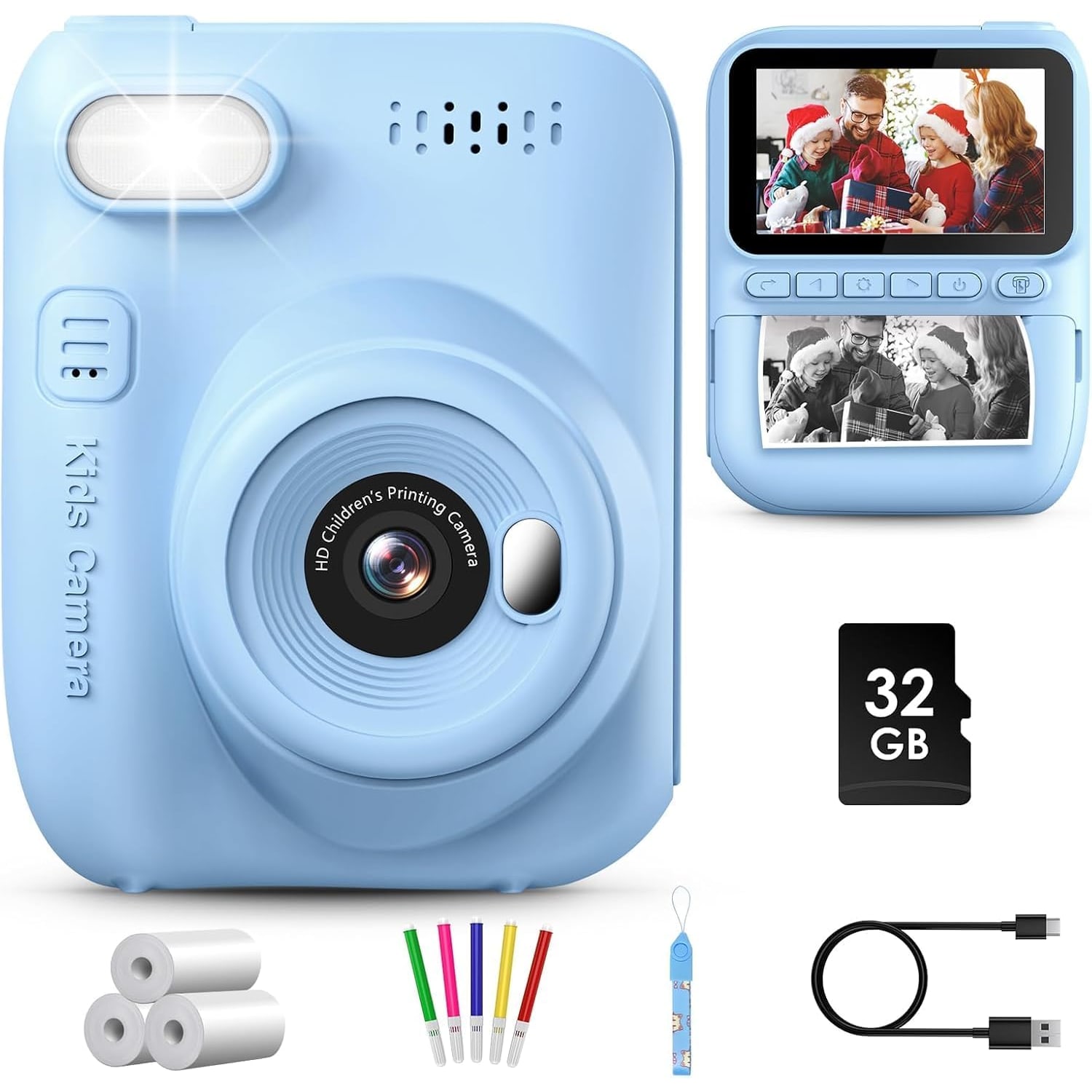
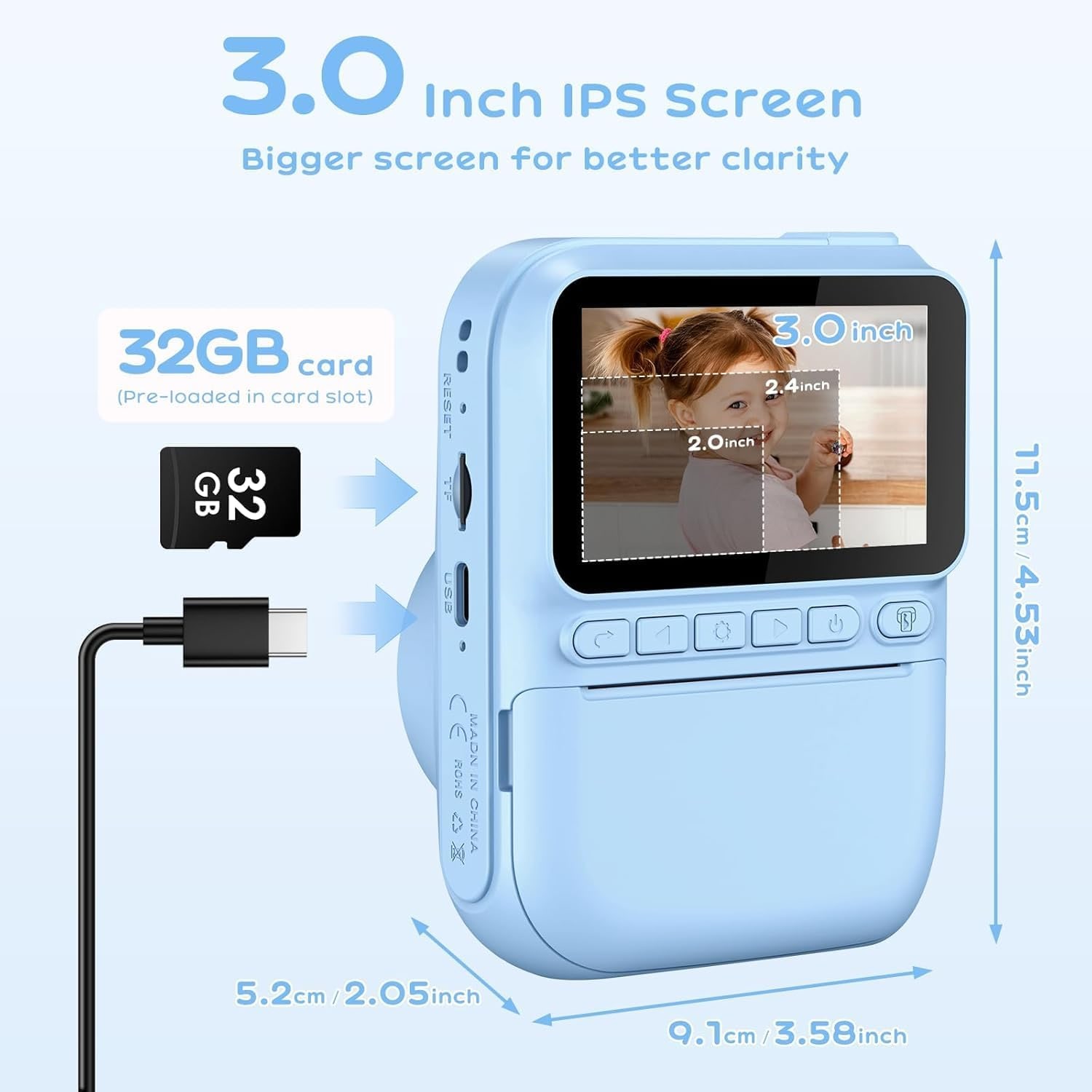
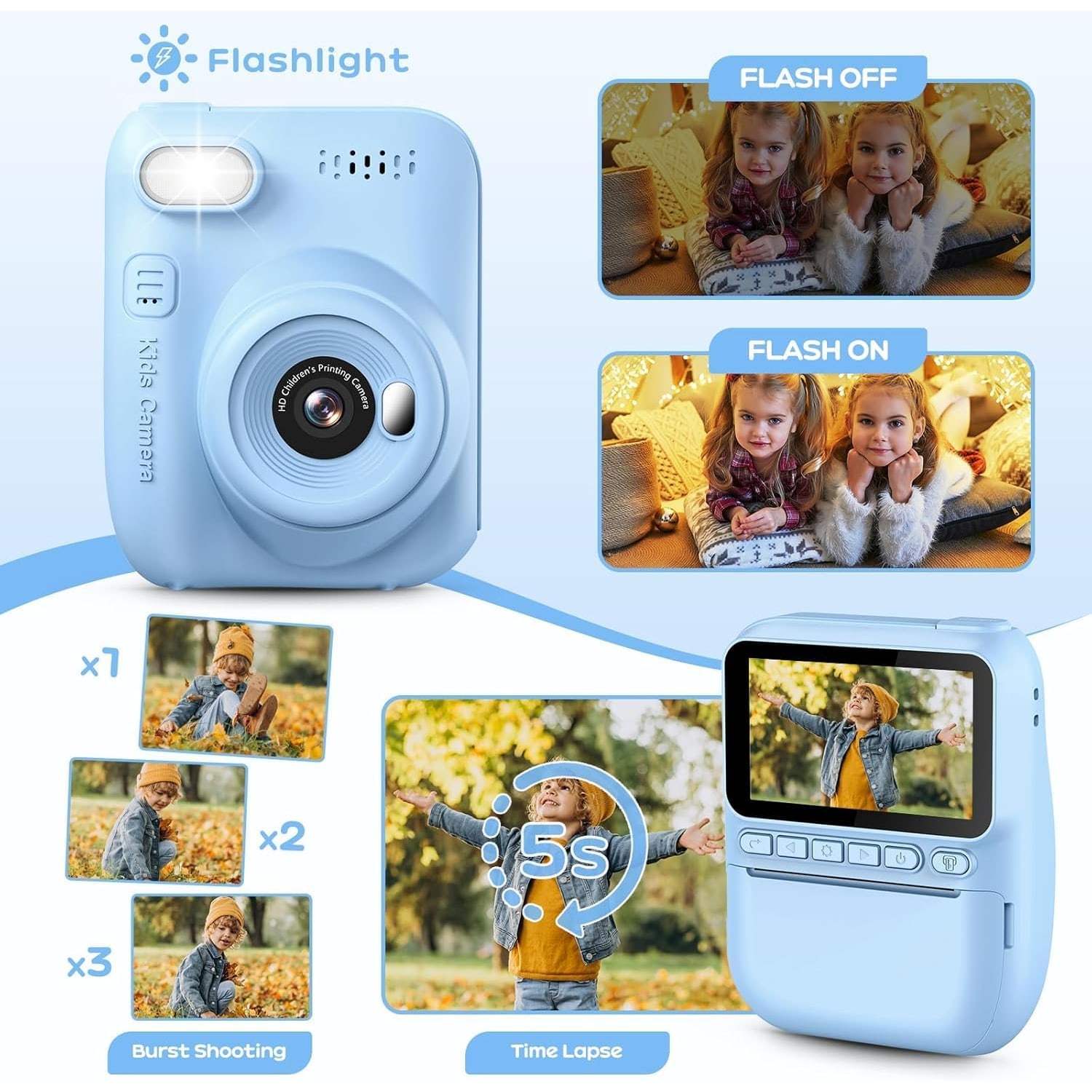
This kids instant camera has a 3 inch screen. That is the headline feature, and it is a practical one. A larger picture is easier to frame on and easier to browse, and it lets a child work with less help.
The other half of the appeal is the printer, which we will come to. Together they make a simple promise: your child can see the photo properly, then hold it.
What "instant" means here
The word instant makes some people think of film cameras that push out a glossy colour square. This is different, and it is worth being clear about before you buy.
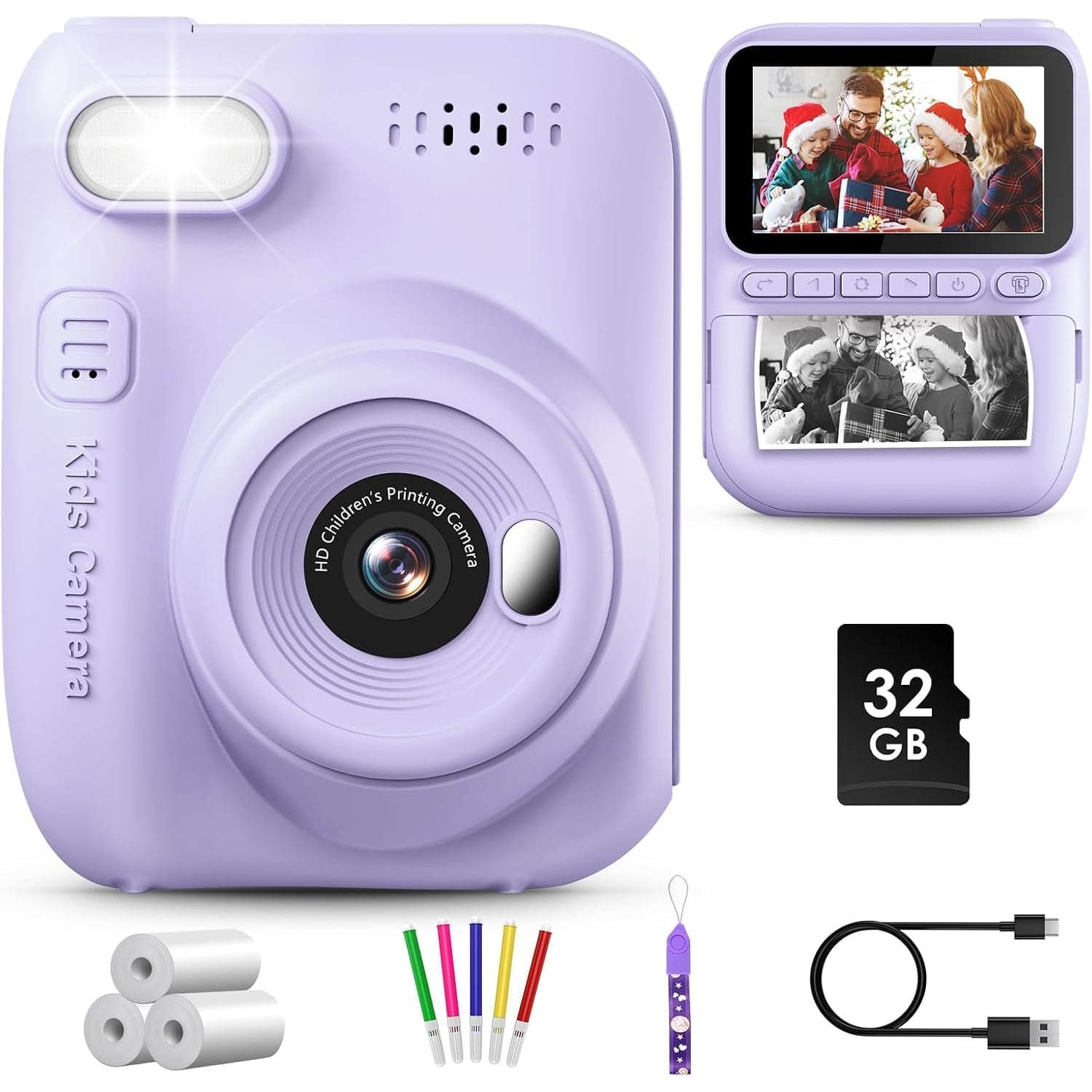
This camera prints in black and white, in real time, without ink. The maker says so plainly. It uses rolls of printing paper, and three rolls are part of the kit. According to the maker, one of those is already loaded when the camera arrives.
The prints are simple and a bit grainy. Think of a picture on a strip of paper, not a photo lab print. That turns out to suit children well, because the next step is colouring. Five pens in different colours come in the box for exactly that. A photo of the family cat becomes a purple cat in a matter of minutes.
Every photo is also saved as a digital file on the memory card, so the print is not the only copy.
A toy first
Here is the honest position. This is an instant print camera for kids, and the word kids is doing a lot of work.
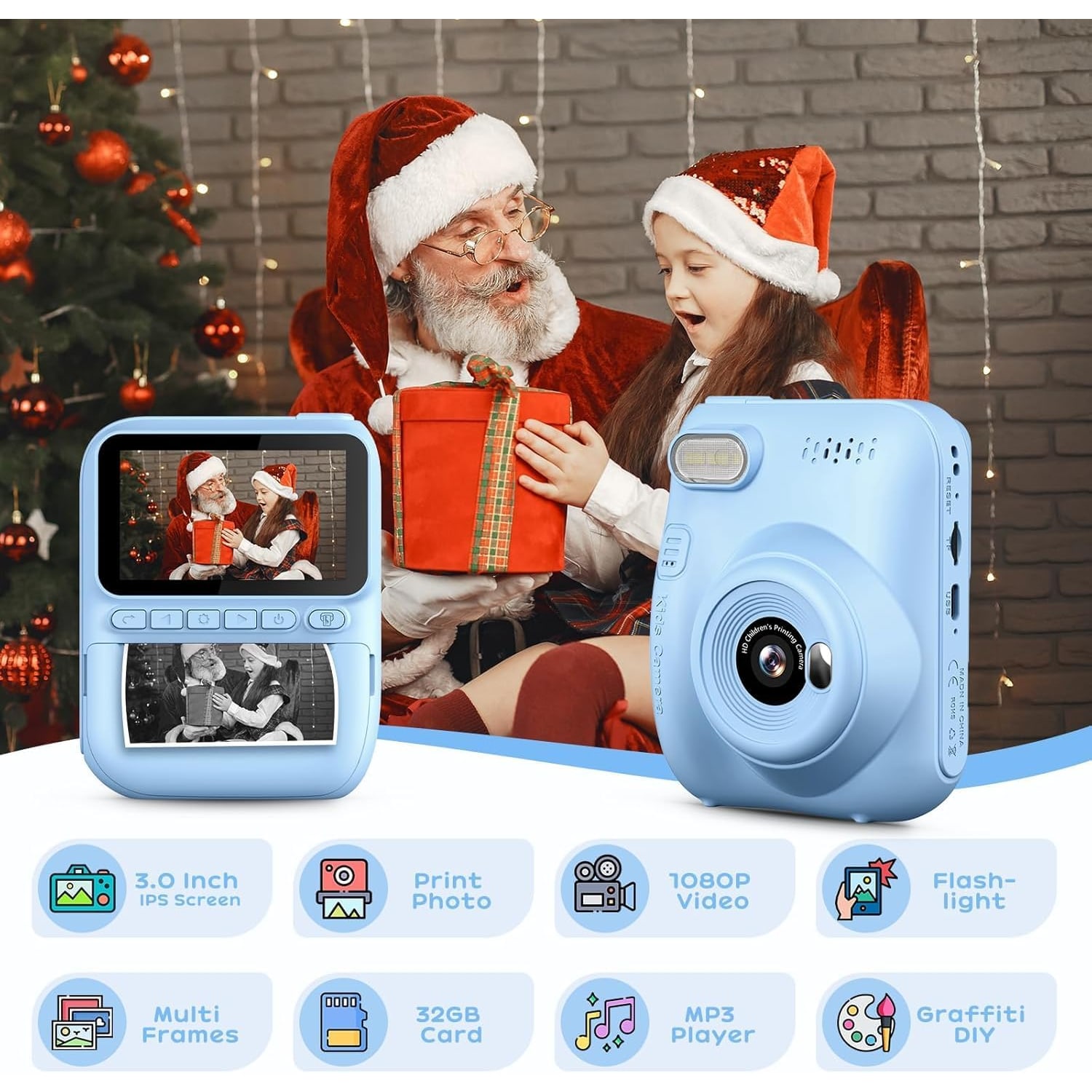
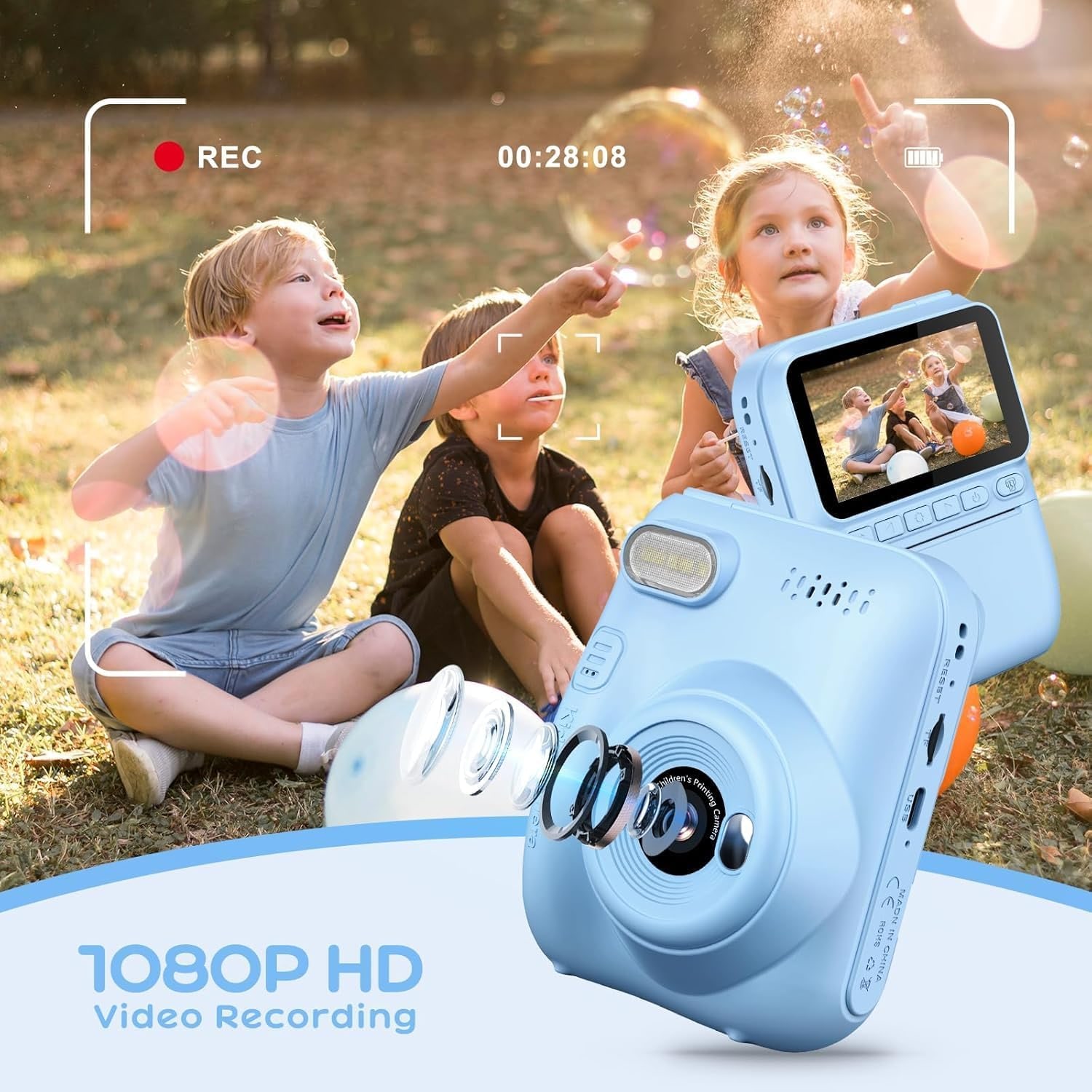
The maker lists a 14MP lens, 1080p video in MP4 format, an 11x zoom and a flash. Those figures describe what the camera records, not how good it looks. The ISO range is 100 to 400, which tells you it is happiest in daylight. In a dim room at night, expect grain and blur.
The maker does not state whether the 11x zoom is optical or digital. We would plan on the picture getting softer as you zoom in. Two steps forward usually beats the zoom button.
Controls are simple, which is the point. Exposure is automatic. There are fun extras, including a self timer, time-lapse, continuous shooting, decorative photo frames and MP3 playback.
If your child is 11 or 12 and keen on photography as a hobby, look at a basic compact camera instead. If your child wants to press a button, see a picture come out and colour it in, this is the right sort of toy.
Who it suits, by age
The maker says the camera is designed for children aged 3 to 12. We would not go younger than that.
At the lower end of the range, treat it as a shared activity. You load the paper, you charge the battery, and your child takes the pictures. The lanyard needs an adult watching whenever it is around a neck, and it should come off for the playground. The pens, the memory card and paper rolls are small things that belong on a high shelf between uses.
Through the early primary years, a kids digital camera like this tends to get its heaviest use. Children that age take it to a cousin's house, to the void deck, to the school holiday outing, and come home with a pocket of prints. Many families searching for a camera for a primary school child land on a printing model for that reason.
By upper primary, interest depends on the child. Some will keep a photo diary. Others will have moved on.
Ideas for the first few weeks
A camera gets used more when there is something to do with it. A few simple projects keep the interest going after the first excited day.
Try a walk around the block with a list: something red, something round, something taller than you. Print the favourites and stick them in a notebook. Use the self timer for a family photo at the dinner table, with the camera propped against a cereal box. Point the time-lapse at the sky from the corridor before an afternoon storm rolls in.
The pens earn their place here. A print of the playground can be coloured in, labelled and posted to a grandparent. None of this needs any skill, and it keeps the paper going on photos that matter to your child.
Weight and handling
The item weight is 380 g. For comparison, that is a little more than a full can of soft drink. It is not heavy, but it is not featherlight either, and the smallest hands will notice it after a while.
The maker does not state the dimensions. With a 3 inch screen on the back, expect a body that is clearly bigger than the pocket-sized toy cameras with 2 inch displays.
The camera is listed as not water resistant. In Singapore that needs saying twice. A sudden downpour on the walk back from the bus stop, the condo pool, the water play area at the mall: none of these are places for it. Carry a zip bag on outings.
Battery, storage and the cable
A built-in 1300 mAh lithium battery powers the camera. The maker claims over 6 hours of continuous photo taking on a full charge. We have not tested that figure, and no separate number is given for printing or video, so treat it as the upper figure, for photos only.
Charging is by USB-C, and a USB cable is in the box. No wall charger is listed, so use a computer's USB port or an adaptor you already have at home.
The same USB-C port moves photos to a PC. The 32GB memory card that comes with the camera holds thousands of photos, by the maker's account. Copy the good ones to a computer every month or so. Cards get lost, and cameras get left on buses.
The running cost: paper
A printer needs paper, and paper is the one ongoing cost.
Three rolls come with the camera. The maker does not say how many prints a roll gives, and it does not state the paper width. So two pieces of advice.
First, set a printing rule early. "Choose three to print after each outing" works better than letting a five year old print every photo of the floor.
Second, when the first roll is finished, measure it before you buy more. Width and diameter are the two numbers you need. Match those and you will get the right refills.
Store spare rolls in a cool drawer. Humid air and a sunny windowsill are not kind to paper.
The manual, and getting started
One small warning from the maker: an English manual is not guaranteed. Do not let that put you off. Ten minutes of pressing buttons will teach you most of it. If something has you stuck, ask us.
A sensible first-day routine helps. Charge the camera fully before you hand it over. Check that a paper roll is loaded and the memory card is seated. Show your child the shutter, the playback button and the print button, and leave the rest for later.
Recording other people is covered by Singapore law, including the PDPA, and by HDB, Town Council or condominium rules for shared corridors.
Delivery and returns
Most orders arrive in 7 to 12 working days by tracked courier, sent from overseas warehouses. Delivery is free across Singapore on orders of $150 or more, and $20 below that. For a birthday or a festive gift, order with time in hand.
If it turns out not to be right, you can return it within 14 days of delivery in resaleable condition. Keep the packaging and all the accessories together.
The short version
This is a kids instant camera with a 3 inch screen, made for ages 3 to 12 according to the maker. It prints black and white photos without ink, saves 14MP photos and 1080p video to an included 32GB card, and comes with three paper rolls and five colouring pens. It weighs 380 g, charges by USB-C and is not water resistant.
Buy it as a toy that happens to take pictures, and it will do its job. The bigger screen means fewer calls for help. The prints give your child something to show for the day.
Keep it dry, watch the lanyard, and decide the printing rules before the paper runs out.